
PrivacyMarch 20, 20269 min read
PDF Privacy in 2026: What Happens to Your Files With Online Tools
Most online PDF tools upload your files to servers. What happens there? What are the risks? And what is the safer alternative?
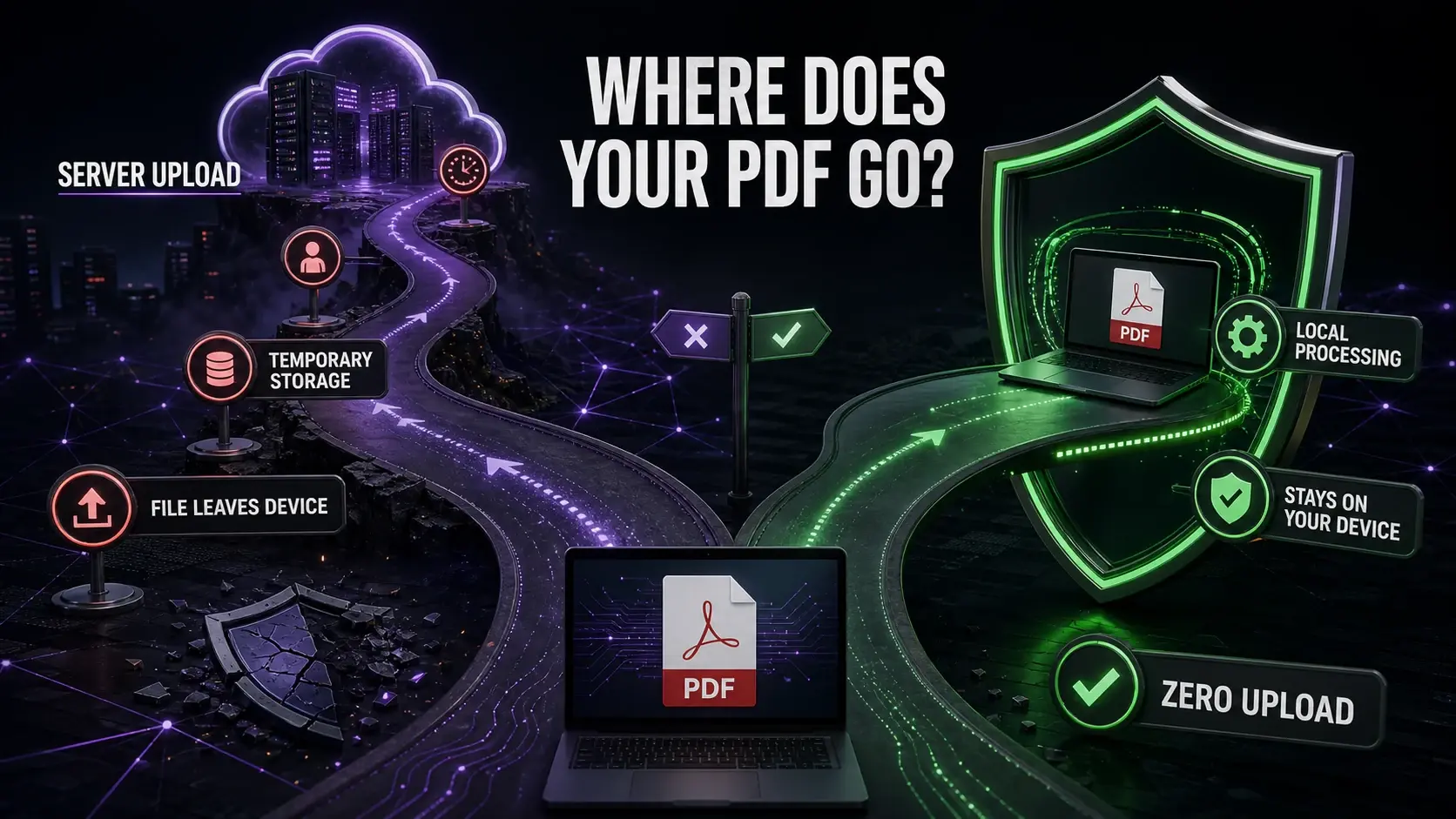
Every time you use a cloud-based PDF tool, your document leaves your device. For a recipe PDF, that is fine. For a contract, NDA, or medical record — that is a risk most people do not consider. This guide explains what happens to your files with popular online PDF tools, and why local processing is the safer alternative.
What "Upload to Server" Actually Means
When a tool requires upload, your PDF is transmitted over the internet to the company's servers. It is stored — at minimum temporarily, sometimes for hours. Multiple employees and automated systems may have access. Your document exists outside your control from the moment you click upload.
How Long Do Popular Tools Store Files?
Smallpdf: deletes after 1 hour. iLovePDF: 2 hours. Adobe Acrobat Online: varies. Sejda: 5 hours. PDF24: claims immediate deletion after download. During these windows, your document is accessible to the company's infrastructure.
What Data Do PDFs Contain Beyond the Visible?
Author name and company. Creation date and software. Editing history. Geolocation metadata from mobile-created PDFs. Tracked changes and comments. Embedded files. Even a "blank" cover page can reveal client names and internal software in its metadata — use metadata remover before sharing.
Higher-Risk Document Categories
Legal documents (contracts, NDAs): party names, confidential terms. Financial documents (bank statements, invoices): account numbers, transaction history. Medical records: protected health information. HR documents (offer letters, reviews): salary, personal data subject to GDPR/CCPA.
How Client-Side Processing Works
FixMyPDF uses WebAssembly — compiled code running directly in your browser. Your PDF is loaded from your device into browser memory, processed by code running on your CPU, and the result is saved back to your device. No data travels over the network. We have no server that receives files.
Verifying the Privacy Claim
Open Chrome DevTools (F12) → Network tab. Use any FixMyPDF tool. You will see zero file upload requests — no multipart/form-data POST, no blob upload. Compare this to upload-based tools where you will immediately see a large POST request containing your file.
Practical Guidelines
Personal documents (recipes, public content): any free tool is fine. Work documents (internal reports): prefer local processing. Sensitive documents (contracts, financials, medical, legal): only use tools that process locally. FixMyPDF covers all standard PDF tasks locally. See how we compare to Smallpdf, iLovePDF, and Adobe.
Ready to Try FixMyPDF?
Free, private, no account — 79+ PDF tools that run entirely in your browser.
Explore All 79+ Tools