
PDF Privacy Guide: How to Share Documents Without Exposing Private Information
A practical guide to PDF privacy — removing metadata, redacting sensitive content, using passwords, and choosing tools that do not store your files. For individuals and businesses.
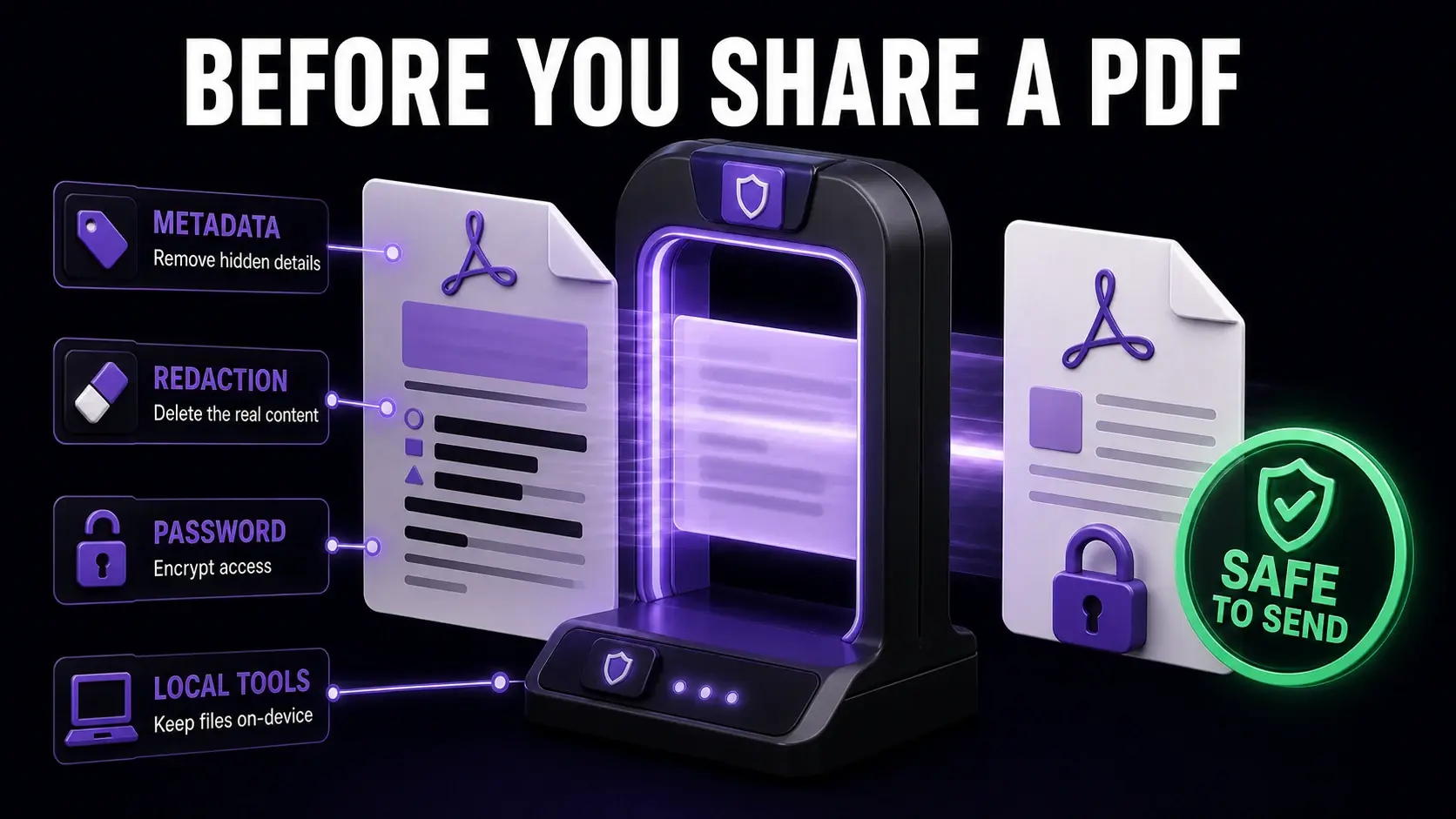
Sharing a PDF seems simple, but each document you send externally can carry more information than you intended. Author names in metadata, revision history, redacted text that is not truly removed, and sensitive content left unprotected all contribute to privacy risks that are easy to prevent once you know they exist. This guide covers the practical privacy steps everyone should take before sharing sensitive PDFs, whether you are a freelancer sending invoices, a business distributing contracts, or an individual sharing personal documents.
The Privacy Risks Most People Overlook
Removing Metadata Before Sharing
True Redaction vs. Black Box Overlay
Password Protecting Sensitive PDFs
Choosing Privacy-Safe PDF Tools
Managing PDF Access After Sharing
A Pre-Send Privacy Checklist
Ready to Try FixMyPDF?
Free, private, no account — 79+ PDF tools that run entirely in your browser.
Explore All 79+ Tools