
Why Client-Side PDF Processing Matters for Your Privacy
When you use an online PDF tool, your file usually gets uploaded to a server you do not control. Here is what that means for privacy — and why browser-based processing is different.
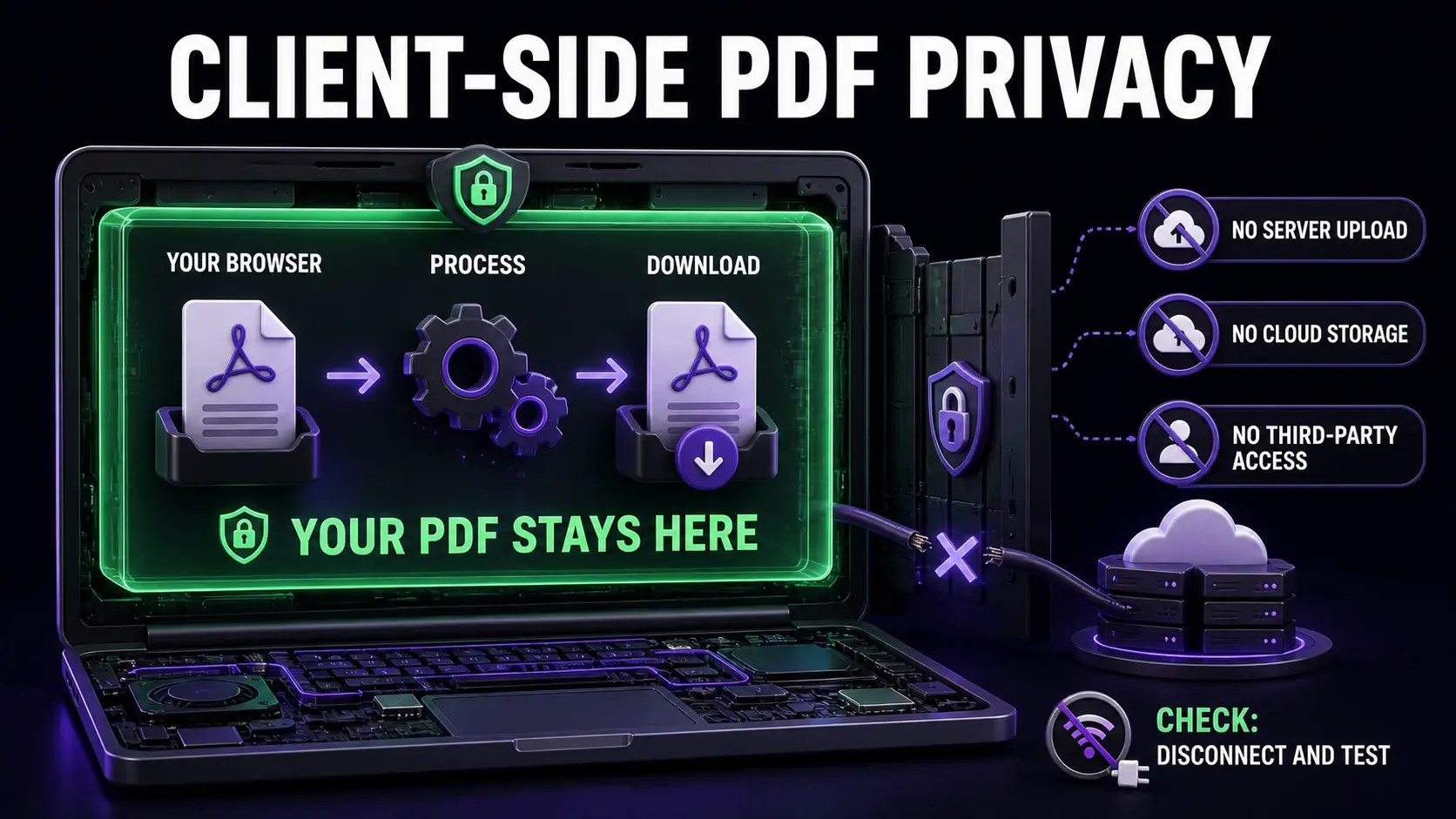
Most people do not think twice about uploading a PDF to an online tool. You need to compress a file or merge two documents — you find a tool, upload the file, download the result. Simple. But when that file contains a signed contract, a tax return, a medical record, or internal company data, the upload step is not as simple as it looks. This article explains what happens to your file on the server, why it matters, and how client-side PDF tools change the equation. For a direct comparison of which popular tools upload files vs process locally, see the PDF tool comparison table.
What Happens When You Upload a PDF to an Online Tool
The Privacy Risks of Server-Side PDF Processing
What "Client-Side Processing" Actually Means
How to Verify a Tool Is Actually Client-Side
Limitations of Client-Side PDF Tools
Choosing the Right Tool for Sensitive Documents
Ready to Try FixMyPDF?
Free, private, no account — 79+ PDF tools that run entirely in your browser.
Explore All 79+ Tools