
GuideMarch 21, 20266 min read
How to Compress a PDF Without Losing Quality (2026 Guide)
Compress PDFs to a smaller size while keeping text sharp and images clear. The right compression settings for email, print, and web.
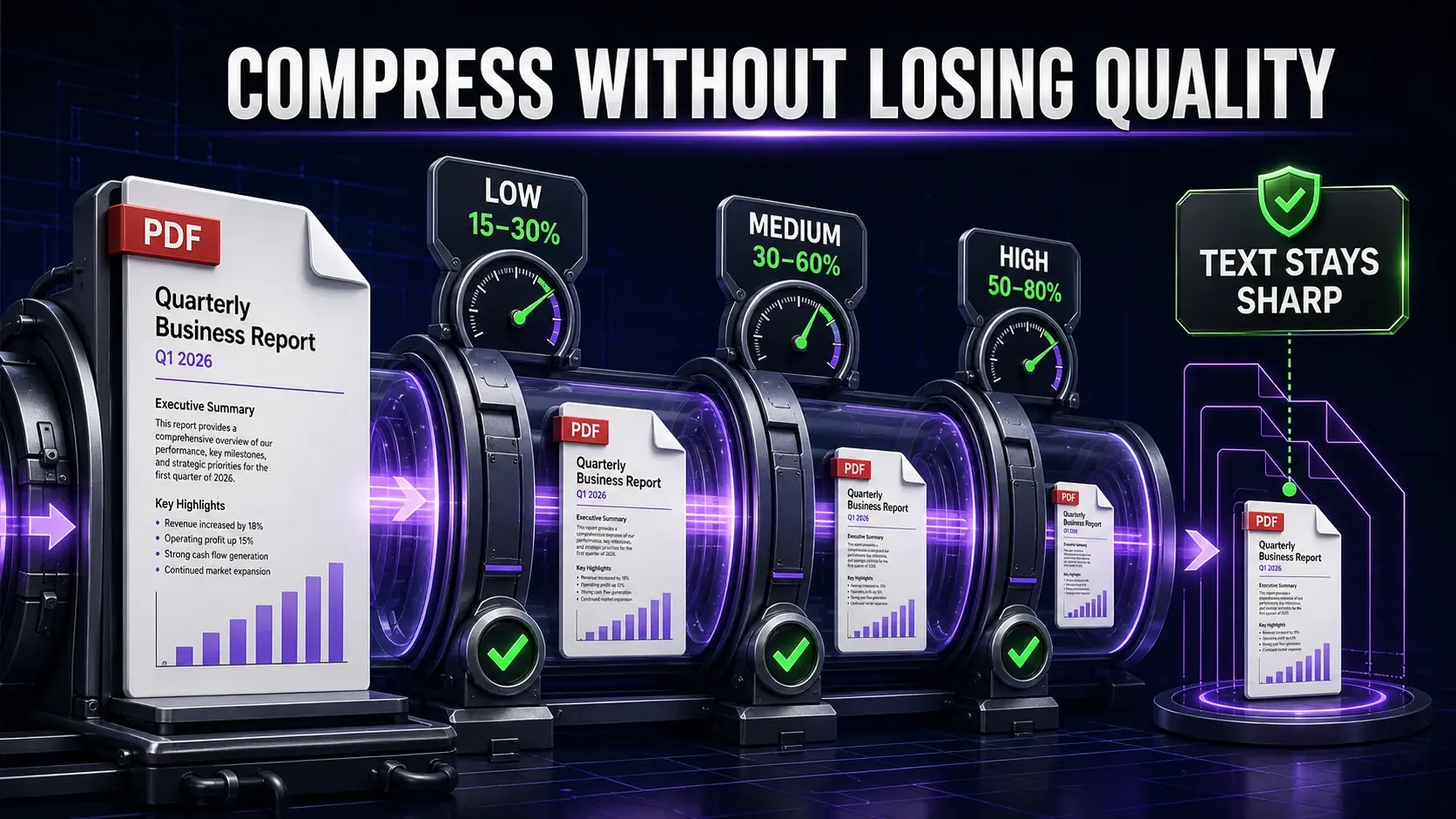
The most common fear about PDF compression: "Will my document look blurry?" Done correctly, you can reduce a PDF by 40–70% with no visible quality loss. Here is how — using FixMyPDF's free compressor.
Why PDFs Get Large
PDF size is dominated by embedded images. A single scanned A4 page at 300 DPI is 3–8 MB uncompressed. Text data (vector) is tiny — 50 pages of text is typically under 200 KB. Smart compression targets images without touching text vectors. This is why text in a well-compressed PDF always stays sharp.
Choosing the Right Level
Low: removes metadata, optimises structure. 15–30% reduction. Visually identical at any zoom. Use for print-quality documents. Medium: downsamples images above 150 DPI. 30–60% reduction. Visually identical on screen and for home/office printing. Use for most documents. High: 50–80% reduction. Slight softness at 200% zoom. Use for email and web.
Step by Step
Go to fixmypdf.in/tools/compressor. Upload. Start with Low. If the size meets your target, download. Otherwise try Medium. Only use High if size is critical and you have verified output quality.
Reduce Pages Before Compressing
Remove unnecessary pages first for maximum reduction: remove blank pages for scanned docs, or extract only needed pages. Fewer pages = smaller file regardless of compression.
Grayscale + Compress Combination
Colour images store 3× more data than grayscale. Convert to grayscale first, then compress. This combination typically achieves 70–85% total reduction — the best approach for text-heavy documents with colour elements.
Why Local Processing Matters
FixMyPDF compresses locally — your document never leaves your device. This matters for bank statements, contracts, and medical records. No server = no risk. Read more: PDF Privacy Guide 2026.
Ready to Try FixMyPDF?
Free, private, no account — 79+ PDF tools that run entirely in your browser.
Explore All 79+ Tools