
Delete Pages from PDF Online: A Simple Free Guide
Learn how to delete pages from a PDF online for free. Remove blank, duplicate, or unwanted pages in seconds, no software, no signup, works on any device.
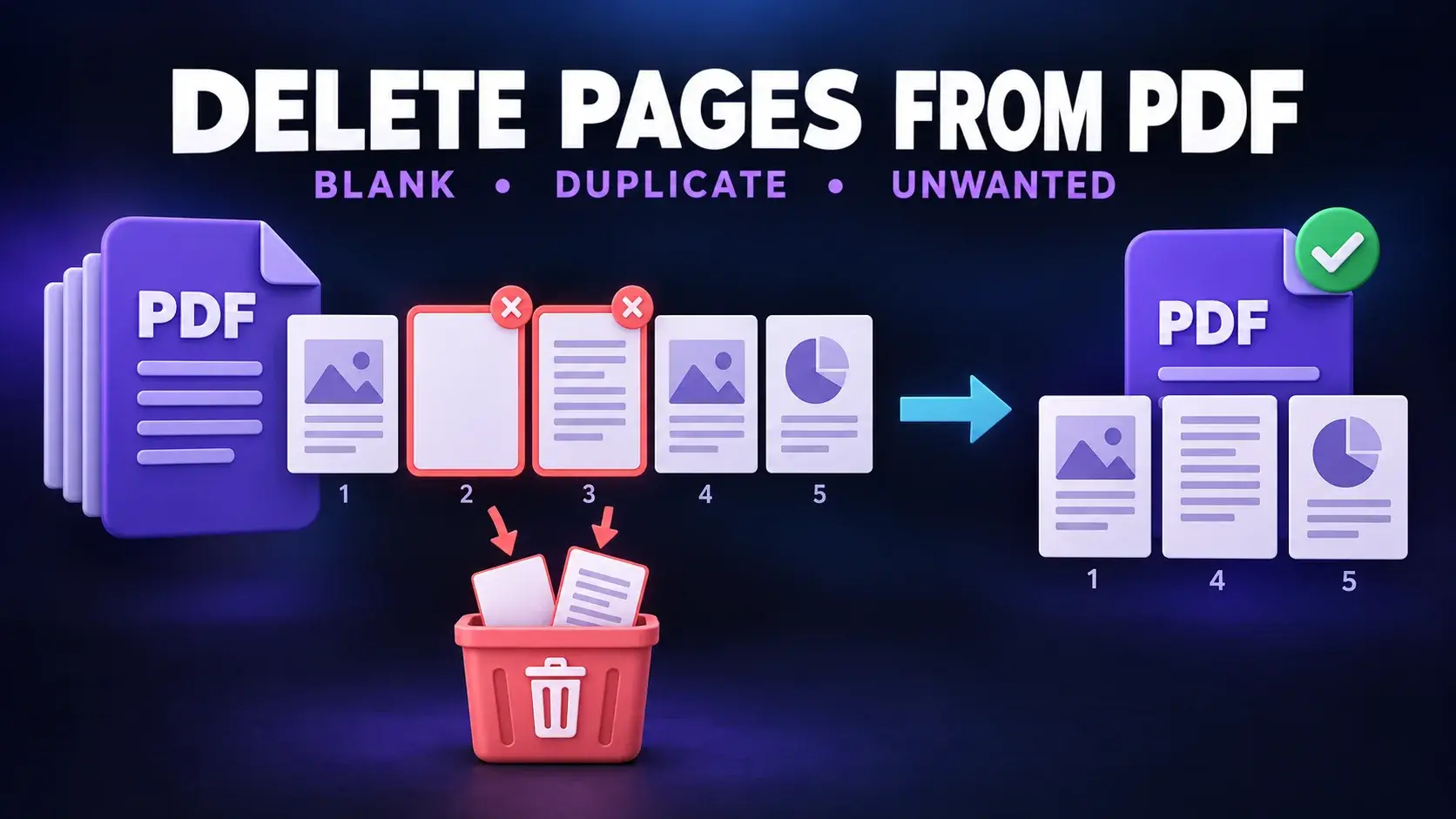
You've got a PDF with a blank page, a duplicate scan, or a section you don't need anymore. Opening a full desktop editor just to remove a page or two feels like overkill. The good news is you don't need one. You can delete pages from a PDF online in under a minute, for free, without installing anything.
This guide walks you through exactly how to do it, plus a few things to watch out for so you don't accidentally mess up the rest of your document.
When You'd Need to Delete PDF Pages
- A scanned document has a blank page mixed in.
- You combined two PDFs and now have duplicate cover pages.
- A contract or report has an irrelevant section.
- You want to shorten a PDF before emailing it.
- You want to cut unnecessary pages before printing.
How to Delete Pages from a PDF Online
- Open FixMyPDF's Delete Pages tool.
- Upload your PDF.
- Review the thumbnail preview of every page.
- Select the pages you want to remove.
- Confirm and download the updated PDF.
There is no software, account, or watermark.
Why Use an Online Tool Instead of Desktop Software
- No installation: works in your browser on phones, tablets, and computers.
- No cost: desktop page-management tools often require a subscription.
- No learning curve: select only the pages you do not want.
- Cross-platform: works on Windows, Mac, Chromebook, and mobile.
For personal or business information, choose browser-based processing that never uploads your file.
Comparison: Ways to Delete PDF Pages
| Method | Speed | Cost | Mobile | Privacy |
|---|---|---|---|---|
| Browser-based tool | Under 1 minute | Free | Yes | High |
| Upload-to-server tool | 1 to 2 minutes | Often free | Yes | Lower |
| Adobe Acrobat | A few minutes | Paid | No | High |
| Print to PDF | A few minutes | Free | Limited | High |
| Mobile PDF apps | 1 to 2 minutes | Varies | Yes | Varies |
A Quick Alternative: Print to PDF
Most PDF viewers let you print only the pages you want and save them as a new PDF. This can affect formatting, bookmarks, or embedded links, so it is better for simple documents than interactive files.
Things to Check Before You Delete a Page
- Double-check thumbnail numbers against printed page numbers.
- Keep a backup of the original.
- Check internal links, contents pages, and page-based citations.
Need to trim down a PDF? Try FixMyPDF's free Delete Pages tool. Everything runs securely in your browser.
Frequently Asked Questions
Ready to Try FixMyPDF?
Free, private, no account — 79+ PDF tools that run entirely in your browser.
Explore All 79+ Tools