
Is an Online N-Up PDF Tool Safe? Browser-Based Benefits
Is it safe to use an online N-Up PDF tool? Learn the risks of file uploads and why browser-based tools keep your PDFs private on your own device.
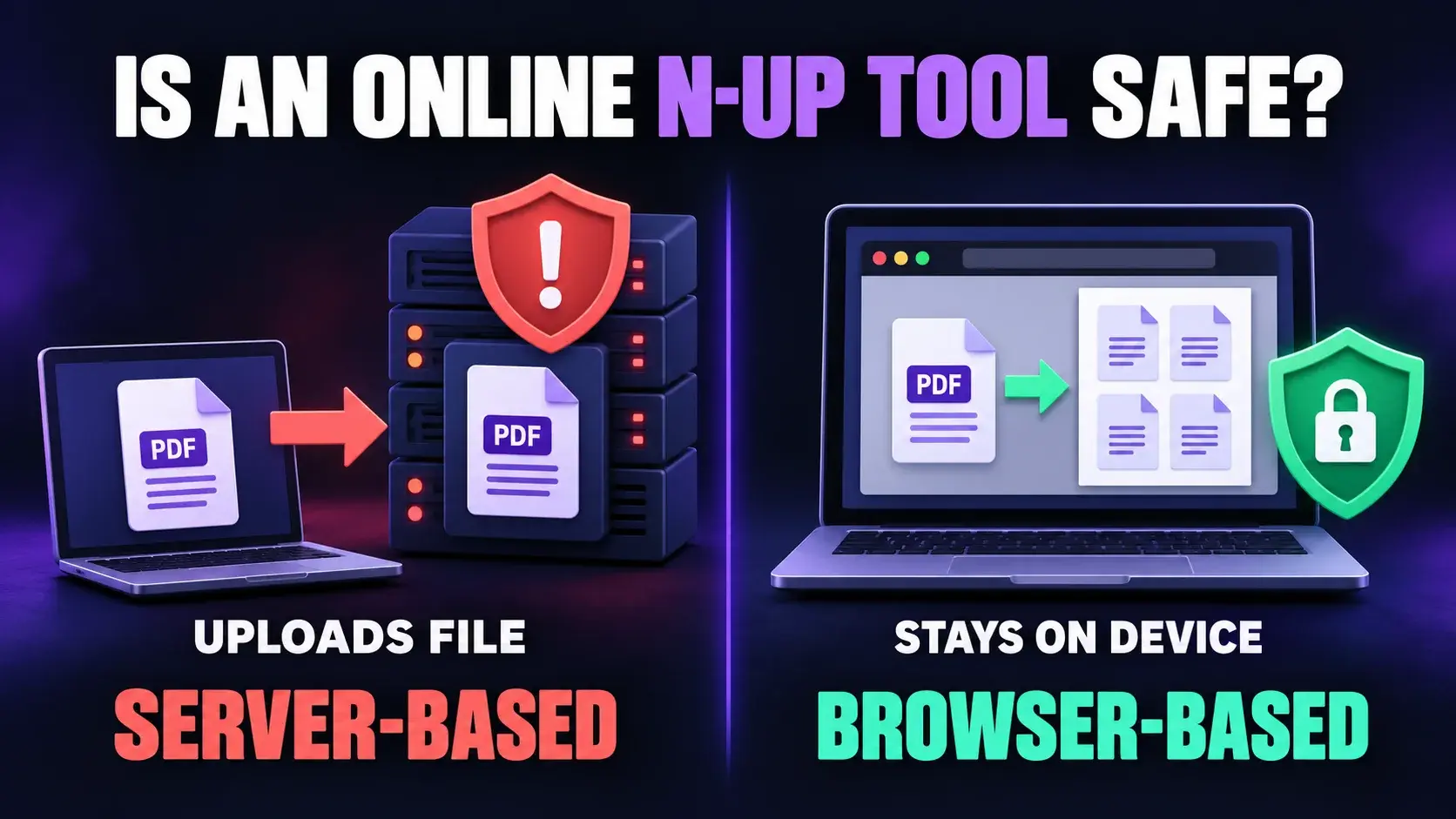
You have a PDF you need to print on fewer sheets. You search for an N-Up PDF tool, find a free one online, and upload your file. But then a question hits you: where did my file just go?
It is a smart question. PDFs often hold private things like contracts, bank statements, ID copies, school records, and business reports. Before you upload one to a random website, you should know how the tool handles it.
In this guide, you will learn how online PDF tools work, what the real risks are, and why a browser-based N-Up PDF tool is the safer choice.
Short Answer: Is It Safe?
It depends on the tool. Some online N-Up PDF tools are safe. Others are risky. The biggest difference is where your file is processed:
- Server-based tools send your file to their computer, called a server, and process it there.
- Browser-based tools process your file on your own device. The file does not need to travel anywhere.
A browser-based tool is usually the safer option because your file never has to leave your device.
How Most Online PDF Tools Work
When you use a typical server-based PDF tool:
- You upload your PDF.
- The file travels over the internet to the company's server.
- The server changes your file, such as creating the N-Up layout.
- The server sends the new file back to you.
- The company says it will delete the file after some time.
That last step is based on trust. You cannot see the server, so you cannot check whether the file was deleted, who could access it, or how long it remained there.
What Can Go Wrong With Server-Based Tools?
Most companies are honest, but uploading a file always adds risk:
- Data leaks. If a server is hacked, your file could be exposed.
- Files kept too long. Some tools retain files for hours or days.
- Unclear privacy policies. Some sites do not clearly explain how they handle documents.
- Third-party access. Sites may use storage providers, partners, or ad networks.
- Weak security. Small or unknown sites may not protect servers well.
- Fake or copycat sites. Some exist mainly to collect files and data.
For a school handout, the risk may be small. For a contract or medical report, it is a bigger concern.
What Is a Browser-Based PDF Tool?
A browser-based tool does the work inside your web browser using your own device's processing power. When you choose a file, it is opened and changed on your phone or computer.
Server-based tool: You hand your document to a stranger, ask them to fix it, and trust them to return and forget it.
Browser-based tool: You get the tools and do the job at your own desk. The document never leaves your hands.
Why Browser-Based N-Up Tools Protect Your Files
- Your file stays on your device. There is no upload to a remote server, so there is nothing to leak from one.
- Fewer people can touch your data. No server means no staff, storage system, or partners who could see the file.
- It is often faster. You skip upload and download time, especially with large PDFs.
- It can work with a weak connection. Once the page loads, the work happens on your device.
- You do not rely on a deletion promise. No promise is required when the file was never sent.
Server-Based vs. Browser-Based: A Quick Comparison
| Feature | Server-Based Tool | Browser-Based Tool |
|---|---|---|
| Where processed | Company server | Your device |
| File upload needed | Yes | No |
| Privacy risk | Higher | Lower |
| Speed on large files | Slower due to transfer | Usually faster |
| Trust deletion promise | Yes | No |
| Private documents | Not ideal | Better choice |
How to Check if a PDF Tool Is Safe
- Look for HTTPS. The address should start with https:// and show a lock icon.
- Read the privacy policy. It should clearly explain file handling.
- Look for processed in your browser. Good tools often state this on the page.
- Check the deletion policy. An uploading service should disclose retention time.
- Avoid forced sign-ups. A simple tool should not need personal details.
- Watch for excessive ads and pop-ups. These can indicate a low-quality site.
- Test with a harmless file first.
- Check the network tab. Advanced users can see whether file data is transmitted.
Simple Habits That Keep Your PDFs Safe
- Remove private details the tool does not need.
- Do not use public Wi-Fi for sensitive documents.
- Keep your browser and device updated.
- Delete downloaded files you no longer need.
- Use an offline tool for very sensitive documents.
When Should You Be Extra Careful?
Be most careful with bank or tax records, government IDs and passports, legal contracts, medical reports, company secrets, client data, passwords, and login details. For these files, choose browser-based processing or avoid online tools entirely.
How FixMyPDF Handles Your Files
FixMyPDF is a privacy-first, browser-based PDF platform. The N-Up PDF tool is designed so page-layout processing happens in your browser on your device. You choose how many pages go on each sheet and download the new file.
Want to understand N-Up layouts? Read our N-Up PDF printing guide.
Final Thoughts
An online N-Up PDF tool can be safe when you pick the right kind. A browser-based tool keeps your file on your own device, so you do not have to trust a stranger's server. Check for HTTPS, read the privacy policy, and use extra care with private files.
Ready to try a privacy-first tool? Open FixMyPDF's N-Up PDF tool and create your new layout without the file leaving your device.
Frequently Asked Questions
Ready to Try FixMyPDF?
Free, private, no account — 79+ PDF tools that run entirely in your browser.
Explore All 79+ Tools