
ReviewApril 1, 20266 min read
5 Best Free Smallpdf Alternatives in 2026 (No Daily Limit, No File Size Cap)
Smallpdf limits free users to 5 MB files and 2 tasks per day. These 5 alternatives remove those restrictions — some without even uploading your files.
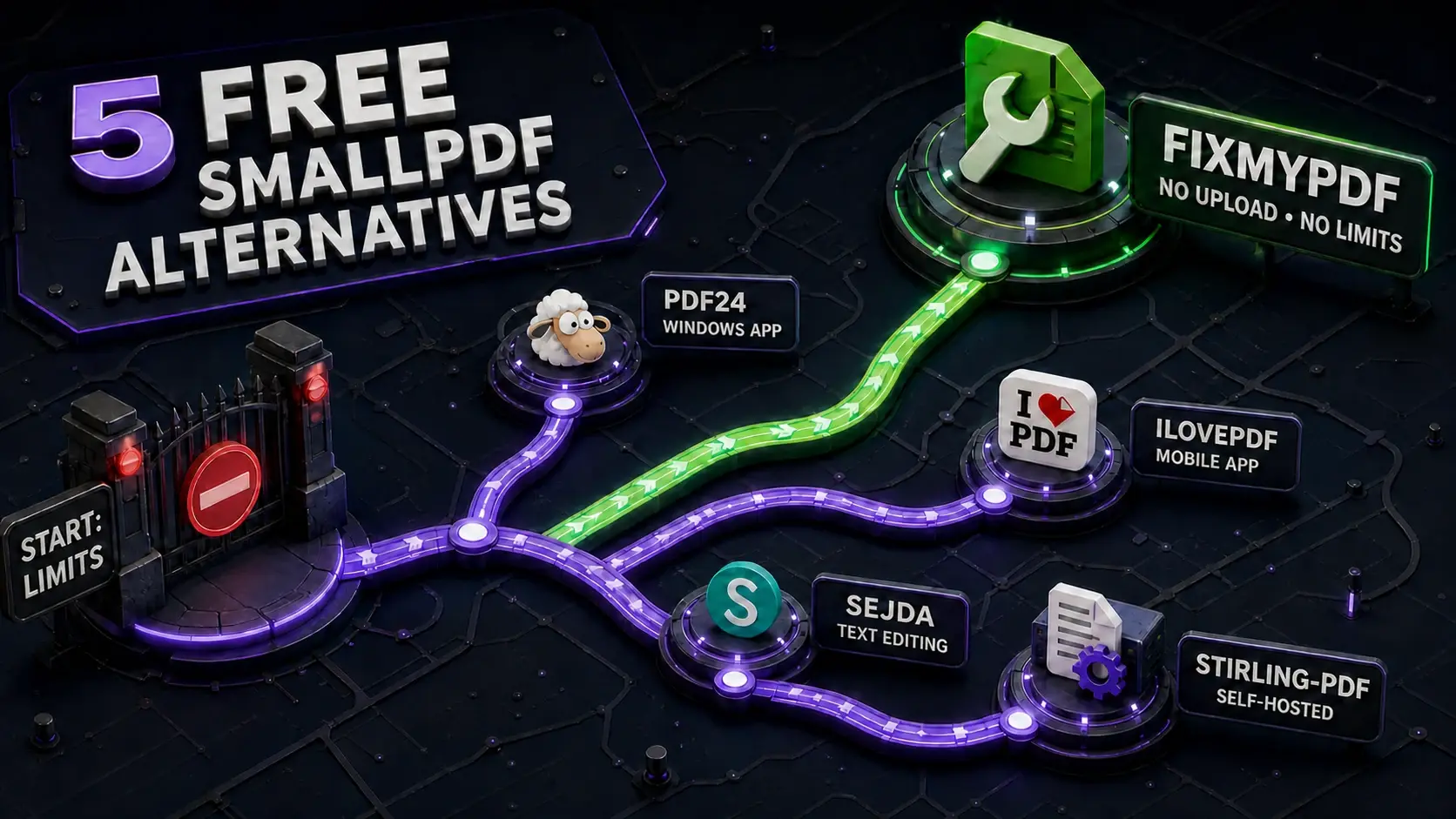
Smallpdf is one of the most-searched PDF tools online. But its free tier has two frustrating limits: a 5 MB file size cap and a 2-task-per-day ceiling. Hit either one and you're either asked to pay €12/month or wait until tomorrow. Here are 5 free alternatives that remove both restrictions — the first one never uploads your files at all.
FixMyPDF vs Smallpdf — Feature Comparison
| Feature | FixMyPDF | Smallpdf |
|---|---|---|
| File size limit | No limit | 5 MB (free) |
| Daily task cap | Unlimited | 2 tasks/day |
| Account required | Never | Required for full access |
| Files uploaded | Never | Yes — Swiss servers |
| Price to remove limits | Free — no limits at all | €12/month |
1. FixMyPDF — Best Overall (No Upload, No Limits)
FixMyPDF processes everything in your browser using WebAssembly. No file size limit, no daily cap, no account, no upload — ever. Your file never leaves your device. It covers 79+ PDF tools including compression, merge, split, password protection, signing, redaction, and metadata removal. Best for: anyone who hits Smallpdf's daily cap, works with files over 5 MB, or handles confidential documents.
2. PDF24 — Good Free Tier, Windows App Available
PDF24 offers a broad set of tools with no file size limit on most operations. It has both a web version and a free Windows desktop app (offline). Some operations are server-side, so files are uploaded — not private in the same way as FixMyPDF. No account required for basic use. Best for: Windows users who want a desktop app alongside web access.
3. iLovePDF — More Generous Limits Than Smallpdf
iLovePDF's free tier allows up to 100 MB files and more daily tasks than Smallpdf. It still uploads files to servers and rate-limits heavy usage, but for moderate use it's a step up from Smallpdf's restrictions. Has native iOS and Android apps. Best for: users who need a mobile app and moderate daily usage.
4. Sejda — 50 MB Limit, 3 Tasks/Hour
Sejda is more generous than Smallpdf (50 MB vs 5 MB, 3 tasks/hour vs 2/day) but adds watermarks to some free operations and still uploads to servers. It has a basic inline text editor that none of the others offer. Best for: users who need light PDF text editing on the free plan.
5. Stirling-PDF — Self-Hosted, Unlimited
Stirling-PDF is an open-source PDF toolkit you run on your own server or locally via Docker. Unlimited file sizes, unlimited tasks, completely private. Requires technical setup (Docker or Node.js). Best for: developers or IT teams who want a self-hosted solution with zero external dependency.
Which Smallpdf Alternative Should You Choose?
If you just want a drop-in Smallpdf replacement that works immediately with no setup: use FixMyPDF. If you specifically need OCR or PDF-to-Word conversion (which require server-side processing): iLovePDF or Sejda. If you need a Windows desktop app: PDF24. If you need full self-hosted control: Stirling-PDF. For the vast majority of users — compress, merge, split, protect, sign — FixMyPDF is the answer.
Frequently Asked Questions
Ready to Try FixMyPDF?
Free, private, no account — 79+ PDF tools that run entirely in your browser.
Explore All 79+ Tools