FixMyPDF vs Smallpdf: Which Free PDF Tool Is Better in 2026?
Comparing FixMyPDF and Smallpdf on file size limits, privacy, daily usage caps, and price. One of these tools processes your PDFs in the browser — the other uploads them to a server.
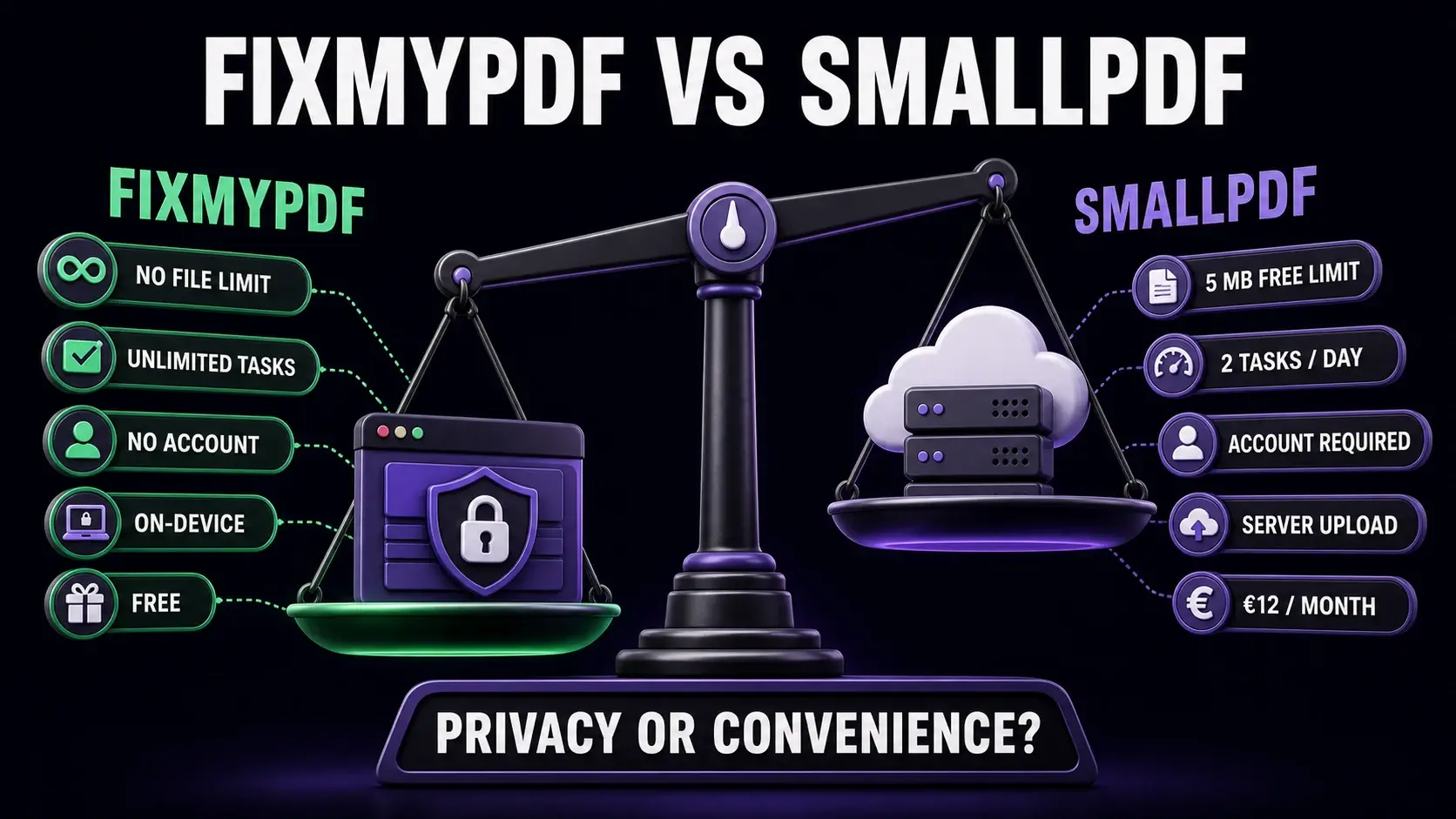
FixMyPDF and Smallpdf compared on free file limits, daily tasks, account requirements, processing location, and monthly price.
Smallpdf is one of the most recognisable names in online PDF tools. But recognisable does not always mean best — especially when privacy, file size, and daily usage limits matter to you. This comparison breaks down exactly how FixMyPDF and Smallpdf differ, so you can choose the right tool for your workflow. For a side-by-side feature matrix across all major tools, see the full PDF tool comparison.
FixMyPDF vs Smallpdf — Feature Comparison
Feature
FixMyPDF
Smallpdf
File size limit
No limit
5 MB (free)
Daily task cap
Unlimited
2 tasks/day (free)
Account required
Never
Required for full access
Files uploaded to server
Never — 100% browser
Yes — Swiss servers
Watermarks on output
None, ever
None
Price
Free forever
€12/month (Pro)
Number of tools
79+ tools
20+ tools
PDF to Word/Excel
Not available
Yes (Pro)
The Core Difference: Where Your Files Go
The most important difference between FixMyPDF and Smallpdf is not the feature list — it is what happens to your file when you click "process". Smallpdf uploads your PDF to their servers in Switzerland, processes it remotely, and temporarily stores it on their infrastructure. FixMyPDF processes everything entirely in your browser using WebAssembly. Your file never leaves your device. No upload, no server, no storage. For anyone handling contracts, medical documents, financial statements, or any confidential file, this difference is not a minor footnote — it is the whole story.
File Size Limits
Smallpdf free plan limits uploads to 5MB. This is restrictive: a single high-resolution scan, a multi-page report with images, or a presentation exported as PDF will regularly exceed this. Smallpdf Pro (paid) removes this cap. FixMyPDF has no file size limit on any tool, on any plan. There is no plan — it is entirely free. The only practical limit is your device's available RAM, which for most documents is not a constraint at all.
Daily Usage Limits
Smallpdf free restricts you to two PDF tasks per hour and two downloads per day. If you process PDFs as part of regular work, you will hit this ceiling quickly. Smallpdf Pro removes the restriction for €12/month. FixMyPDF has no daily limit, no hourly limit, and no task cap. Process 1 file or 100 files — the experience is identical.
Account Requirements
Smallpdf requires creating an account to access more than two tasks. FixMyPDF requires no account, ever. Open the tool, use it, done. No email address, no password, no marketing emails.
Tool Range
Both services cover the PDF essentials: compress, merge, split, convert, protect. FixMyPDF currently offers 79+ tools including more specialised options like PDF dark mode, PDF inspector, metadata remover, flatten annotations, and N-up printing. Smallpdf Pro covers a comparable range for paid users, but many of these tools are gated.
Price
Smallpdf charges €12/month (or €9/month billed annually) for Pro, and €23/month per seat for team plans. FixMyPDF is completely free — no premium tier, no subscription, no one-time purchase. Every tool is available to every user with no restrictions.
Which Should You Choose?
Choose FixMyPDF if privacy matters (files stay on your device), if you process large files regularly, if you exceed two tasks per day, or if you simply do not want to pay for a subscription. Choose Smallpdf if you need their specific integrations (Google Drive, Dropbox sync, cloud storage), want a polished mobile app experience, or are already embedded in their ecosystem with a paid account. For most individual users and small teams, FixMyPDF delivers the same or broader functionality with better privacy and no cost.
Frequently Asked Questions
Ready to Try FixMyPDF?
Free, private, no account — 79+ PDF tools that run entirely in your browser.