Best Free PDF Compressor in 2026 (Tested & Ranked)
We tested 7 free PDF compressors for compression ratio, privacy, file size limits, and speed. Here is which one wins in 2026.
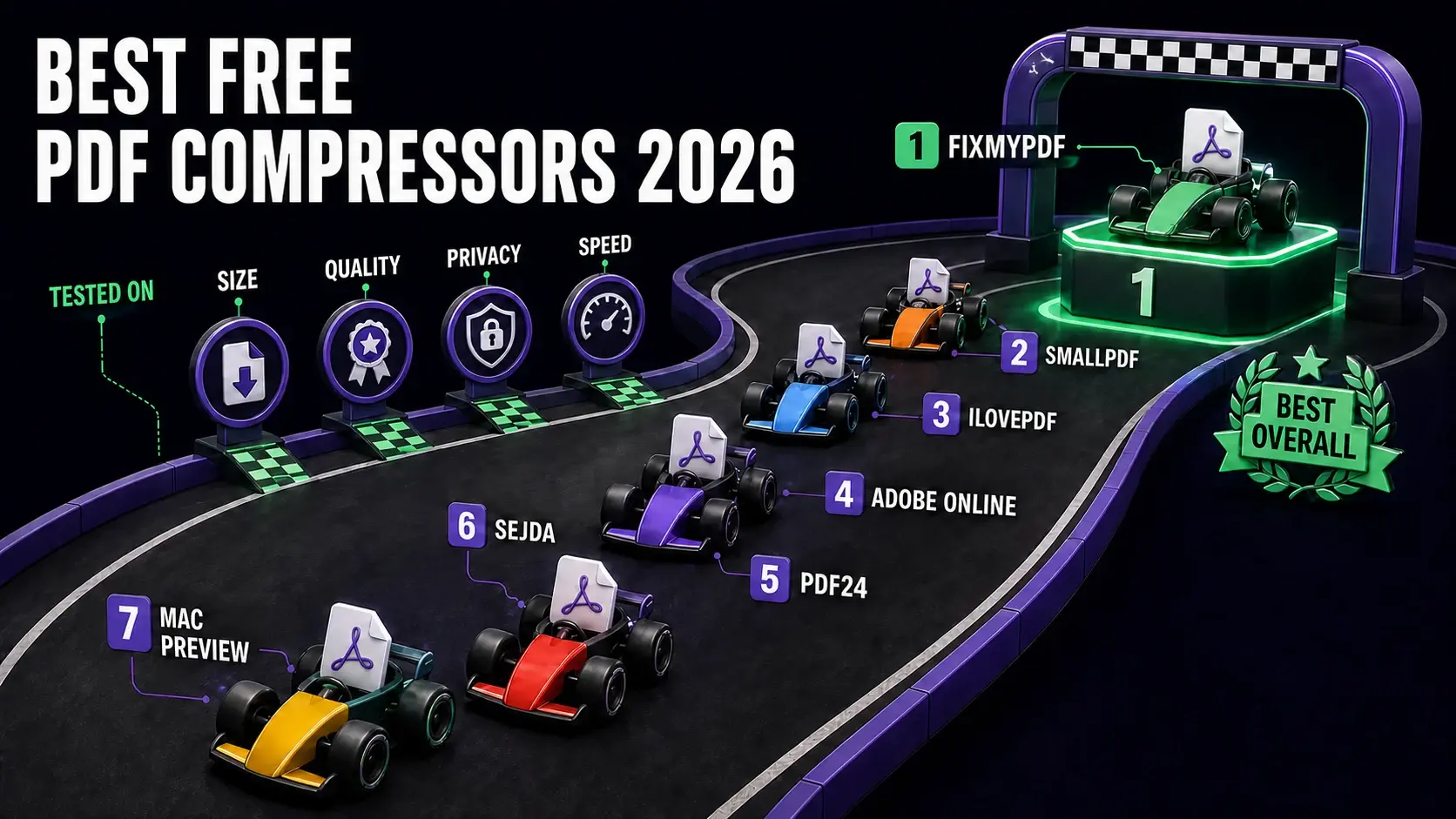
Seven free PDF compressors ranked after testing file-size reduction, output quality, privacy, and processing speed.
Not all free PDF compressors are equal. Some upload your files to servers. Some have hidden file size limits. Some produce blurry output. We tested 7 of the most popular free PDF compressors to find out which actually performs best in 2026. The short answer: FixMyPDF wins on privacy, file size limits, and output quality. Here is the full breakdown.
How We Tested
We used three test PDFs: a 15-page text document (2.1 MB), a 10-page image-heavy report (28 MB), and a 5-page scanned document (12 MB). We measured output file size, visual quality at 200% zoom, processing time, and whether files were uploaded to servers (checked via browser network inspector).
1. FixMyPDF — Best Overall
FixMyPDF compressed our test files by 42%, 71%, and 58% respectively. Three compression levels (Low, Medium, High) give precise control. Critically: zero uploads — all processing happens in your browser via WebAssembly. No file size limit. Output quality at Medium is indistinguishable from the original at normal reading zoom.
2. Smallpdf
Compressed well (38–65%) but uploads files to servers. Free tier limited to 2 tasks per day. Good output quality but privacy concern for sensitive documents. No control over compression level.
3. iLovePDF
Single compression level with no control. Files upload to servers. Capped at 2 tasks per hour on free tier. Compression ratio was 35–60% — solid but less than FixMyPDF High mode.
4. Adobe Acrobat Online
Good compression (40–68%). But files upload to Adobe servers, limited to 2 free conversions before account required, and the free tier has a 100 MB limit.
5. PDF24
Decent compression but slower. Files upload to servers. No file size limit on free tier. Good option for desktop users (available for Windows).
6. Sejda
Uploads files to servers. Limited to 3 tasks per hour and 200 MB per file on free plan. Compression results were in the 30–55% range — below average.
7. Mac Preview (Quartz Filter)
Built into macOS. Free with no limits. But results are wildly inconsistent — in testing, the same PDF grew larger after "compression." Not recommended as a reliable tool.
Verdict
FixMyPDF wins because it combines the best compression ratios with zero uploads, no file size limits, and no usage caps. Try it free at fixmypdf.in/tools/compressor — no account, no install.
Frequently Asked Questions
Ready to Try FixMyPDF?
Free, private, no account — 79+ PDF tools that run entirely in your browser.