
ReviewMarch 22, 20268 min read
Best Free PDF Editor in 2026: Tested & Compared
Which free PDF editor is actually worth using in 2026? We compare FixMyPDF, Smallpdf, Adobe, and others on features, privacy, and limits.
The market is crowded with "free" PDF editors — but most hide limits behind paywalls or require uploading sensitive documents to third-party servers. We compared the leading options in 2026. See the full comparison table or read the breakdown below.
What "PDF Editing" Actually Means
PDF editors fall into two categories. Basic editors: compress, merge, split, rotate, annotate, sign, watermark, protect — these work on the PDF structure. Full editors: change existing embedded text, reflow paragraphs — these require costly tools like Acrobat Pro. Most free tools only offer basic editing.
FixMyPDF — Best Free Option
FixMyPDF covers all basic PDF editing: 79+ tools including compress, merge, split, rotate, crop, resize, watermark, annotate, sign, protect, unlock, redact, page numbers, grayscale, flatten, and more. Zero uploads — everything runs in your browser. No file size limit. No daily limit. No account. See full comparison →
Adobe Acrobat Online
Best for OCR and PDF-to-Word conversion. But the free tier is limited to 2 conversions before requiring an account. Many advanced features need Acrobat Pro (£17.99/month). Files upload to Adobe servers.
Smallpdf
Clean interface, reliable output. Free tier caps at 2 tasks per day. Files upload to servers. Good for occasional users who do not handle sensitive documents.
LibreOffice Draw
Free desktop app that can open, edit, and re-export PDFs. Best free option for actual text editing of simple PDFs. Complex layouts break badly. Requires installation and is significantly slower than browser tools for basic operations.
Which Should You Use?
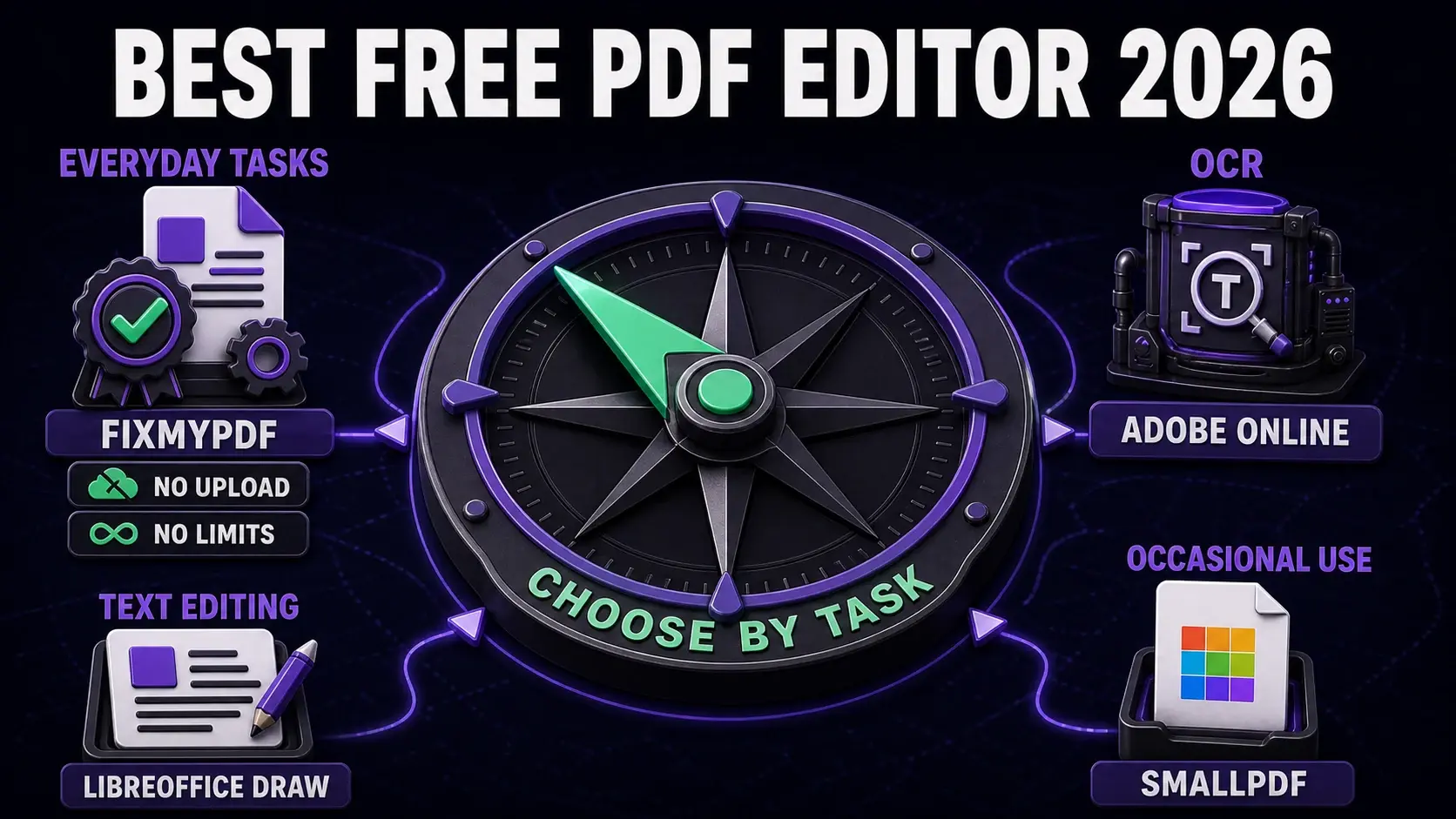
For privacy and most everyday tasks: FixMyPDF. For converting scanned PDFs to editable text: Adobe Acrobat Online (free account). For editing PDF text directly on desktop: LibreOffice Draw. See the comparison page for the full feature matrix.
Frequently Asked Questions
Ready to Try FixMyPDF?
Free, private, no account — 79+ PDF tools that run entirely in your browser.
Explore All 79+ ToolsRelated Comparisons
Best Practices
FixMyPDF vs Adobe Acrobat: Free Tool vs Industry Standard (2026)
Read article →Best PracticesFixMyPDF vs Smallpdf: Which Free PDF Tool Is Better in 2026?
Read article →ReviewBest Free PDF Compressor in 2026 (Tested & Ranked)
Read article →GuideBest Free PDF Tools With No File Size Limit (2026)
Read article →