FixMyPDF vs Adobe Acrobat: Free Tool vs Industry Standard (2026)
Adobe Acrobat is the gold standard for PDFs, but it costs £17.99/month and uploads your files to Adobe servers. See when FixMyPDF is a better choice — and when it is not.
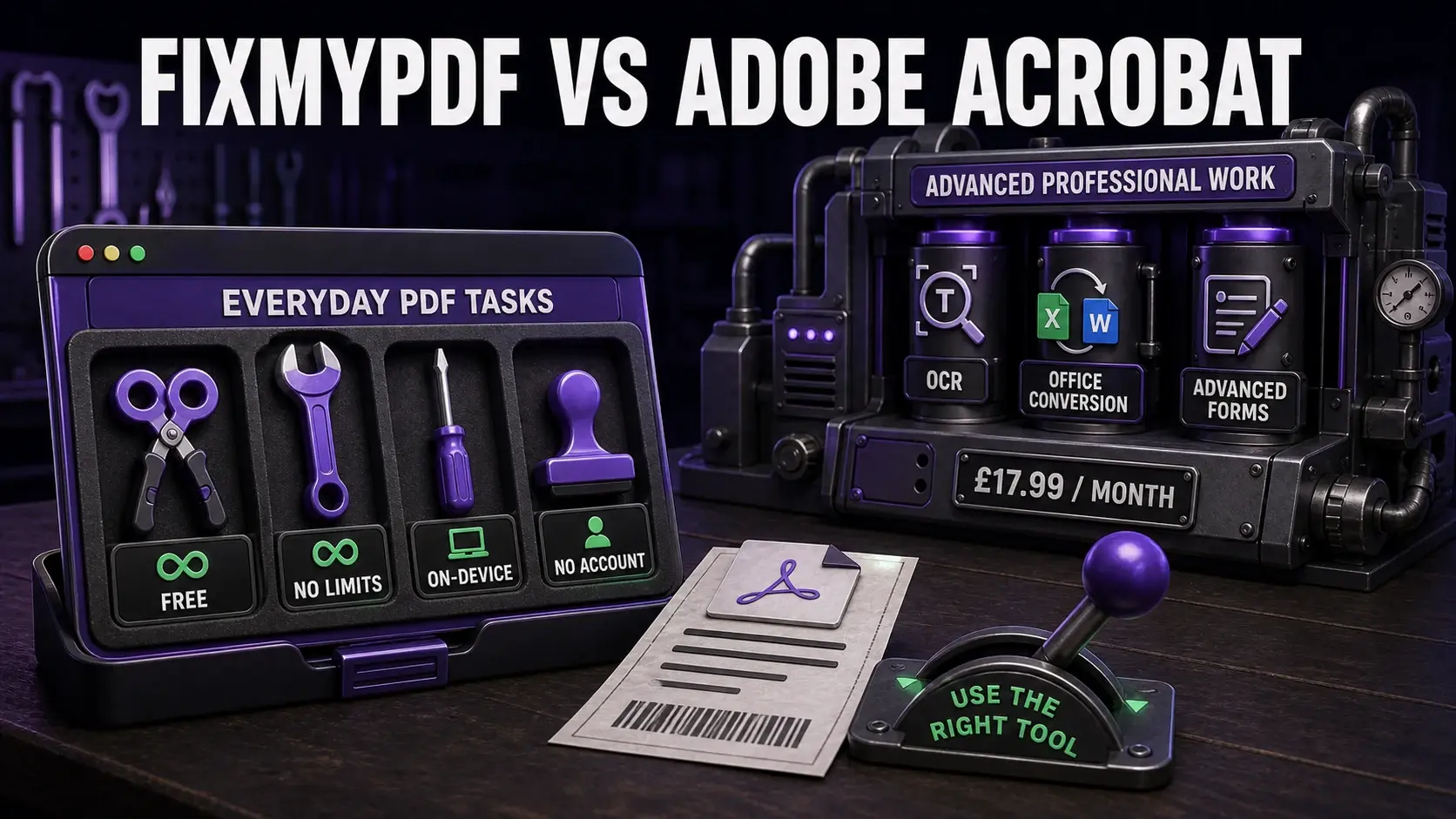
FixMyPDF covers everyday PDF tasks free and locally; Adobe Acrobat adds professional OCR, Office conversion, and advanced forms for a subscription.
Adobe invented the PDF format in 1993 and Acrobat remains the most capable PDF tool available. But at £17.99/month (or more), it is also one of the most expensive — and its web-based tools upload your files to Adobe's servers. This comparison is honest: Adobe genuinely does things FixMyPDF cannot. But for the majority of everyday PDF tasks, the case for FixMyPDF is strong. For a full comparison table including Smallpdf, iLovePDF, and Sejda, see the PDF tool comparison page.
FixMyPDF vs Adobe Acrobat — Feature Comparison
Feature
FixMyPDF
Adobe Acrobat
Price
Free forever
£17.99/month (Pro)
File size limit (web)
No limit
Limited on free web tier
Daily task cap (web)
Unlimited
2 tasks/day (free web)
Account required
Never
Adobe ID required
Files uploaded (web)
Never — 100% browser
Yes — Adobe cloud servers
OCR quality
Not available
Best in class
PDF to Word/Excel
Not available
Best in class
Advanced form creation
Basic
Full (Pro)
Where Adobe Acrobat Is Genuinely Better
OCR quality: Adobe Acrobat has the best optical character recognition available, making scanned documents fully text-searchable with high accuracy. No browser-based tool can match this — OCR requires large machine learning models that cannot run in a browser tab efficiently. PDF to Office conversion: Adobe's conversion of PDFs to Word, Excel, and PowerPoint is the most accurate available, preserving formatting, tables, and layout better than alternatives. Advanced editing: Acrobat Pro allows true text editing within PDFs, reflows paragraph text, handles complex multi-column layouts, and enables advanced form creation including digital signature fields that meet legal standards in most jurisdictions. Desktop offline: The desktop application works without internet, processes files locally, and does not upload to Adobe servers unless you choose to use cloud features. If you pay for Acrobat and use the desktop app offline, you get both capability and privacy.
Where FixMyPDF Is the Better Choice
Cost: FixMyPDF is completely free, forever. Adobe Acrobat Standard costs £12.99/month; Acrobat Pro costs £17.99/month or more. For individuals who need to compress a PDF occasionally, the monthly cost of Adobe is not justified. Privacy on web: When using Adobe's web tools (compress, convert, sign online), your files are uploaded to Adobe's servers. FixMyPDF processes everything in the browser — no upload, ever. Account-free access: Adobe requires an Adobe ID to access Acrobat online. FixMyPDF requires nothing — open the tool and use it. Speed and simplicity: For simple operations (compress, merge, split, rotate), FixMyPDF is faster because there is no upload/download roundtrip. Processing is instant since it happens on your device. Tool range at zero cost: FixMyPDF's 79+ tools are all free and unlimited. Adobe's free web tier is limited to 2 tasks per day.
Cost Comparison
Adobe Acrobat plans as of 2026: Acrobat Standard (web + mobile only): approximately £12.99/month. Acrobat Pro (full desktop + web + mobile): approximately £17.99/month. Creative Cloud All Apps (which includes Acrobat Pro): approximately £54.98/month. FixMyPDF: £0/month. For a small business processing PDFs daily, the annual cost of Adobe Acrobat Pro is £215.88/year. FixMyPDF costs nothing and handles all PDF-native operations without subscription. The meaningful comparison is whether you specifically need OCR or Office conversion — if not, the cost of Adobe is hard to justify for everyday tasks.
The Server Upload Difference
Adobe Acrobat web tools (at acrobat.adobe.com) upload your files to Adobe's cloud servers. Adobe's privacy policy states files are processed to provide the service and stored temporarily. For many users this is acceptable. For professionals handling confidential documents — lawyers, accountants, doctors, HR teams — it may not be. FixMyPDF's browser-based approach means your files are never transmitted. The difference matters most for sensitive document types: signed contracts, financial statements, medical records, personal identification. For these use cases, FixMyPDF's local processing is a genuine privacy advantage over both Adobe web tools and all other cloud-based PDF services.
Which Should You Choose?
Choose Adobe Acrobat if you need OCR for scanned documents, high-quality PDF to Word/Excel conversion, advanced form creation with legal digital signatures, or if you are a professional who processes PDFs daily and uses the full desktop application offline. Choose FixMyPDF if you handle sensitive documents and need guaranteed privacy, if you need compress/merge/split/rotate/protect/sign/annotate without paying a subscription, if you occasionally need a PDF tool and do not want to install software or create an account, or if you need more than 2 tasks per day without paying. For many individuals and small businesses, FixMyPDF handles 80% of PDF tasks for 0% of the cost.
Frequently Asked Questions
Ready to Try FixMyPDF?
Free, private, no account — 79+ PDF tools that run entirely in your browser.