
ReviewApril 1, 20266 min read
Best Free PDF Merger Online in 2026 (No File Size Limit, No Upload)
We compared the top free PDF merging tools for limits, privacy, and output quality. Here is which free PDF merger is best in 2026.
Merging PDFs is one of the most common document tasks — combining pages from different sources, assembling a report, or creating a single file from multiple scans. Most free online PDF mergers either limit file sizes, cap daily usage, or upload your files to servers. Here is which free PDF merger handles this best in 2026.
1. FixMyPDF Merge — Best Overall
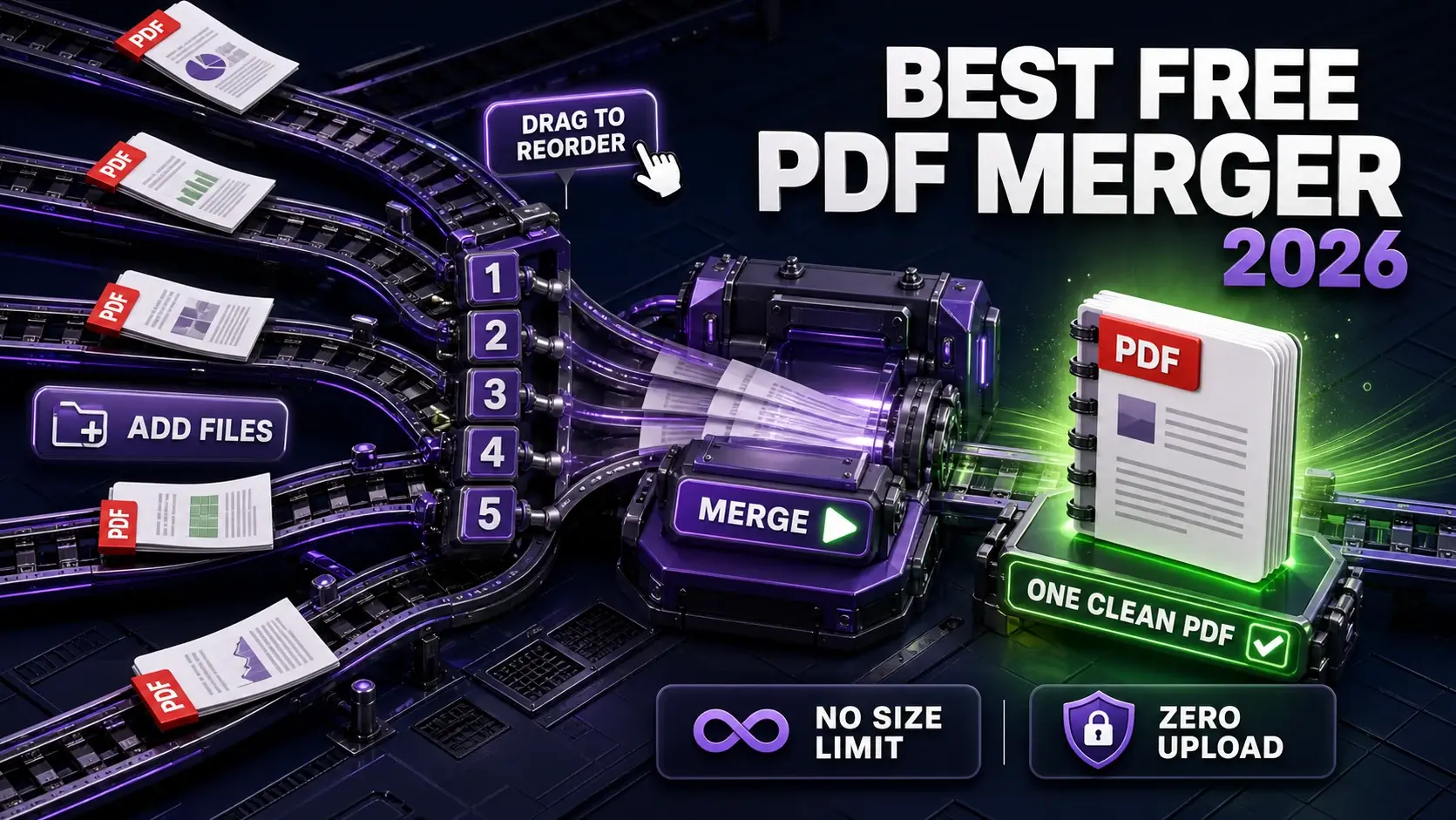
FixMyPDF's merge tool combines PDFs entirely in your browser. No file size limit, no daily cap, no account, no upload. Add files in any order, drag to rearrange, then download the merged result. Handles PDFs of any size — even merging several large files works because your device's RAM handles the load, not a server. Best for: anyone who needs to merge PDFs regularly with no restrictions and no privacy risk.
2. Smallpdf Merge — Good but 5 MB Free Limit
Smallpdf's merge tool is well-designed but limits free users to 5 MB total file size and 2 tasks per day. Files are uploaded to their Swiss servers. For small, non-sensitive documents and occasional use it's a reasonable option — but the 5 MB cap rules it out for most real-world merging tasks. Pro costs €12/month.
3. iLovePDF Merge — 100 MB, Rate-Limited
iLovePDF allows up to 100 MB and has a cleaner interface than most free tools. Files are uploaded to servers and deleted after two hours. Rate limiting kicks in on heavy-use days. Good option for non-sensitive documents under 100 MB when FixMyPDF isn't available.
4. Sejda Merge — 50 MB, 3 Tasks/Hour
Sejda allows 50 MB files and 3 merge tasks per hour on the free plan. Files are uploaded to servers. No watermarks on merged output (unlike some Sejda editing operations). Solid middle-ground option between Smallpdf's tight limits and iLovePDF's 100 MB cap.
5. PDF24 Merge — No Size Limit, Server-Side
PDF24 has no stated file size limit for merging and no daily cap. Files are uploaded to servers for processing. Has a free Windows desktop app for offline merging. Good alternative if you need server-side processing without tight limits and a Smallpdf alternative.
How to Merge PDFs for Free Without Uploading
Go to fixmypdf.in/tools/merge. Click "Add Files" and select your PDFs. Drag the file cards to arrange order. Click "Merge PDFs". Your merged file downloads immediately — no upload, no server, no waiting. All processing happens in your browser tab via WebAssembly. The merged file is never stored anywhere except your device.
Frequently Asked Questions
Ready to Try FixMyPDF?
Free, private, no account — 79+ PDF tools that run entirely in your browser.
Explore All 79+ ToolsRelated Comparisons
Best Practices
FixMyPDF vs Smallpdf: Which Free PDF Tool Is Better in 2026?
Read article →Best PracticesFixMyPDF vs iLovePDF: An Honest Comparison for 2026
Read article →ReviewBest Free PDF Compressor in 2026 (Tested & Ranked)
Read article →GuideBest Free PDF Tools With No File Size Limit (2026)
Read article →