FixMyPDF vs Foxit PDF: Free Browser Tool vs Desktop Suite (2026)
Foxit PDF Reader is free but Foxit PDF Editor costs £10+/month. See how FixMyPDF compares on price, privacy, and features — and when each is the right choice.
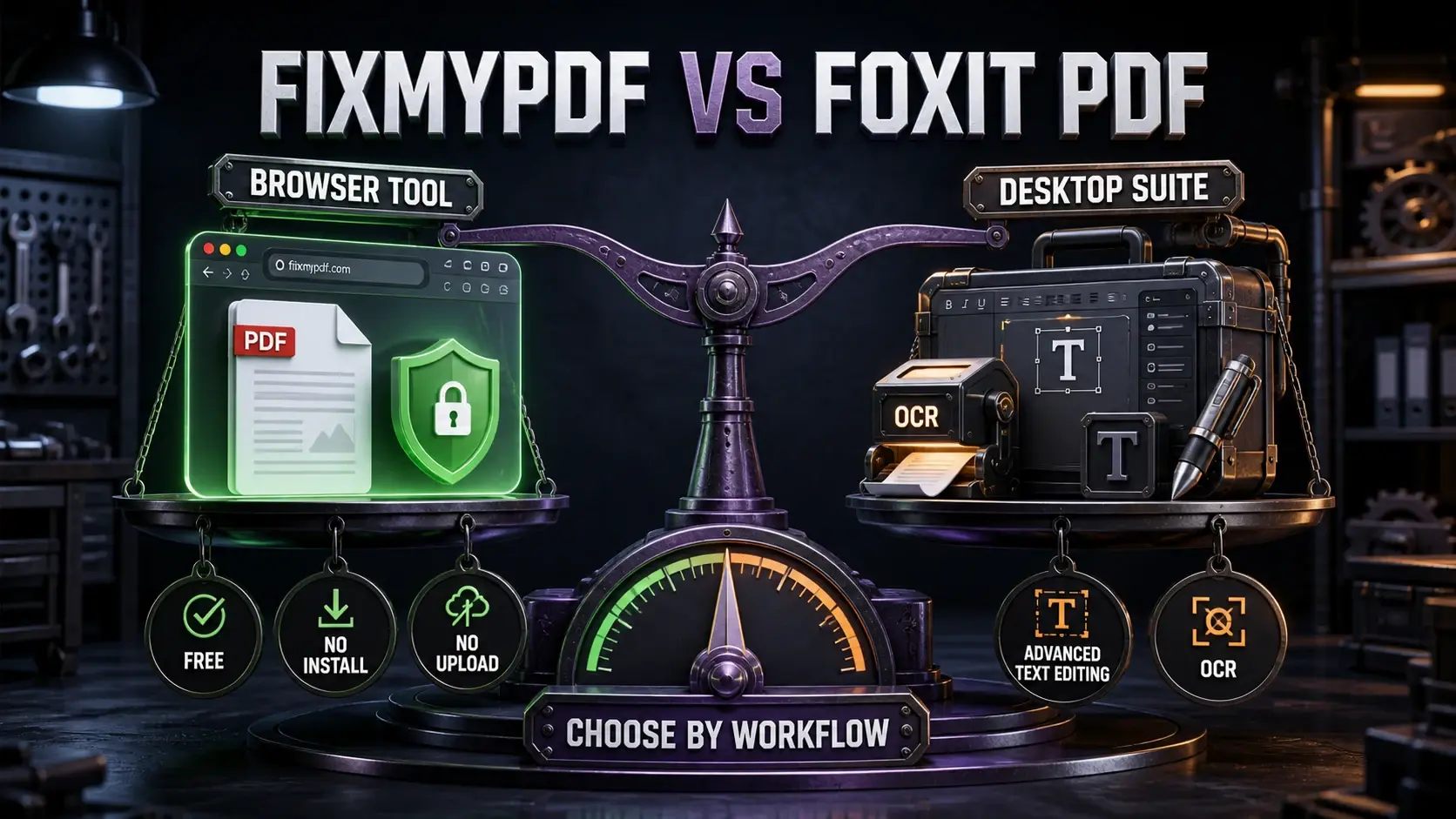
Choose by workflow: FixMyPDF for free no-upload browser tasks, or Foxit PDF for desktop OCR and advanced text editing.
Foxit PDF is well known in Europe — especially Germany and France — as a leaner alternative to Adobe Acrobat. Foxit PDF Reader is genuinely free for viewing and basic annotation. But Foxit PDF Editor, with its full editing suite, costs £10–£14/month depending on plan. Here's how it compares to FixMyPDF, and when each is the right tool.
FixMyPDF vs Foxit PDF — Feature Comparison
Feature
FixMyPDF
Foxit PDF
Price
Free forever
Free reader / £10+/month editor
Installation required
None — works in browser
Desktop app download
Files uploaded
Never — 100% browser
Cloud features upload files
Account required
Never
Required for cloud features
PDF annotation & markup
Yes (browser)
Yes (full desktop)
Advanced text editing
Limited
Full (paid)
Works on Linux/Chromebook
Any browser
Limited
OCR
Not available
Yes (paid)
What Foxit PDF Does Well
Foxit PDF Editor is a full desktop application for Windows (with limited Mac and Linux support). Its strengths: advanced text editing and reflowing paragraphs, professional OCR for scanned documents, complex form creation meeting legal digital signature standards, and deep Office integration. If you process PDFs professionally and need these capabilities daily, Foxit is a more affordable alternative to Adobe Acrobat.
Where FixMyPDF Is the Better Choice
Cost: FixMyPDF is completely free — every tool, no subscription. Foxit PDF Editor costs £10+/month. No installation: FixMyPDF runs in any browser with no download. Privacy: FixMyPDF never uploads files. Foxit's cloud-connected features transmit files to Foxit's servers. Cross-platform: FixMyPDF works on any OS including Linux and Chromebook, where Foxit's desktop app is unavailable. Account-free: FixMyPDF requires no Foxit account, no registration, no email.
File Privacy: A Key Difference
Foxit PDF Editor desktop (used offline) is private — files stay on your device. But Foxit's cloud sync, online tools, and connected features upload files to their servers. FixMyPDF is always private because processing is always local — WebAssembly runs in your browser tab regardless of which tool you use. For legal professionals, medical practices, and financial teams — especially in GDPR-regulated European markets — this distinction matters significantly.
Tool Coverage Comparison
FixMyPDF covers 79+ operations for free: compress, merge, split, protect, sign, redact, watermark, metadata removal, annotation flattening, and more. Foxit PDF Editor adds true text editing, paragraph reflow, OCR, and complex form tools. If you don't need those advanced capabilities, FixMyPDF saves £120+/year.
Which Should You Choose?
Choose FixMyPDF if you need standard PDF operations for free with no installation, no account, and full privacy. Choose Foxit PDF Editor if you need advanced text editing inside PDFs, OCR, professional form creation, or prefer a desktop application with offline reliability. For most individuals and small teams, FixMyPDF replaces the need for Foxit Editor entirely.
Frequently Asked Questions
Ready to Try FixMyPDF?
Free, private, no account — 79+ PDF tools that run entirely in your browser.