
FixMyPDF Blog
Expert tips, tutorials, and best practices for PDF management and optimization.
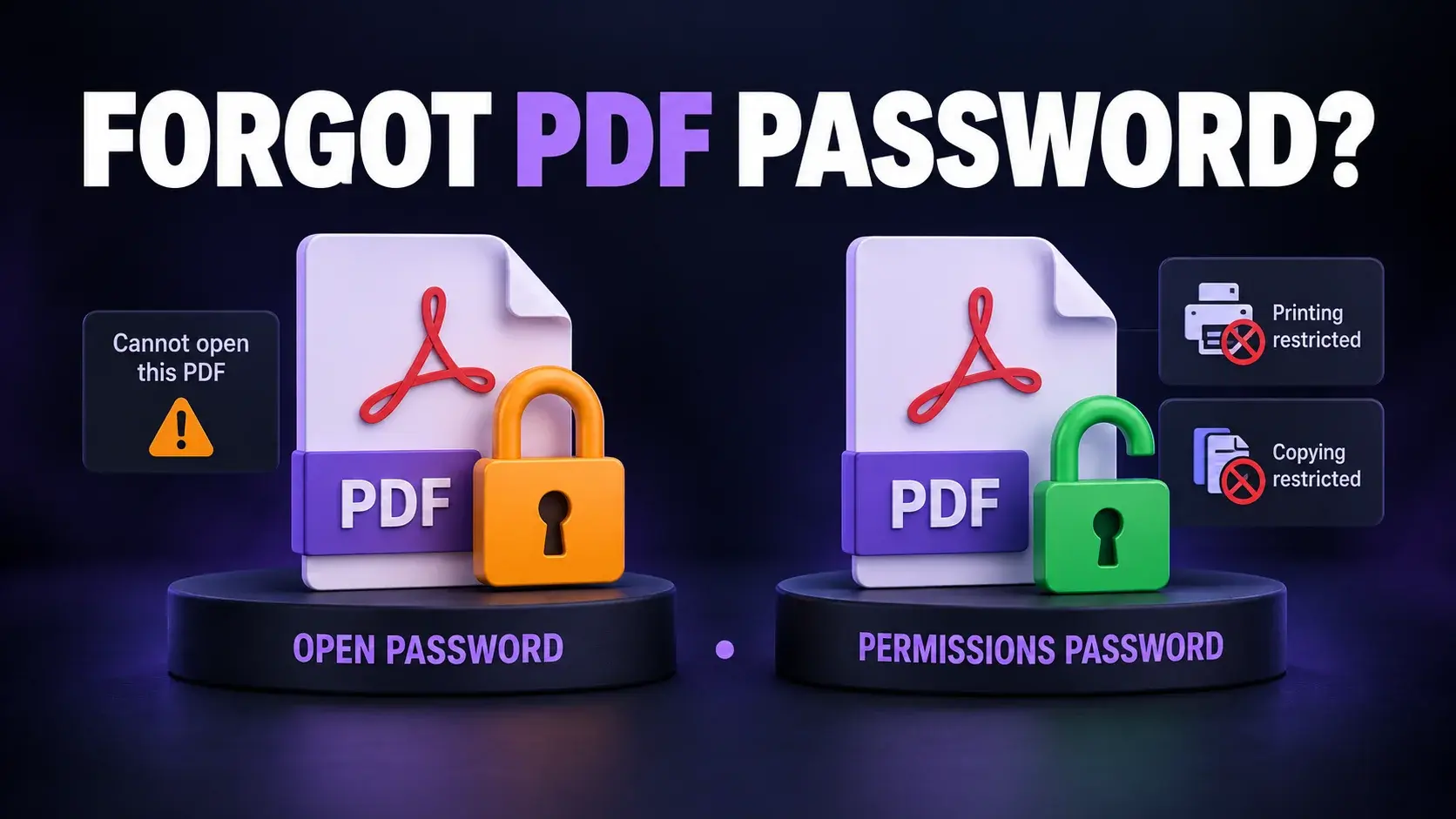
Forgot PDF Password? Here's How to Open Your File Online (Free & Safe)
Forgot your PDF password? Learn the difference between open and permissions passwords, safe ways to recover access, and how to unlock PDFs online for free.
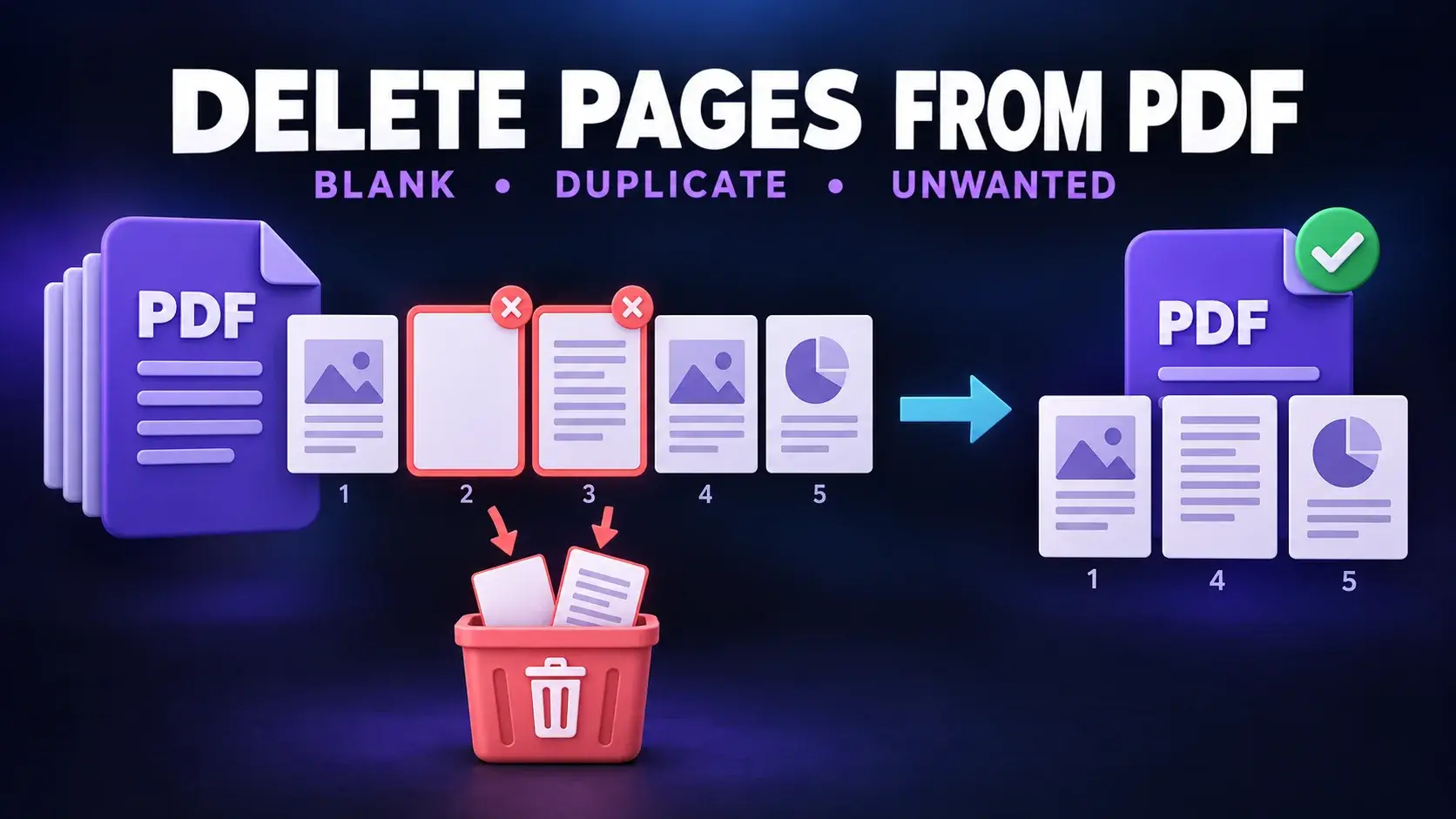
Delete Pages from PDF Online: A Simple Free Guide
Learn how to delete pages from a PDF online for free. Remove blank, duplicate, or unwanted pages in seconds, no software, no signup, works on any device.
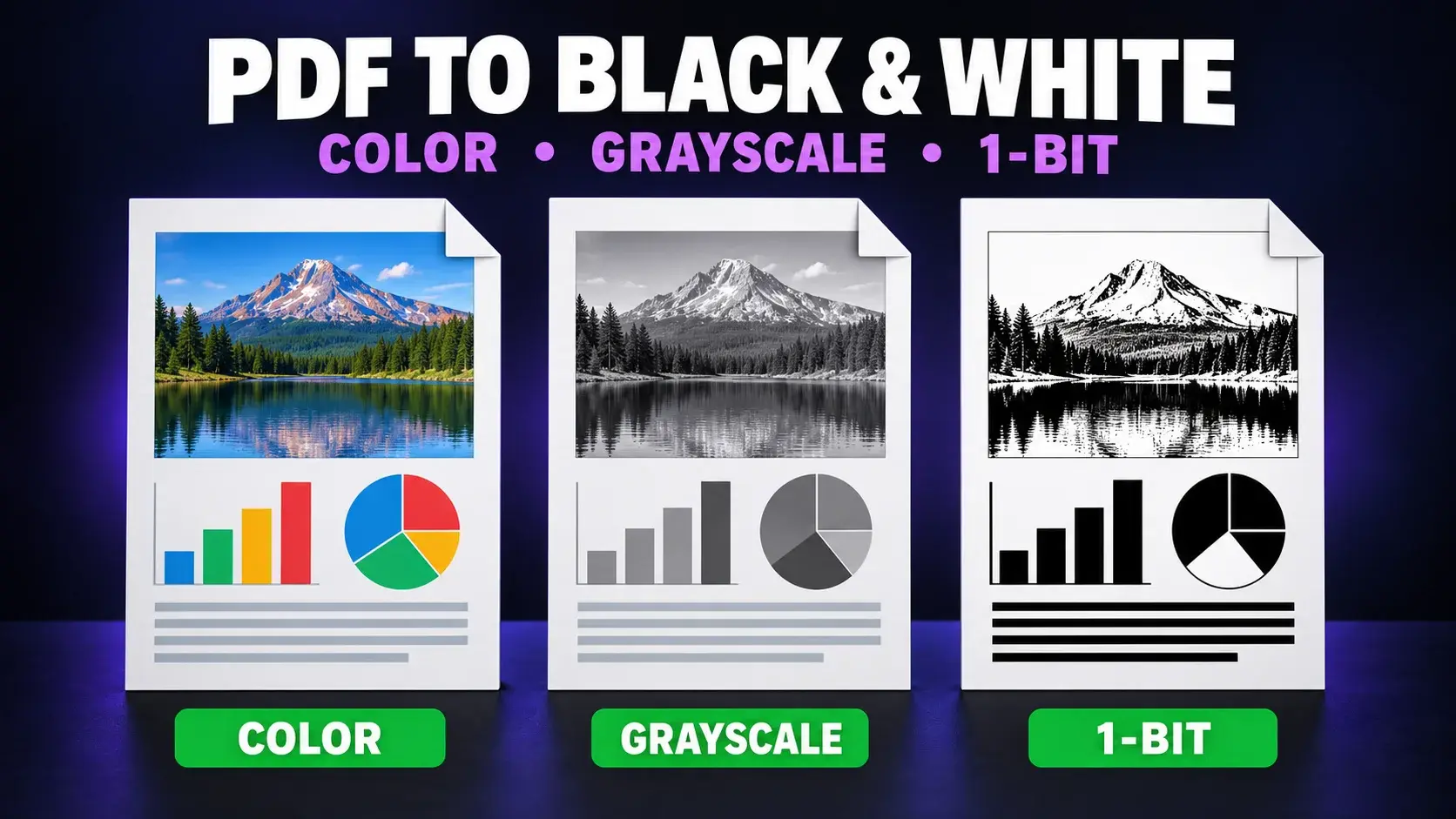
Convert PDF to Black and White Online: Free & Easy Guide
Convert your PDF to black and white or grayscale online for free. Save printer ink, reduce file size, and get a cleaner document in seconds, no software needed.
Best Tools for JPG to PDF Converter Free
Compare the best free JPG to PDF converter tools for privacy, batch conversion, watermarks, sign-up requirements and ease of use.
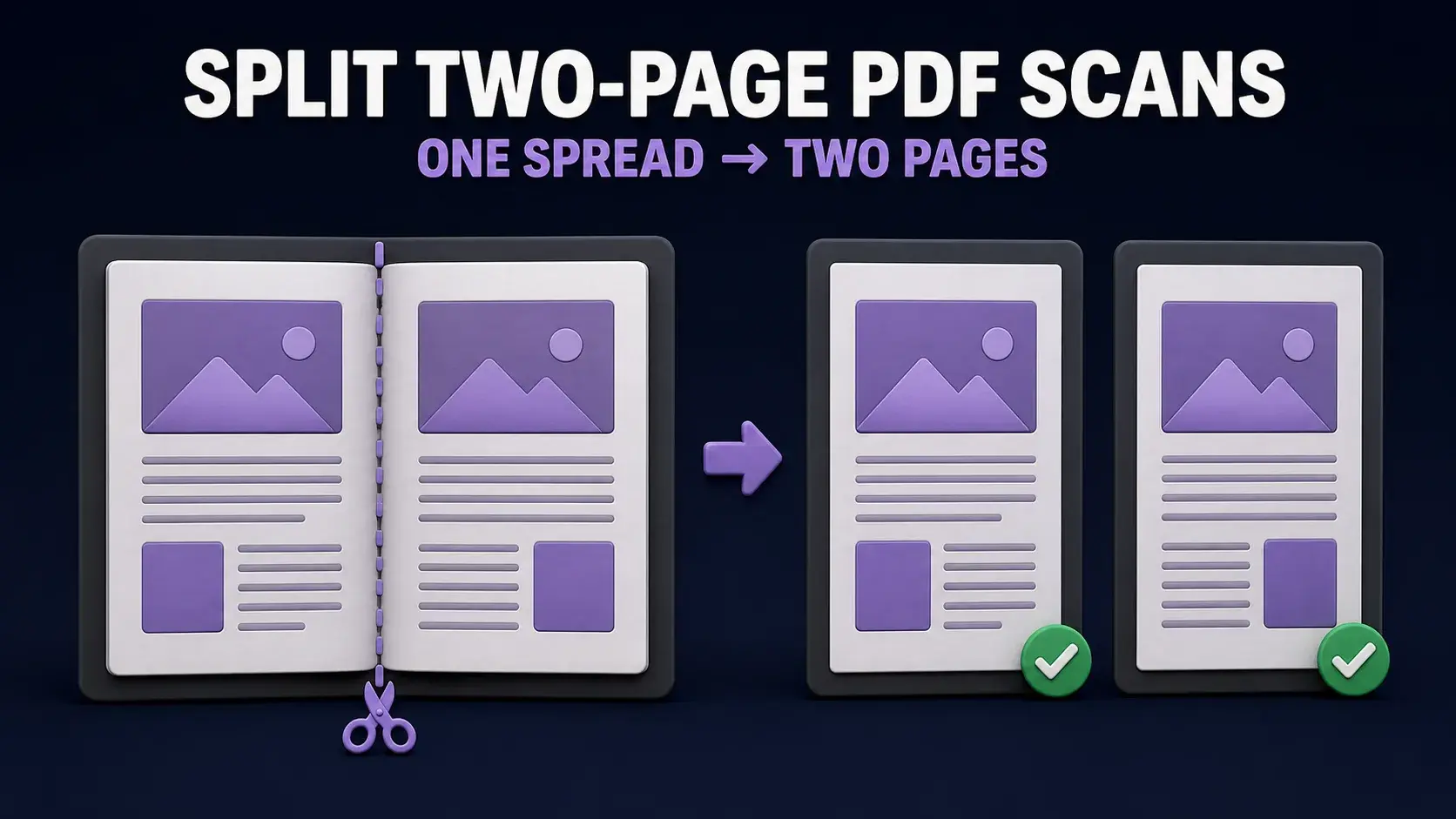
How to Split Two-Page PDF Scans into Separate Pages
Learn how to turn side-by-side book scans into separate left and right PDF pages, preserve covers, check page order, and handle OCR without rescanning.
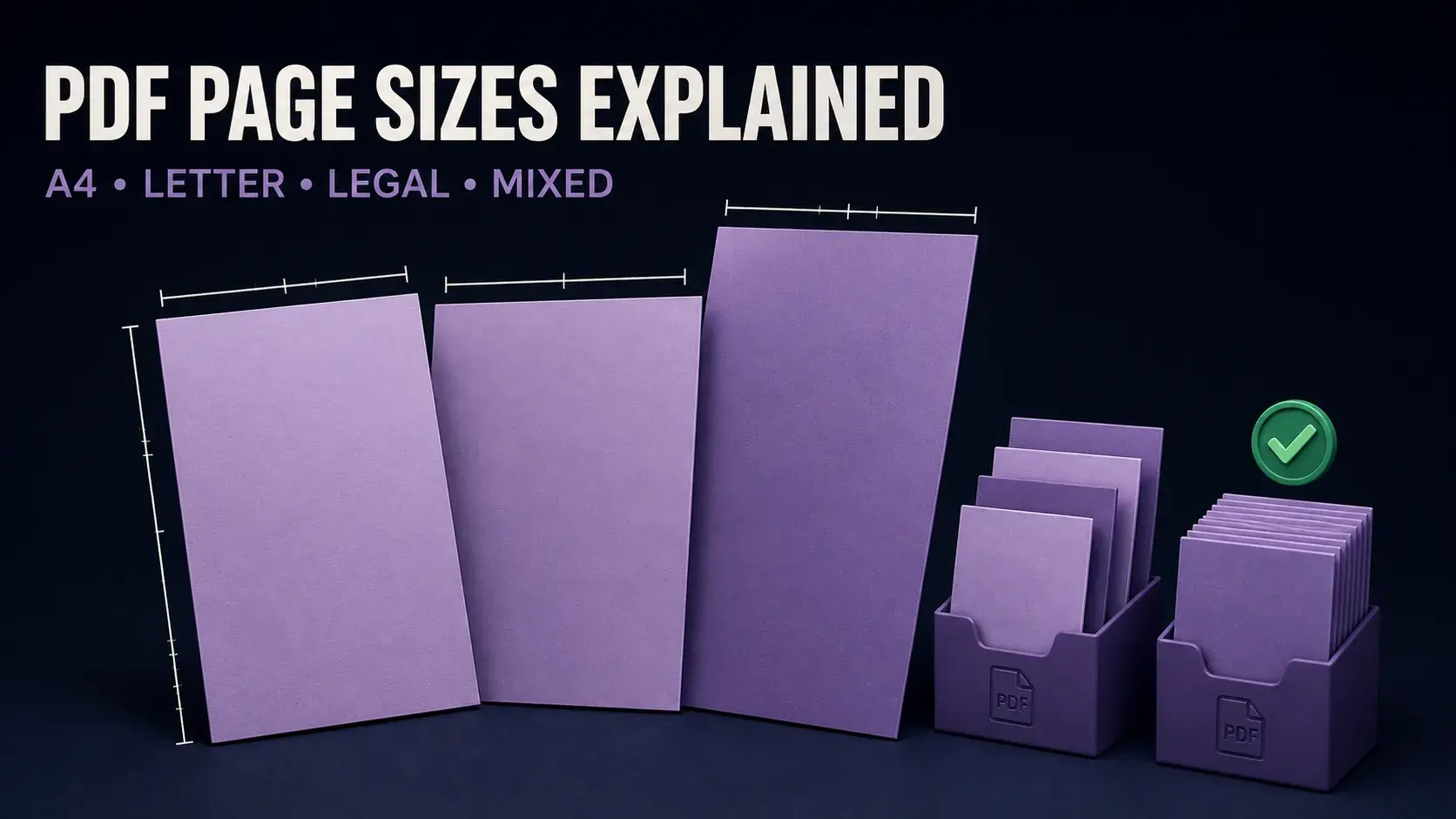
PDF Page Sizes Explained: How to Fix A4, Letter, Legal and Mixed-Size Pages
Identify PDF page dimensions, understand A4 vs Letter vs Legal, fix mixed-size pages, prevent printing errors and resize pages without stretching content.
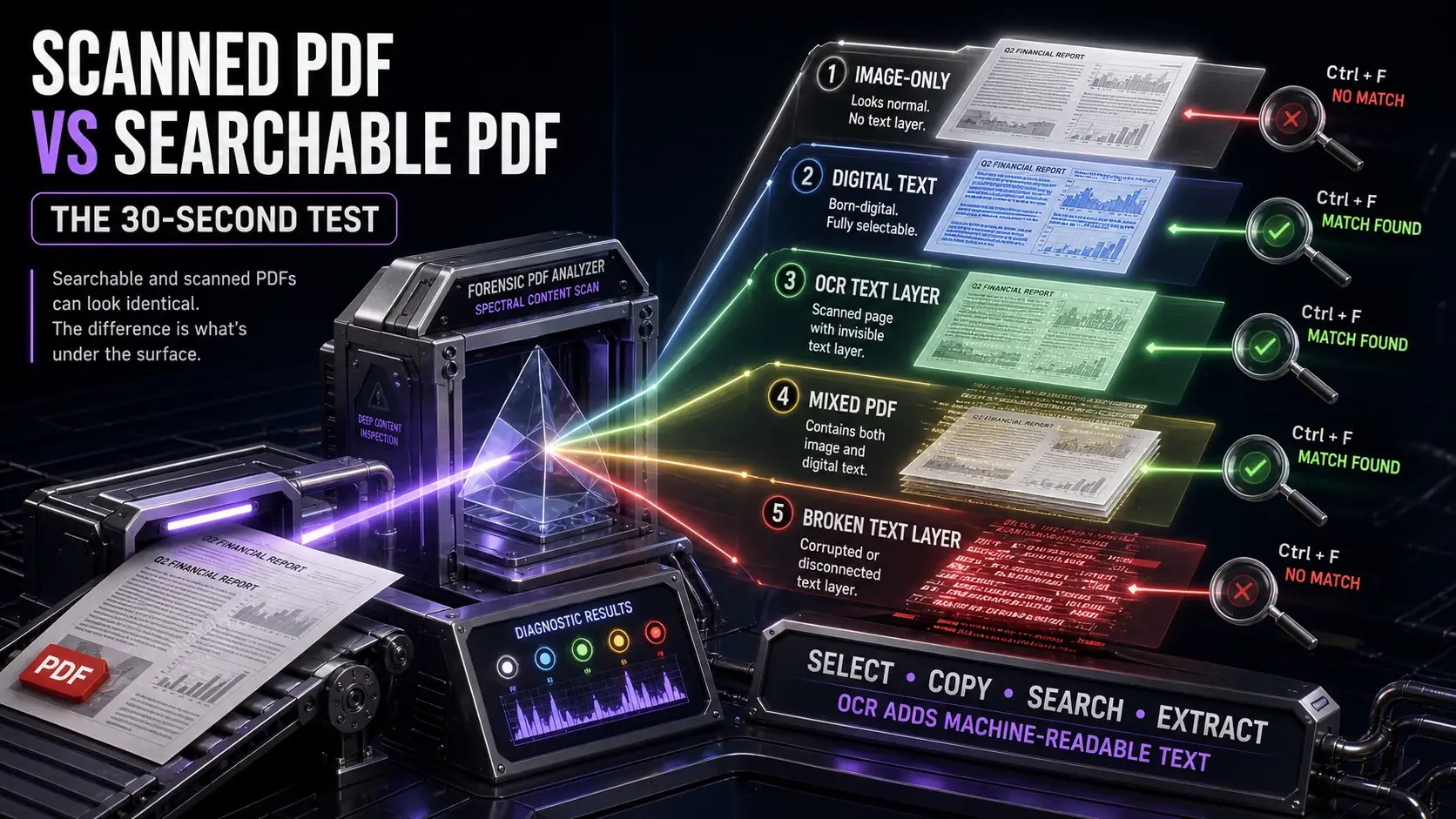
Scanned PDF vs Searchable PDF: How to Tell the Difference and Fix It
Learn the five PDF text states, diagnose why Ctrl+F or copy and paste fails, make scanned PDFs searchable with OCR, and verify the result.
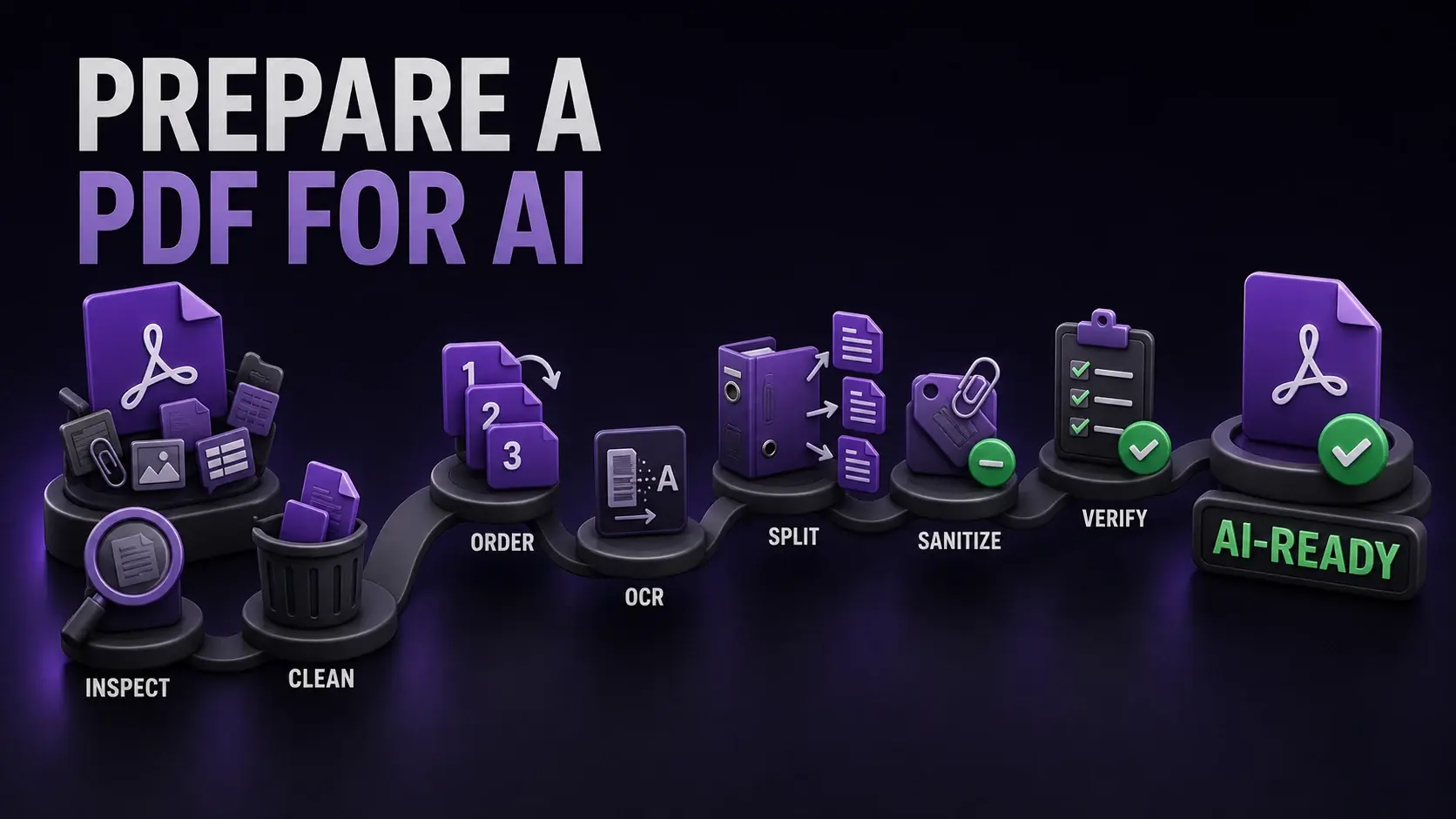
How to Prepare a PDF for ChatGPT, Claude and Other AI Tools
Prepare a PDF for ChatGPT, Claude, Gemini, or RAG: make text readable, remove irrelevant pages, protect private data, reduce size, and verify the result.
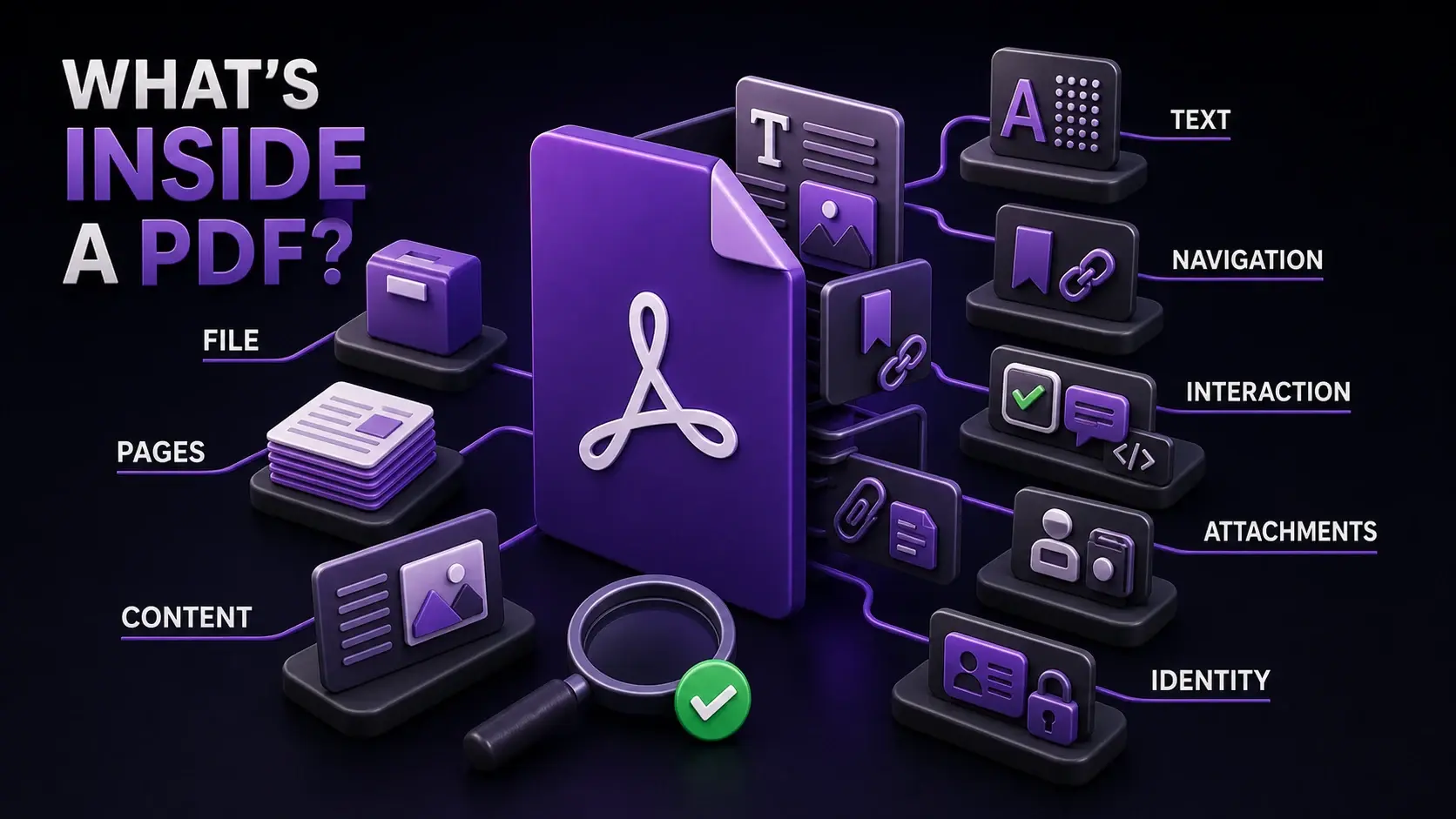
What’s Inside a PDF File? How to Inspect Text, Fonts, Images, Forms, Scripts and Attachments
See what a PDF can contain beyond the visible page. Learn eight PDF layers and inspect text, fonts, images, metadata, forms, scripts, links and attachments.
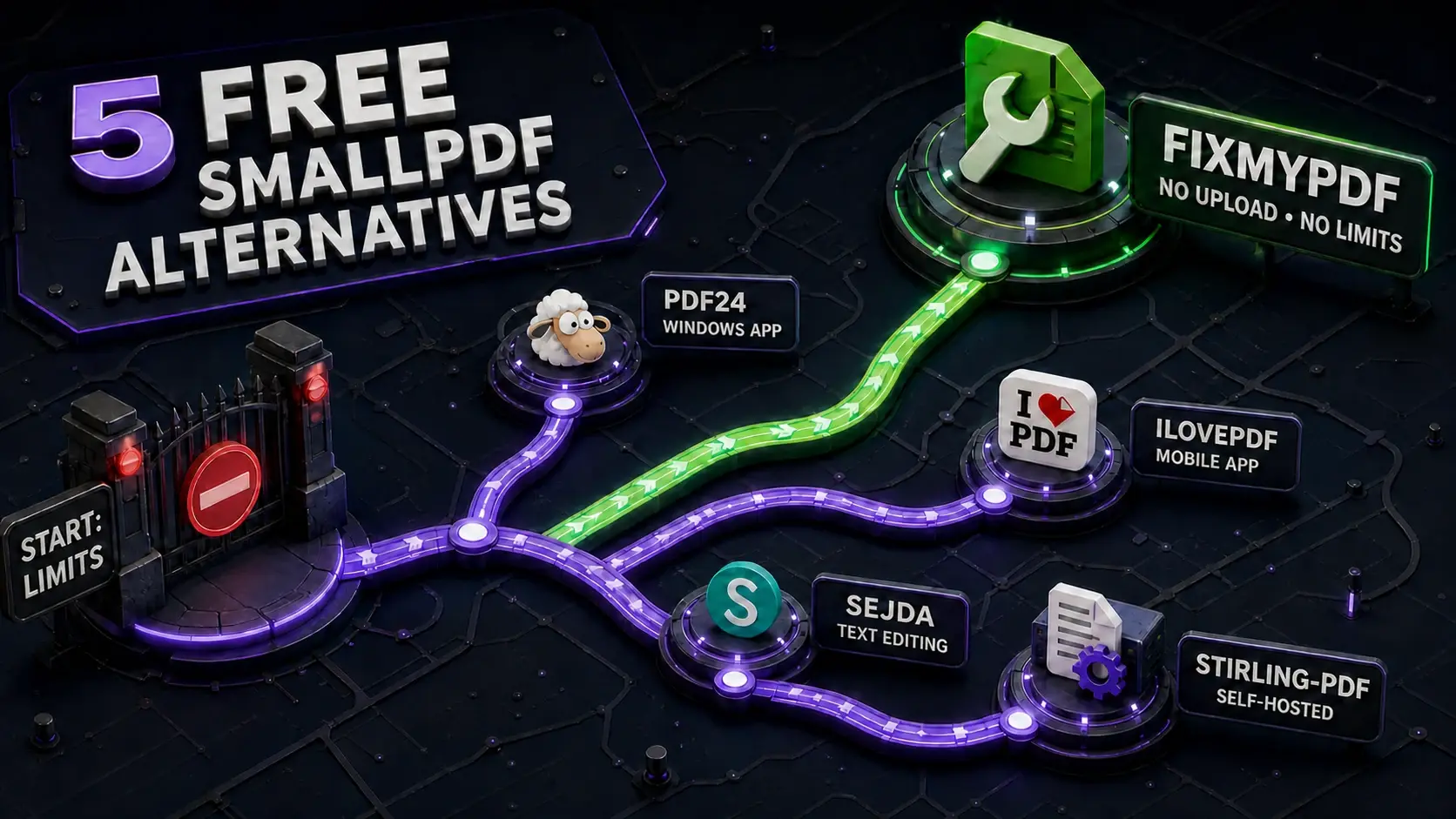
5 Best Free Smallpdf Alternatives in 2026 (No Daily Limit, No File Size Cap)
Smallpdf limits free users to 5 MB files and 2 tasks per day. These 5 alternatives remove those restrictions — some without even uploading your files.
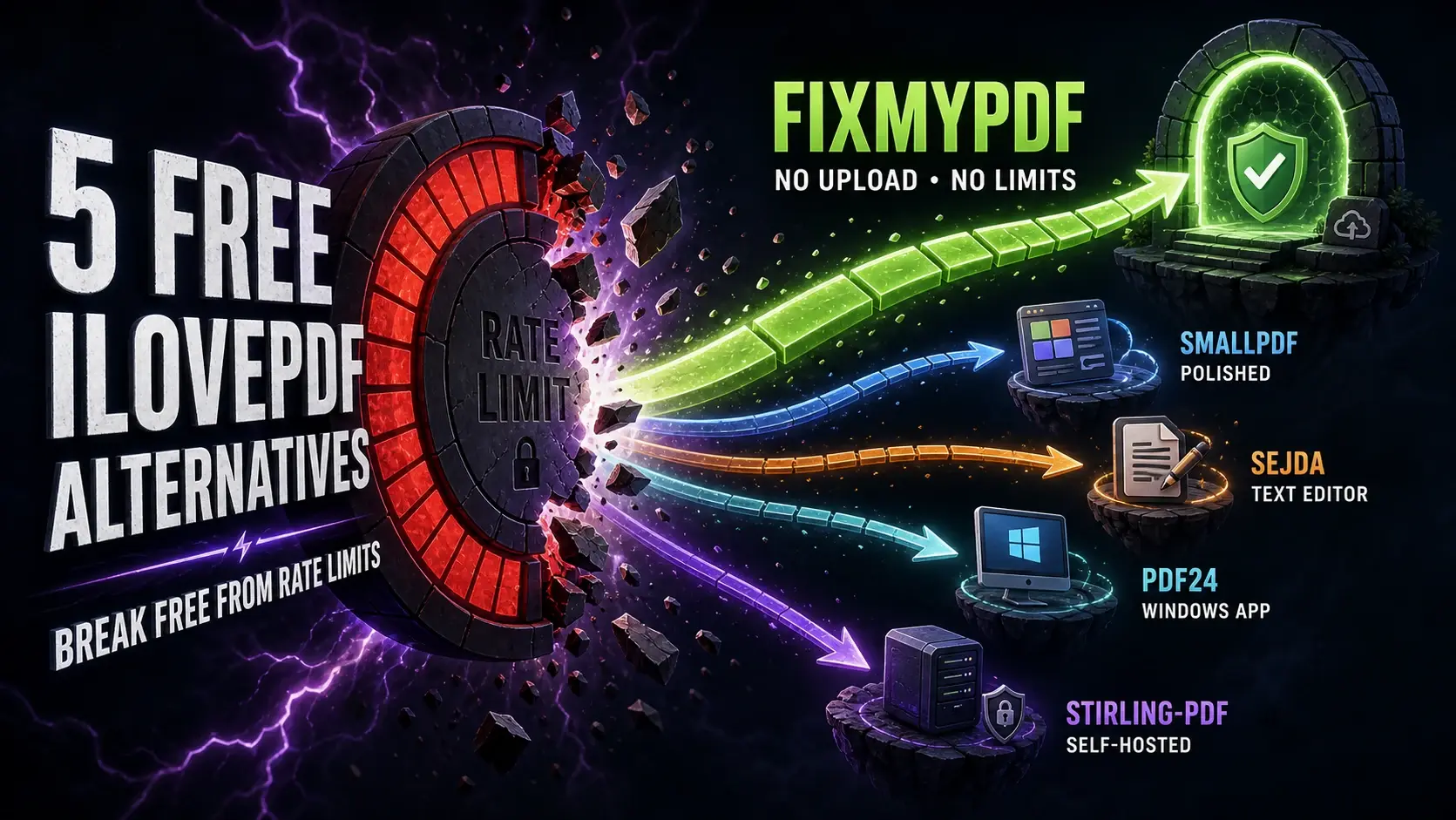
5 Free iLovePDF Alternatives (No Limits, No Upload)
iLovePDF rate-limits free users and uploads files to servers. These 5 free alternatives go further — some with no limits at all and no file upload.
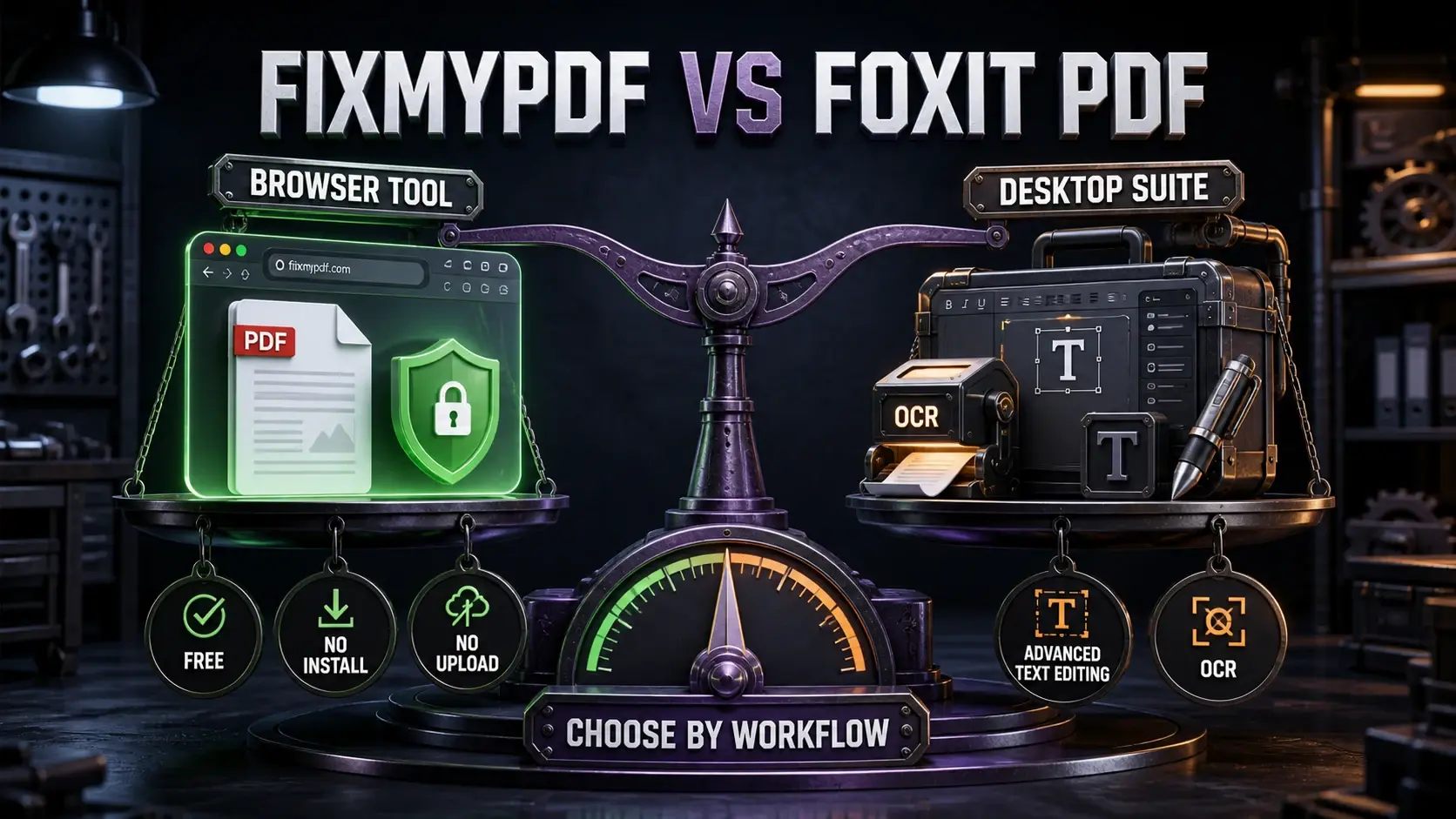
FixMyPDF vs Foxit PDF: Free Browser Tool vs Desktop Suite (2026)
Foxit PDF Reader is free but Foxit PDF Editor costs £10+/month. See how FixMyPDF compares on price, privacy, and features — and when each is the right choice.
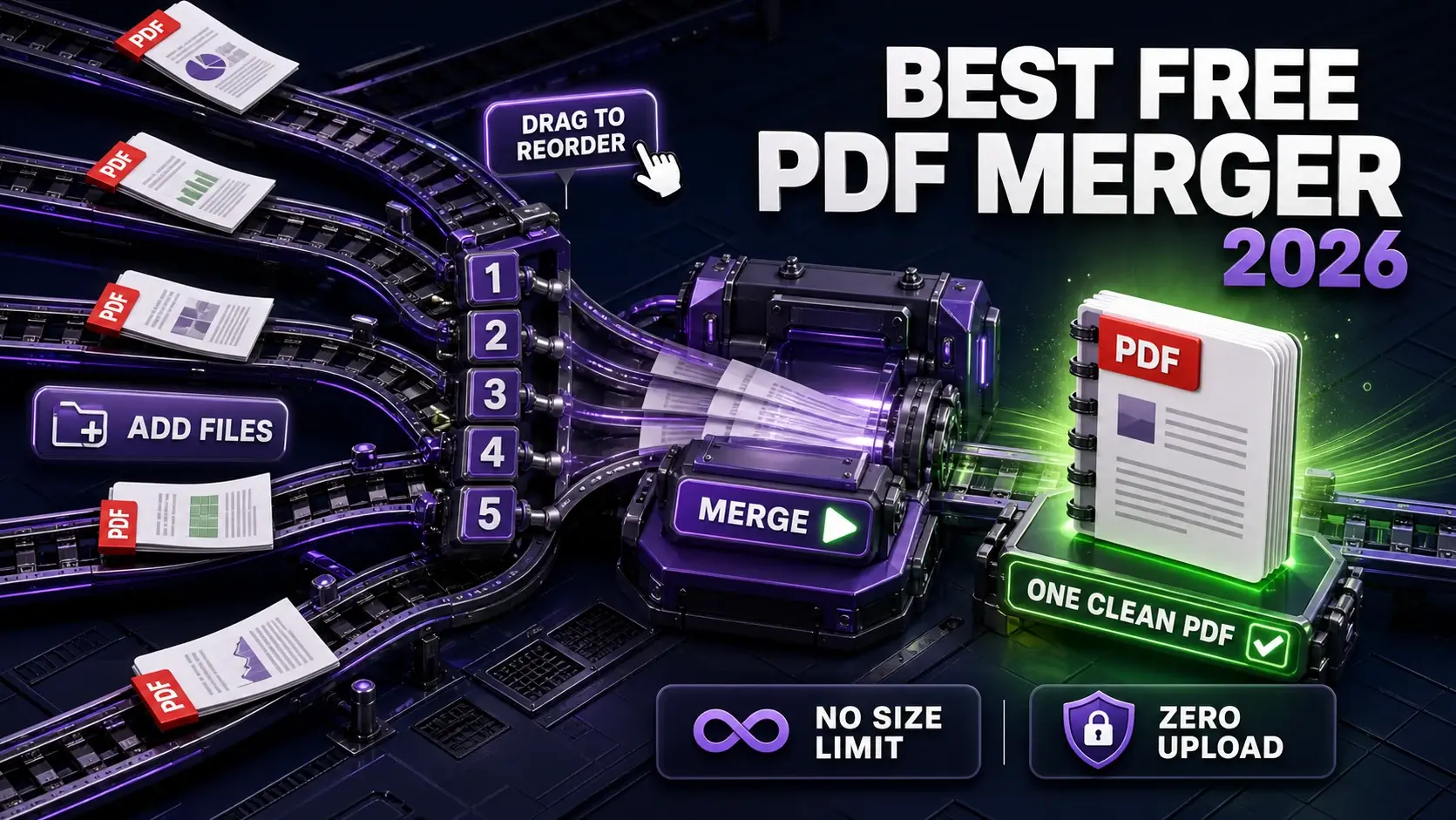
Best Free PDF Merger Online in 2026 (No File Size Limit, No Upload)
We compared the top free PDF merging tools for limits, privacy, and output quality. Here is which free PDF merger is best in 2026.
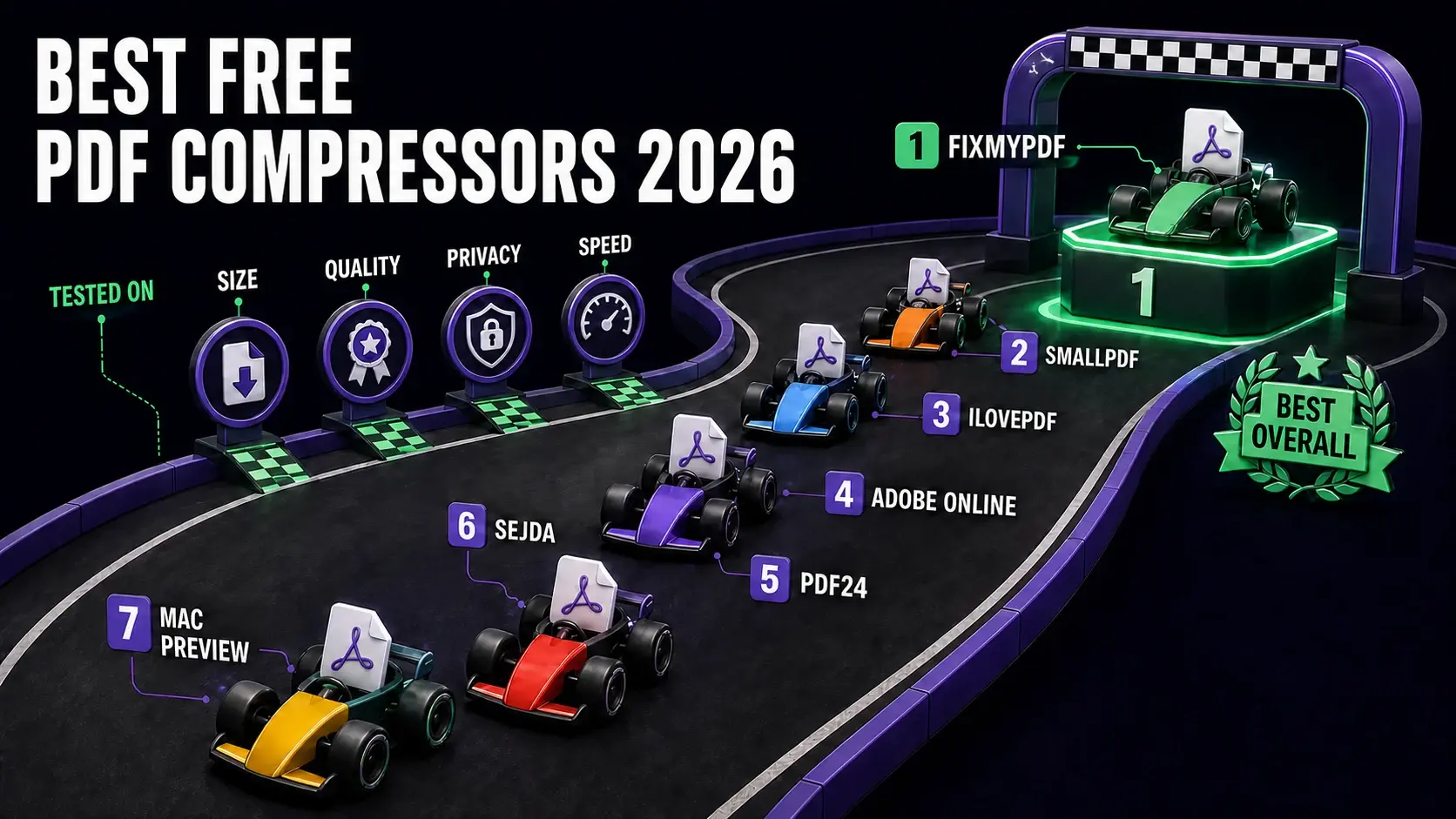
Best Free PDF Compressor in 2026 (Tested & Ranked)
We tested 7 free PDF compressors for compression ratio, privacy, file size limits, and speed. Here is which one wins in 2026.
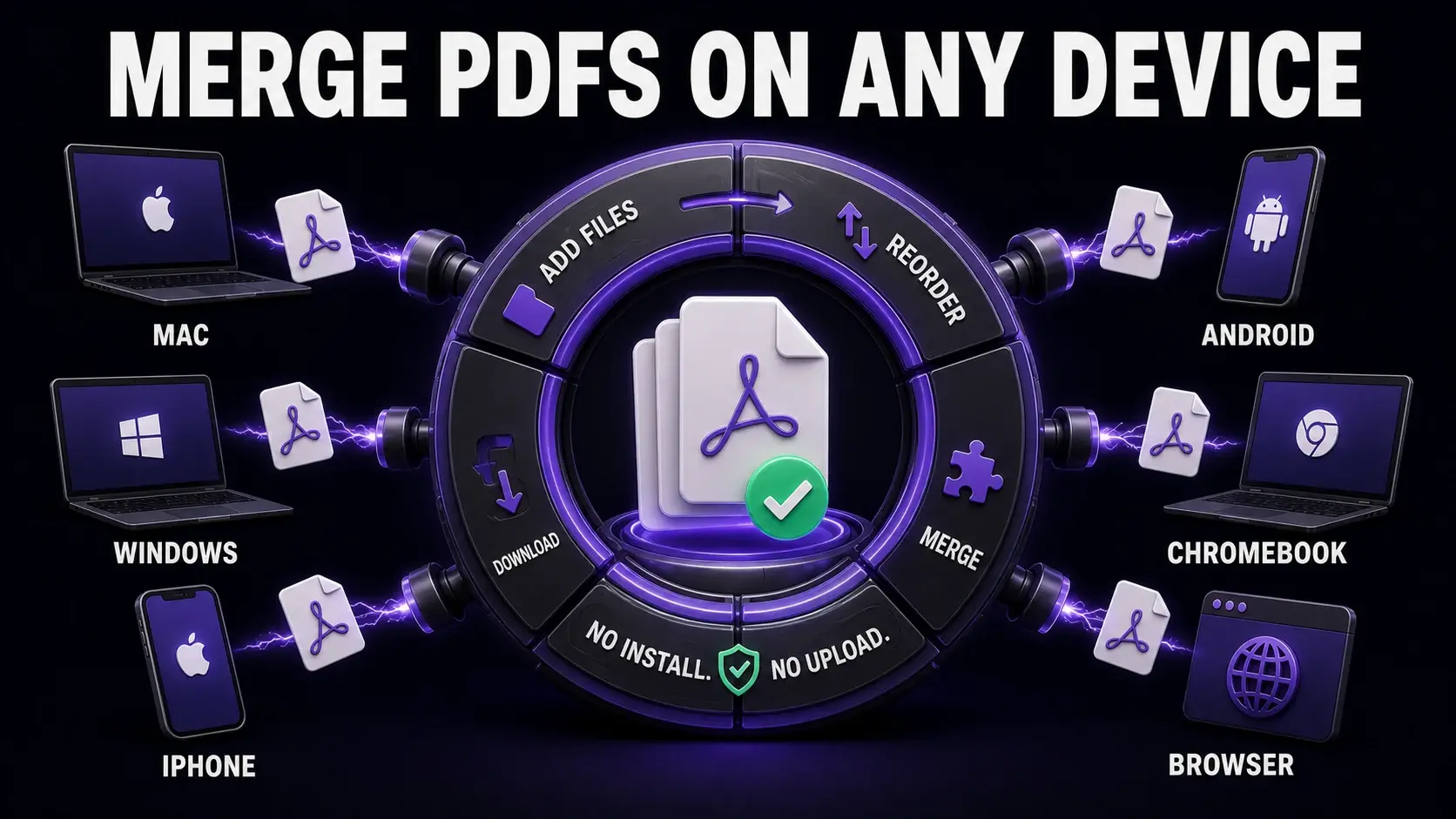
How to Merge PDF Files Free in 2026 (Every Platform)
The definitive guide to merging PDF files for free on Mac, Windows, iPhone, Android, and Chromebook. No software required.
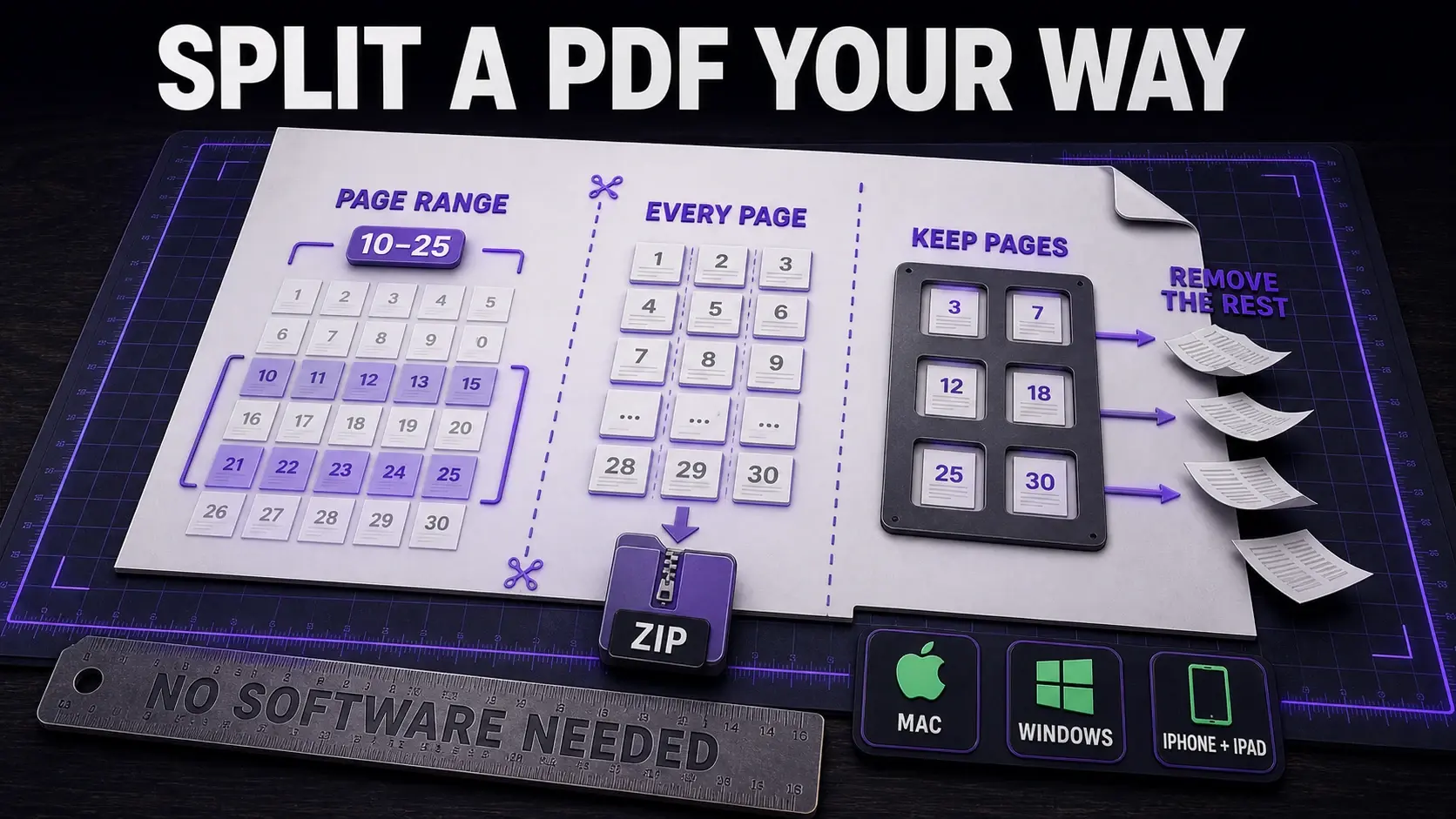
How to Split a PDF for Free (Every Method Explained)
Split PDF files into pages, chapters, or ranges. Free methods for Mac, Windows, iPhone, Android — no software needed.
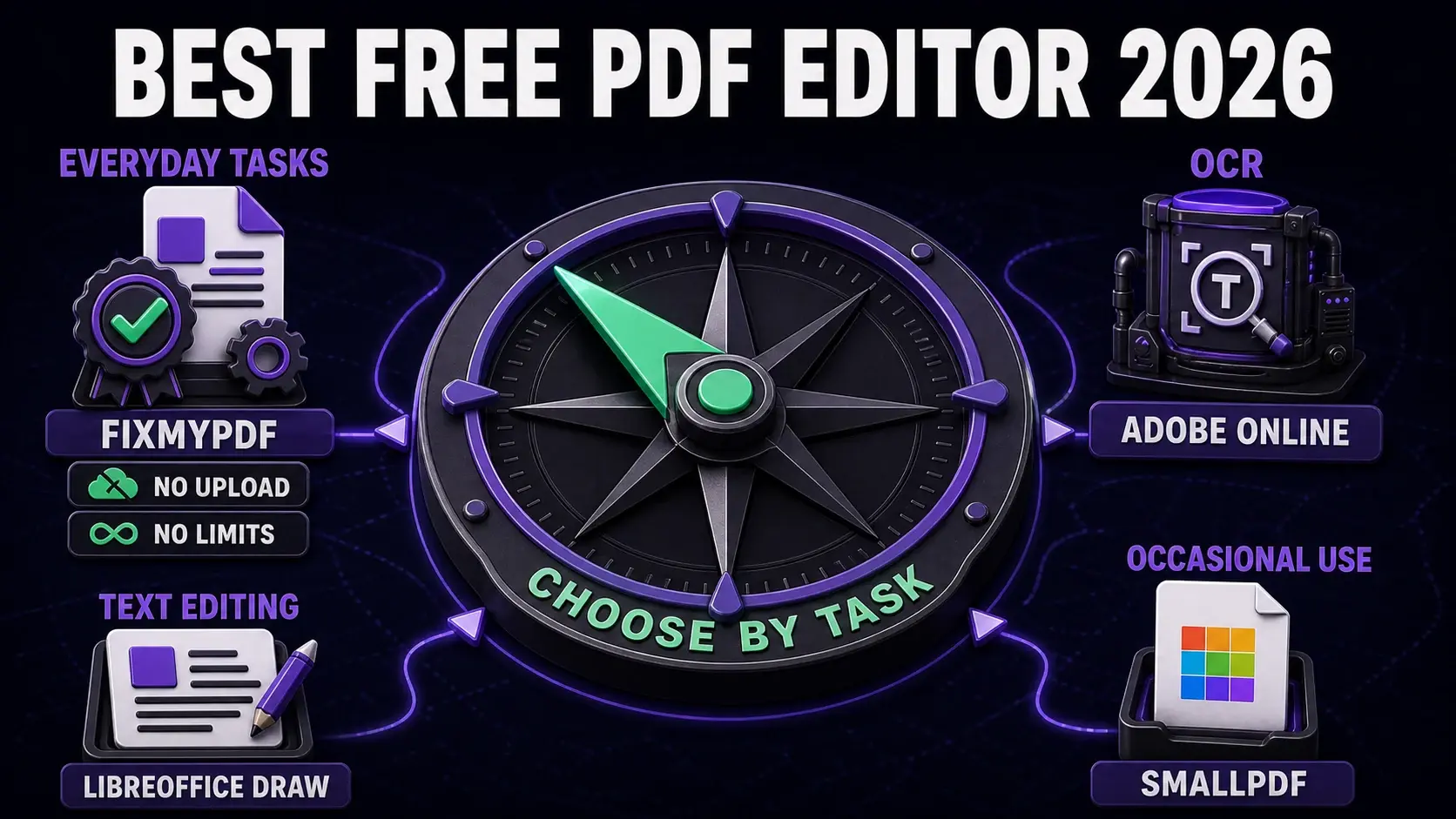
Best Free PDF Editor in 2026: Tested & Compared
Which free PDF editor is actually worth using in 2026? We compare FixMyPDF, Smallpdf, Adobe, and others on features, privacy, and limits.
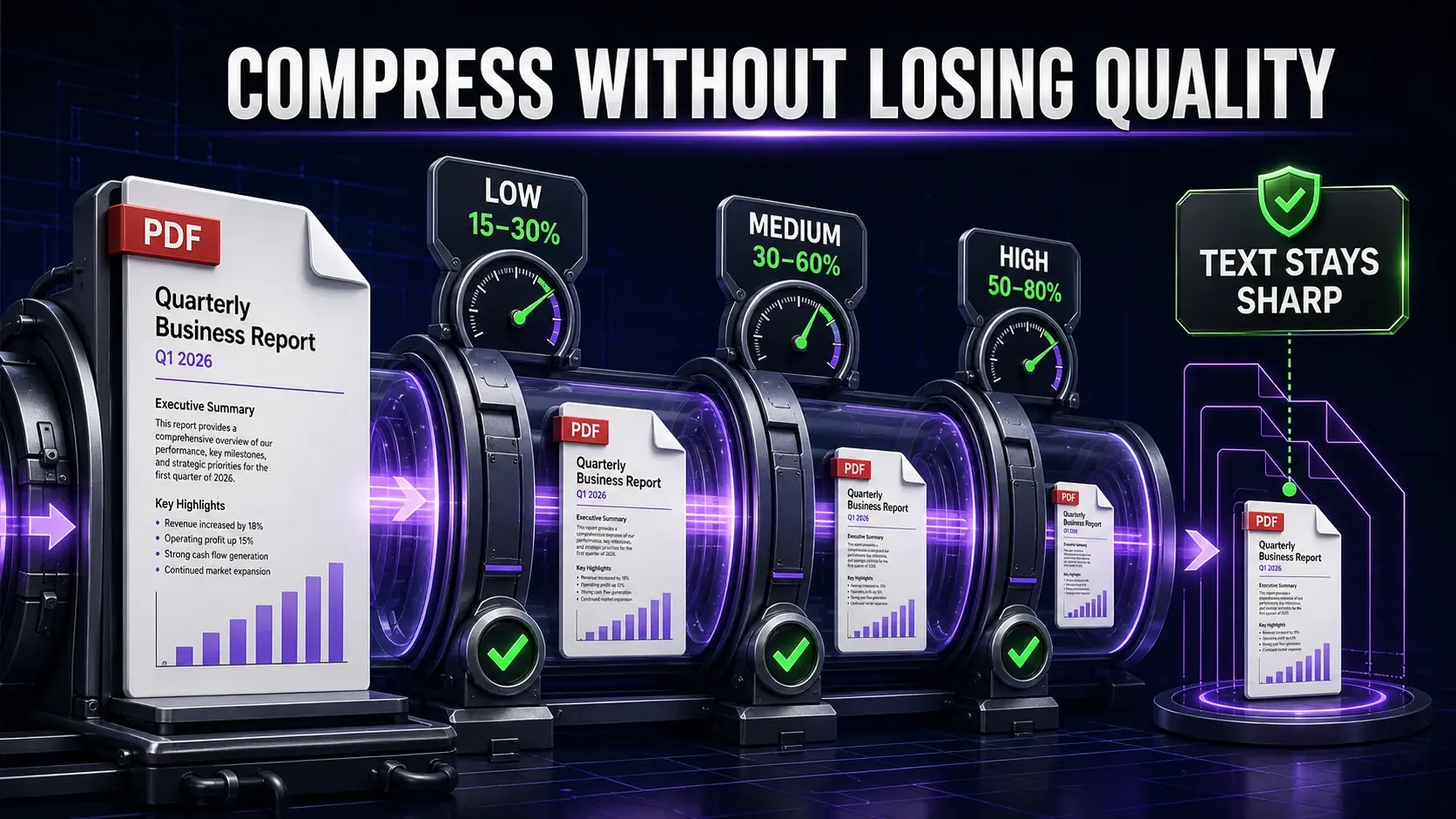
How to Compress a PDF Without Losing Quality (2026 Guide)
Compress PDFs to a smaller size while keeping text sharp and images clear. The right compression settings for email, print, and web.
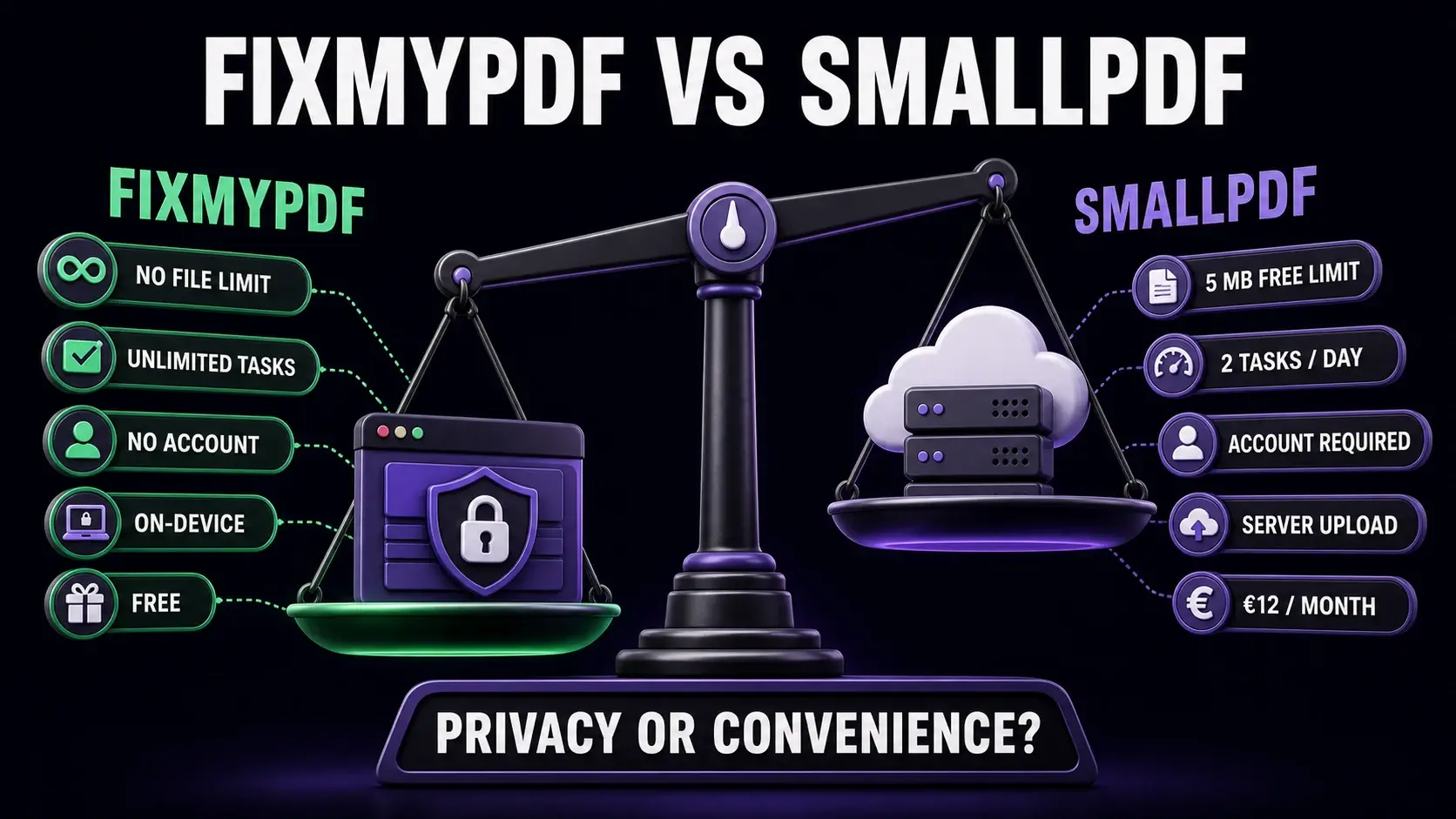
FixMyPDF vs Smallpdf: Which Free PDF Tool Is Better in 2026?
Comparing FixMyPDF and Smallpdf on file size limits, privacy, daily usage caps, and price. One of these tools processes your PDFs in the browser — the other uploads them to a server.
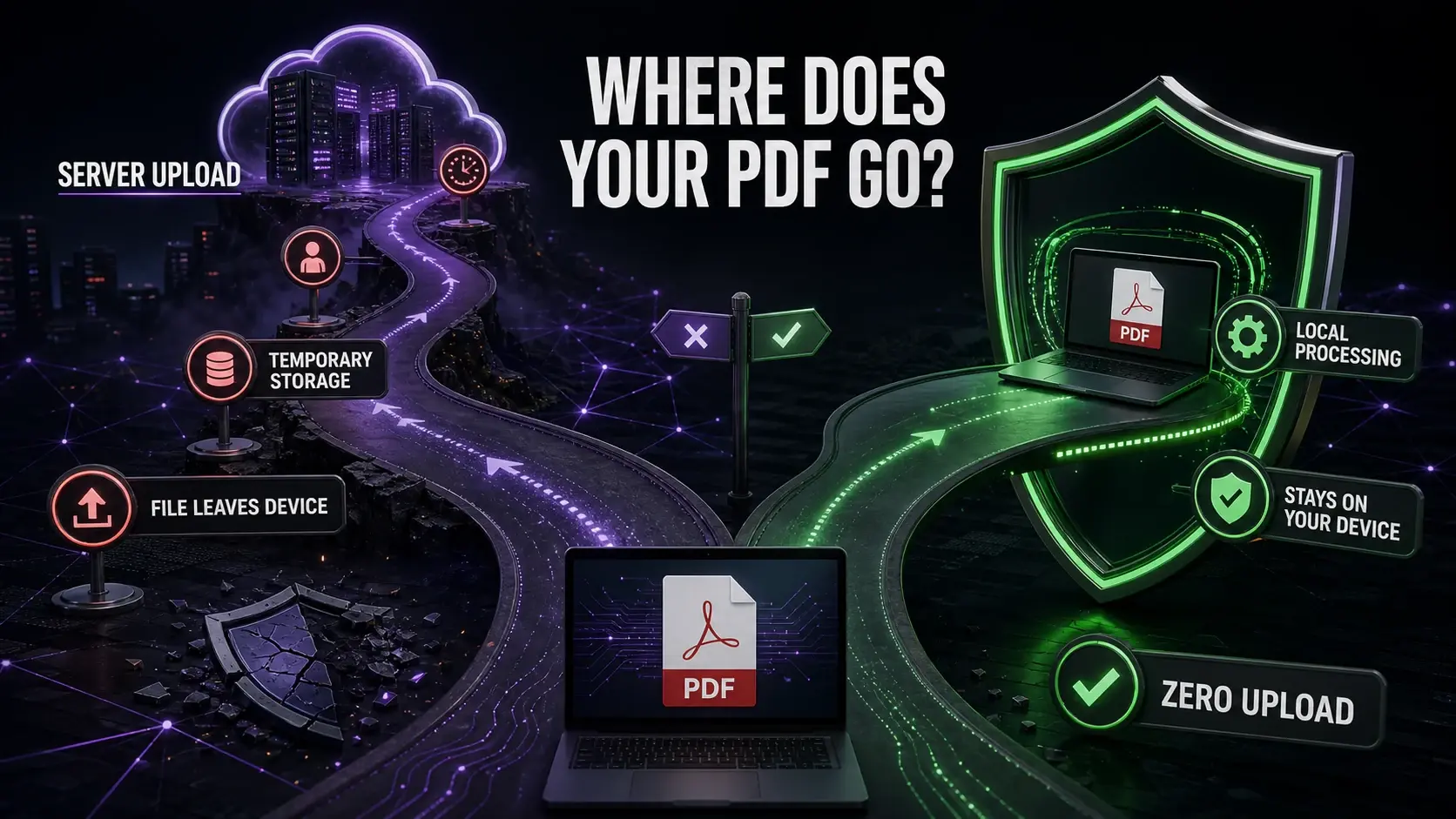
PDF Privacy in 2026: What Happens to Your Files With Online Tools
Most online PDF tools upload your files to servers. What happens there? What are the risks? And what is the safer alternative?
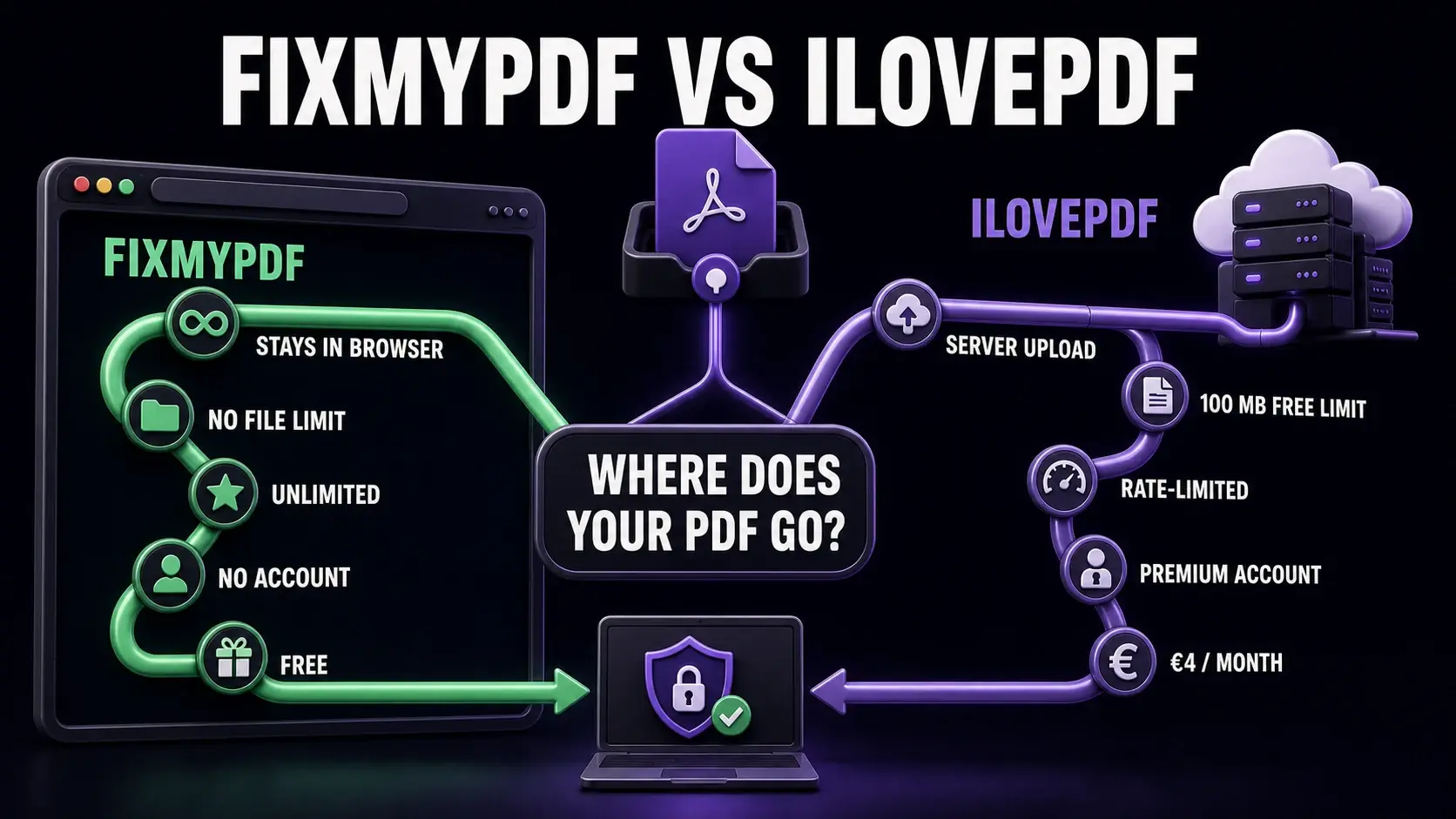
FixMyPDF vs iLovePDF: An Honest Comparison for 2026
iLovePDF is popular but comes with file size caps, daily task limits, and server-side processing. See how FixMyPDF compares on privacy, limits, and features.
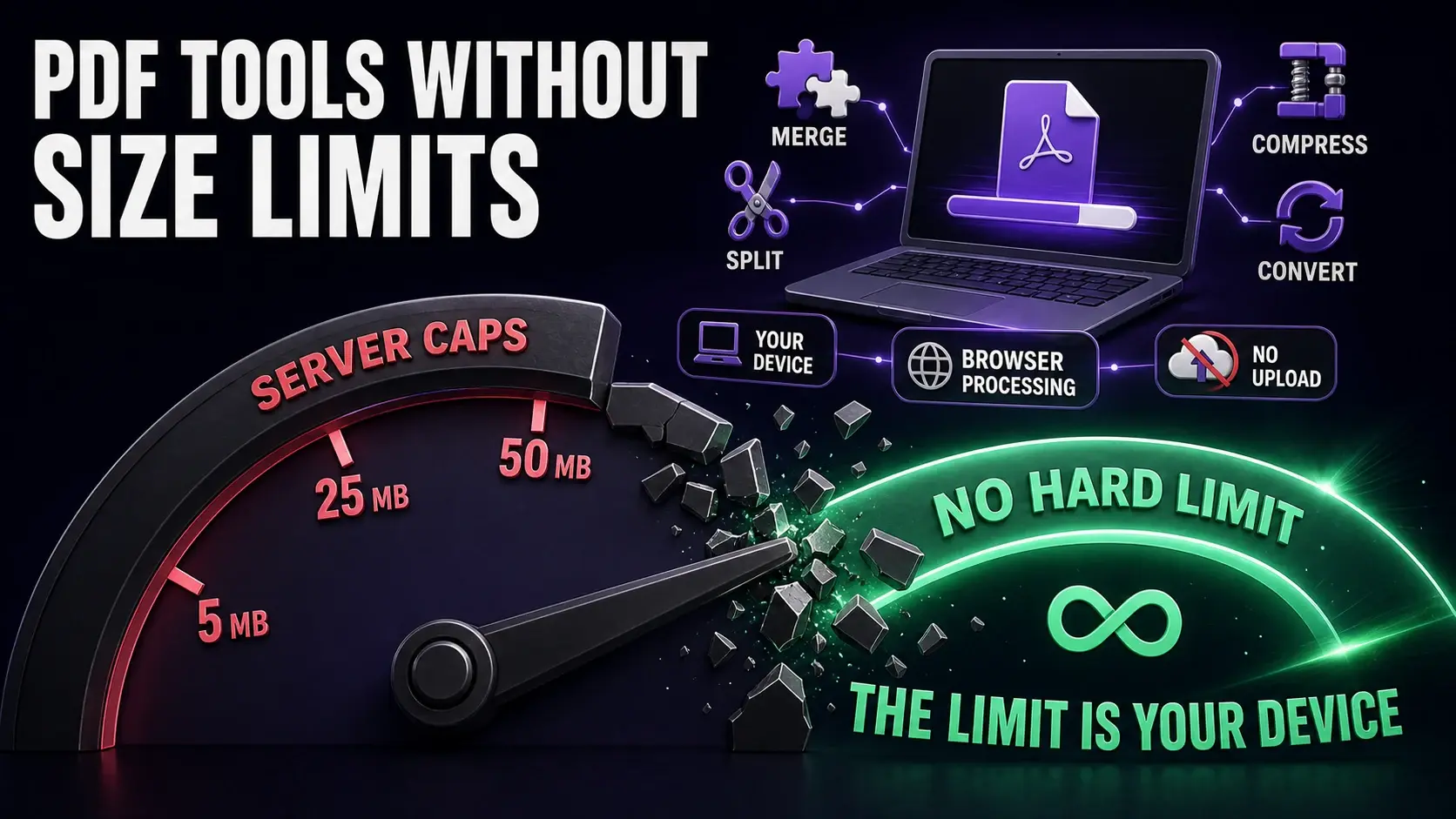
Best Free PDF Tools With No File Size Limit (2026)
Most free PDF tools cap you at 5–50MB. This guide covers the tools that actually have no file size limit — and explains why client-side processing is the reason some tools can offer this.
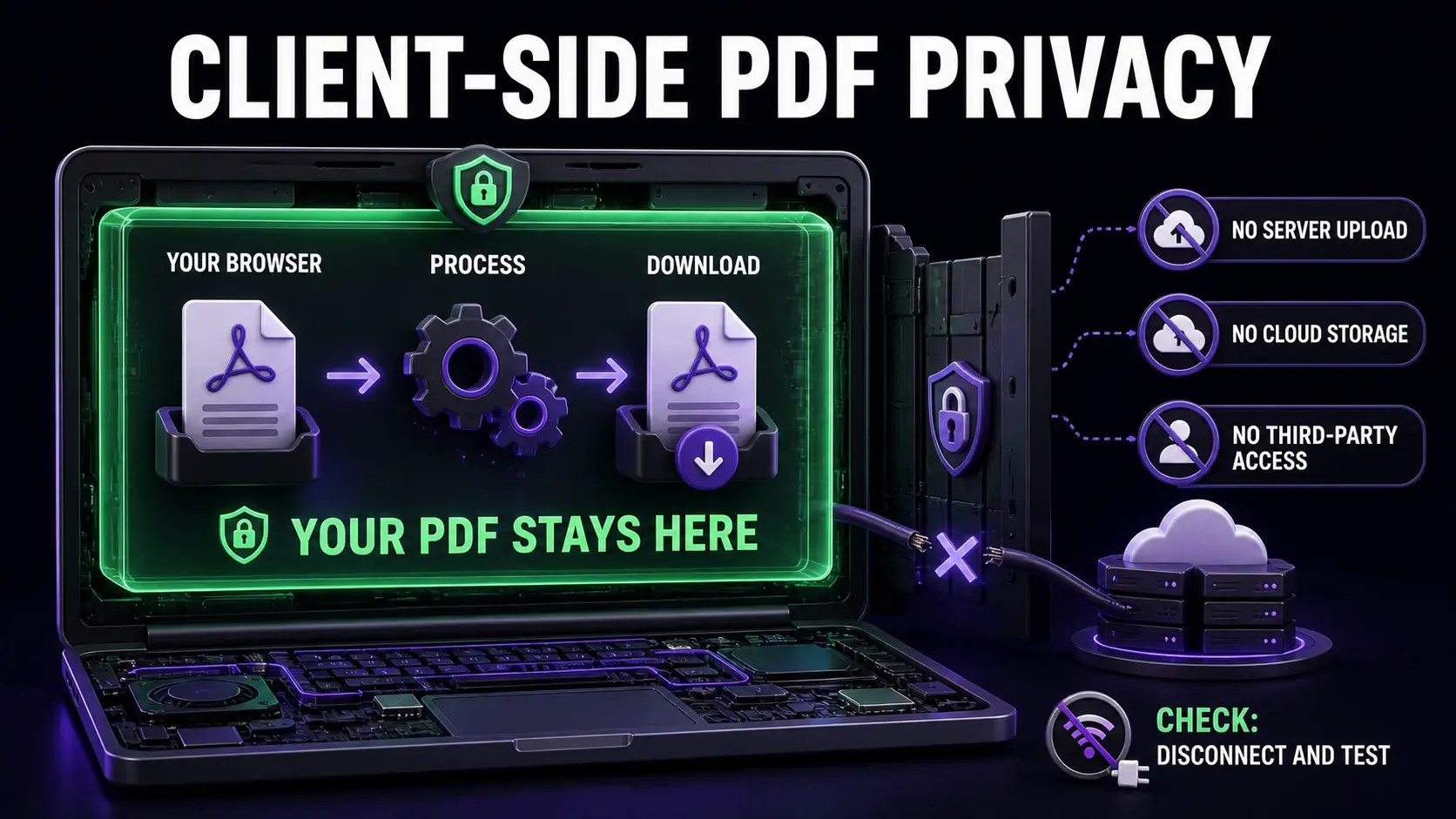
Why Client-Side PDF Processing Matters for Your Privacy
When you use an online PDF tool, your file usually gets uploaded to a server you do not control. Here is what that means for privacy — and why browser-based processing is different.
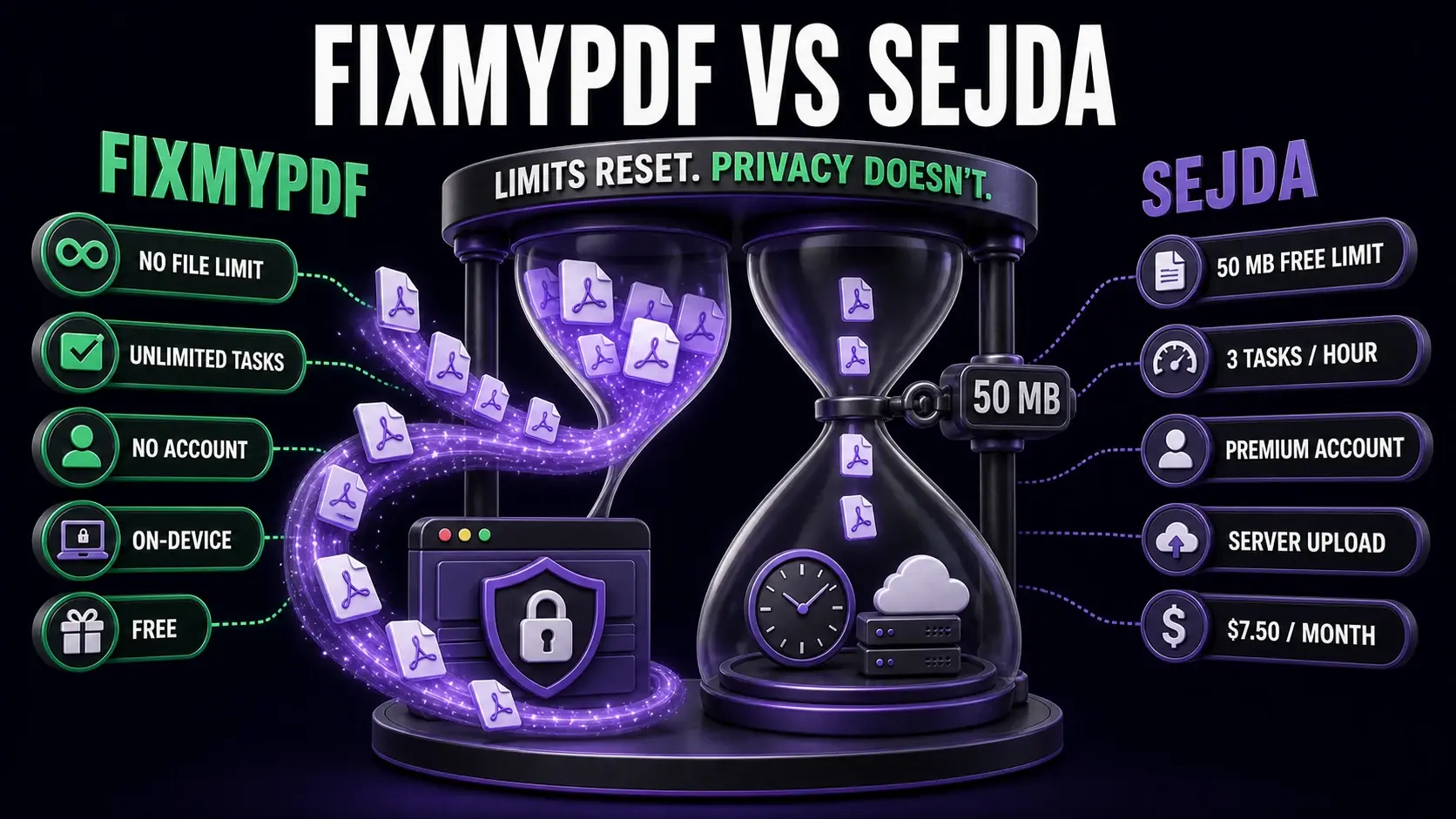
FixMyPDF vs Sejda: Which Free PDF Tool Should You Use in 2026?
Sejda offers a decent free tier at 50 MB and 3 tasks/hour — but it still uploads your files to a server. Here is how it compares to FixMyPDF on privacy, limits, and features.
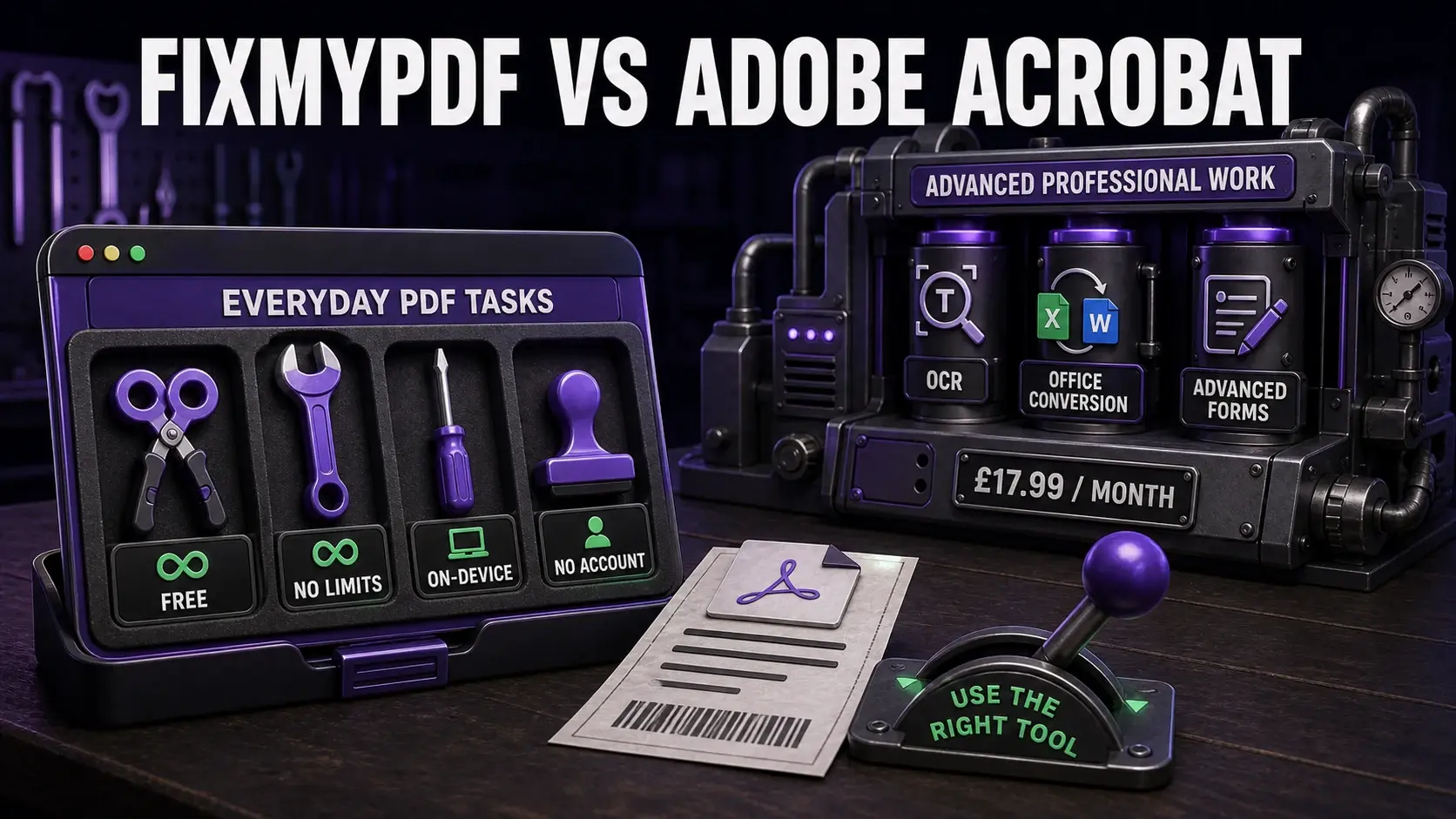
FixMyPDF vs Adobe Acrobat: Free Tool vs Industry Standard (2026)
Adobe Acrobat is the gold standard for PDFs, but it costs £17.99/month and uploads your files to Adobe servers. See when FixMyPDF is a better choice — and when it is not.
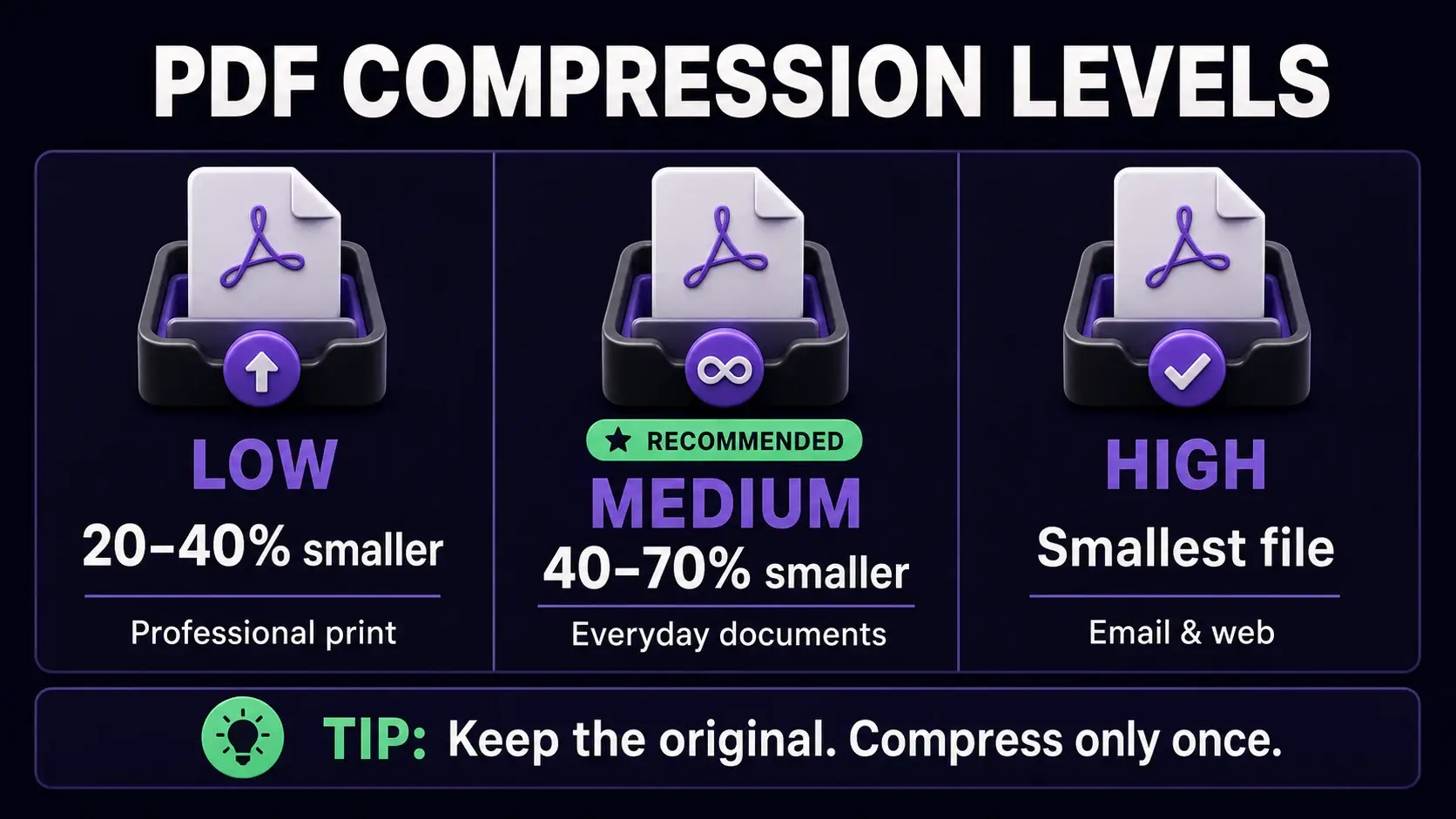
The Complete Guide to PDF Compression: Reduce File Size Without Losing Quality
Learn the best techniques for compressing PDF files while maintaining quality. Discover compression methods, when to use each level, and how to optimize PDFs for email, web, and print.
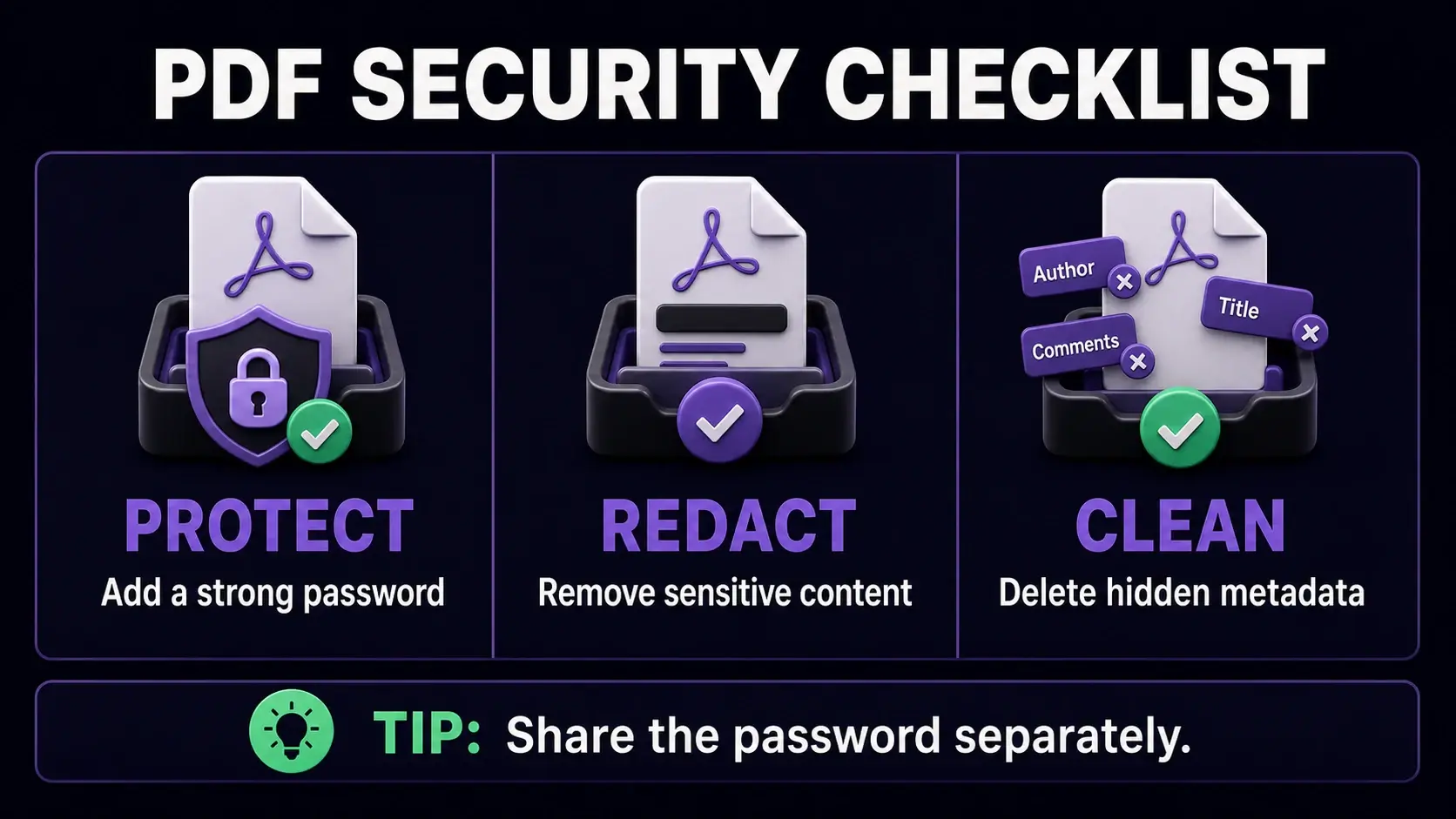
PDF Security Guide: How to Password Protect, Encrypt, and Secure Your Documents
Learn how to secure PDF documents with passwords, encryption, and access controls. A practical guide to PDF security for individuals and businesses.
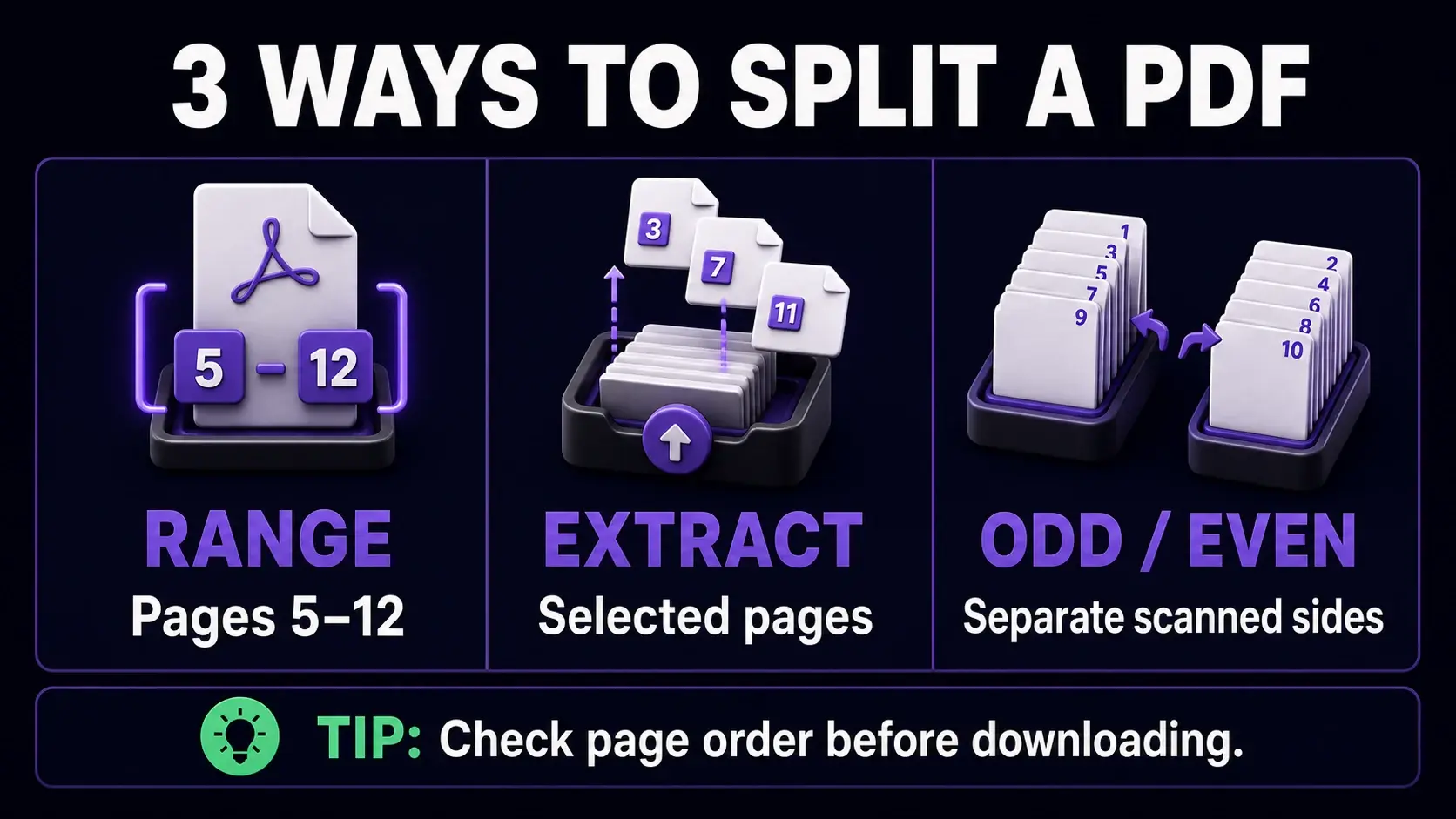
How to Split PDF Files: A Complete Guide to Extracting and Separating Pages
Learn how to split PDF files by page, range, or odd/even pages. Practical guide covering when to split, how to extract specific pages, and the best free tools.
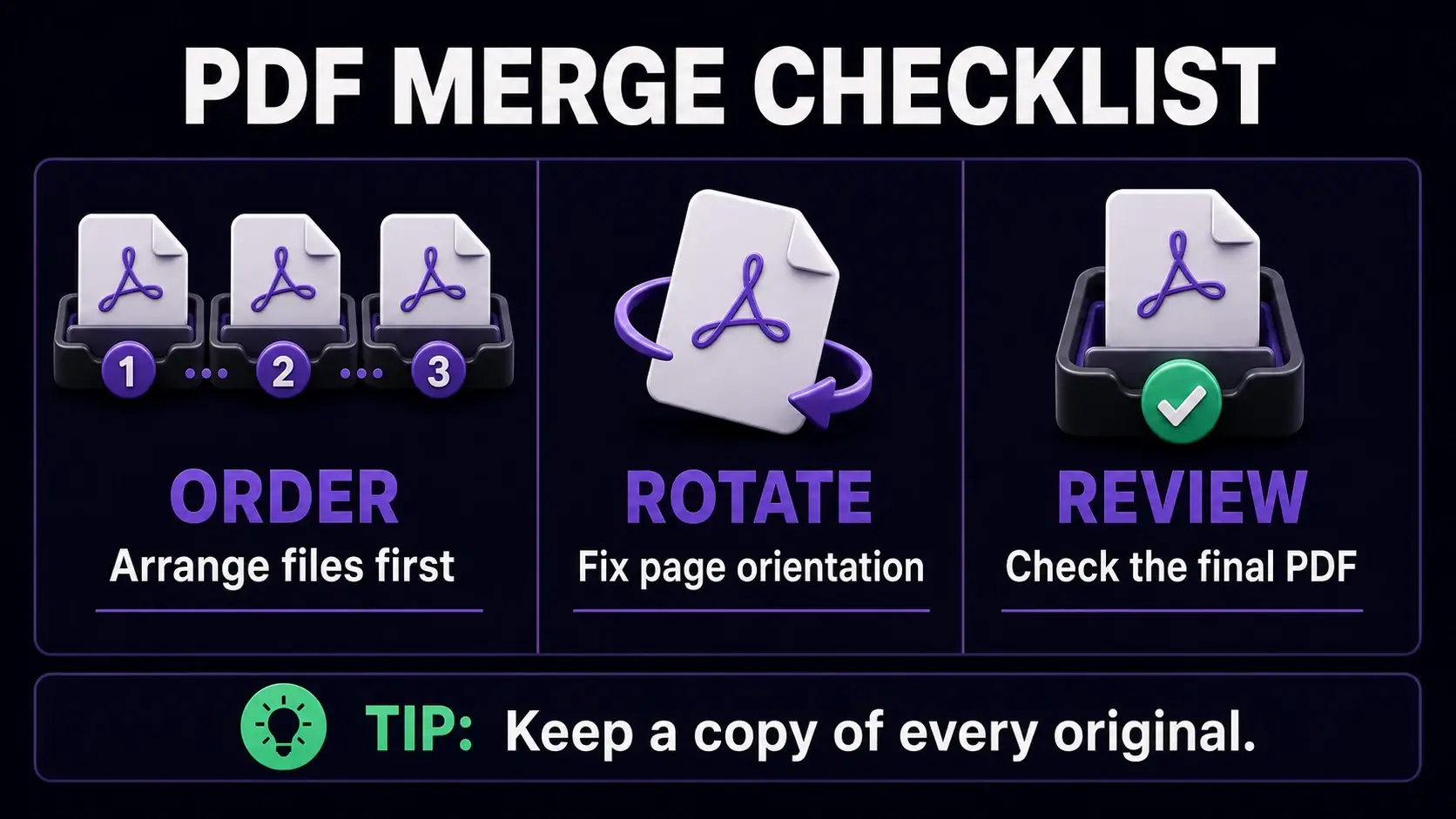
How to Merge PDF Files: Best Practices for Combining Documents
Learn how to merge PDF files effectively. Covers page ordering, quality preservation, common use cases, and tips for combining documents on Mac, Windows, and mobile.
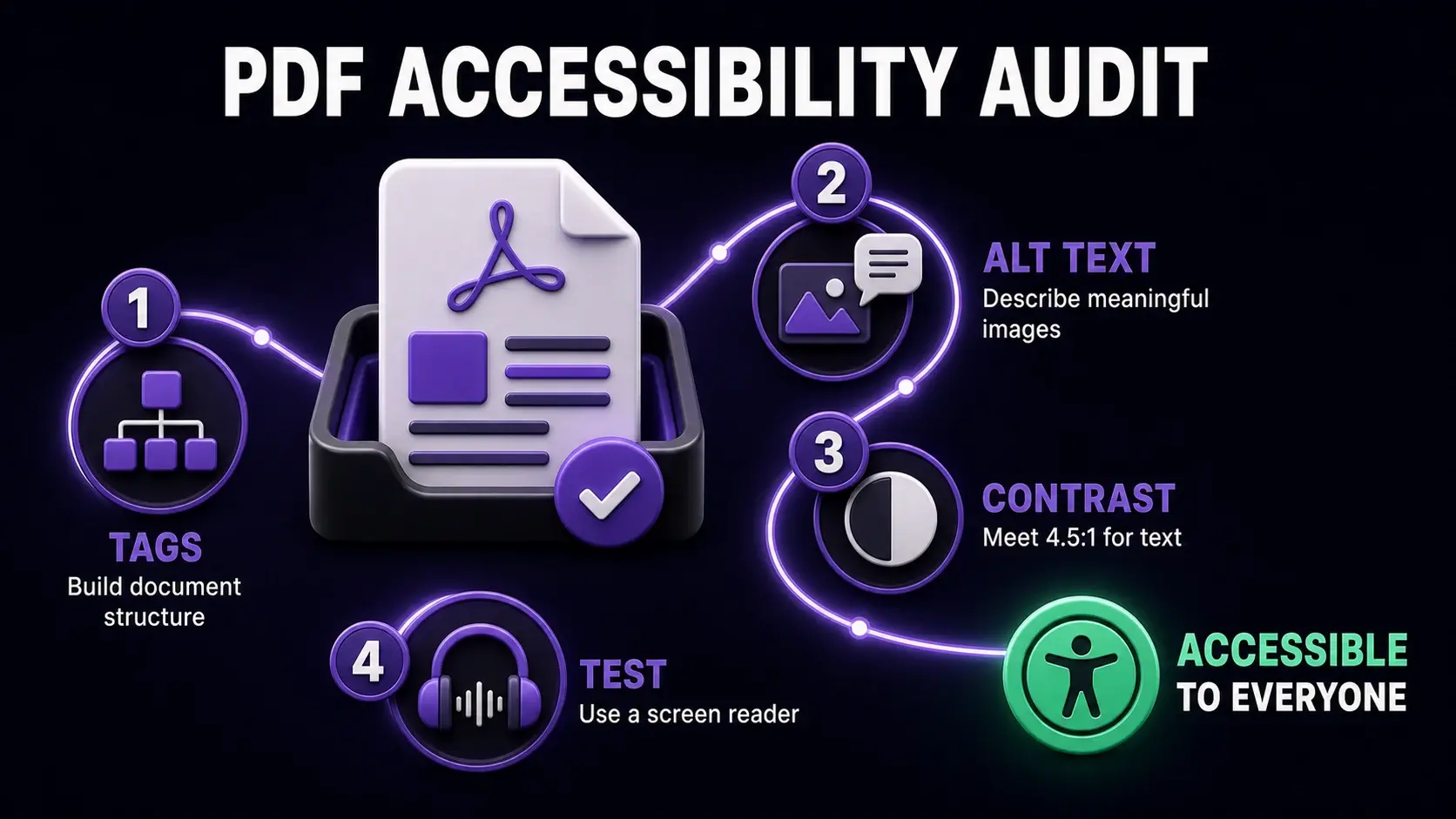
PDF Accessibility Guide: Making Your Documents Readable for Everyone
Learn how to create accessible PDFs that work with screen readers and assistive technologies. Covers WCAG standards, tagged PDFs, alt text, and practical accessibility steps.
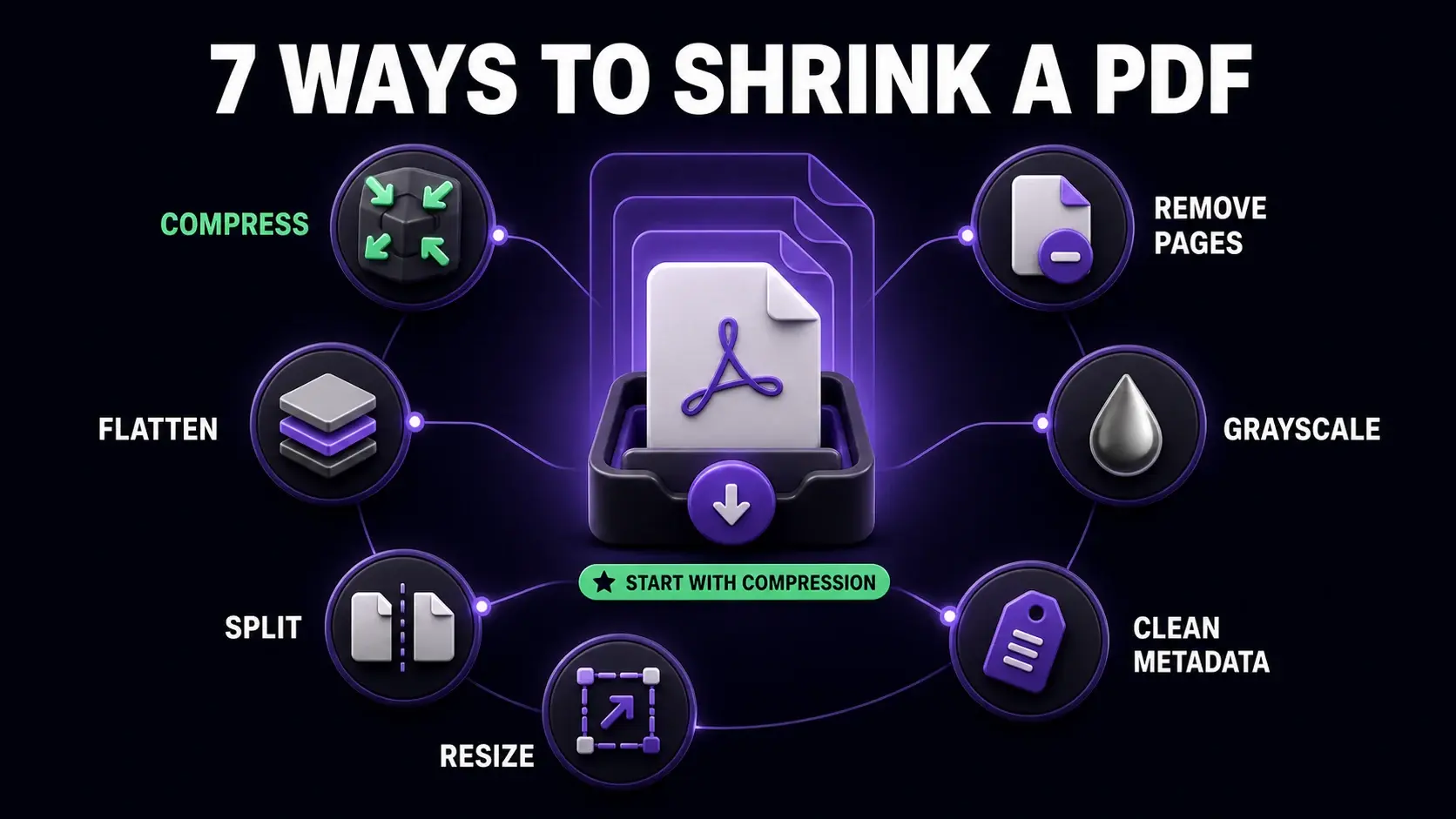
How to Reduce PDF File Size: 7 Practical Methods That Actually Work
Seven proven methods to reduce PDF file size without losing quality — from browser-based compression to removing pages, converting to grayscale, and stripping metadata.
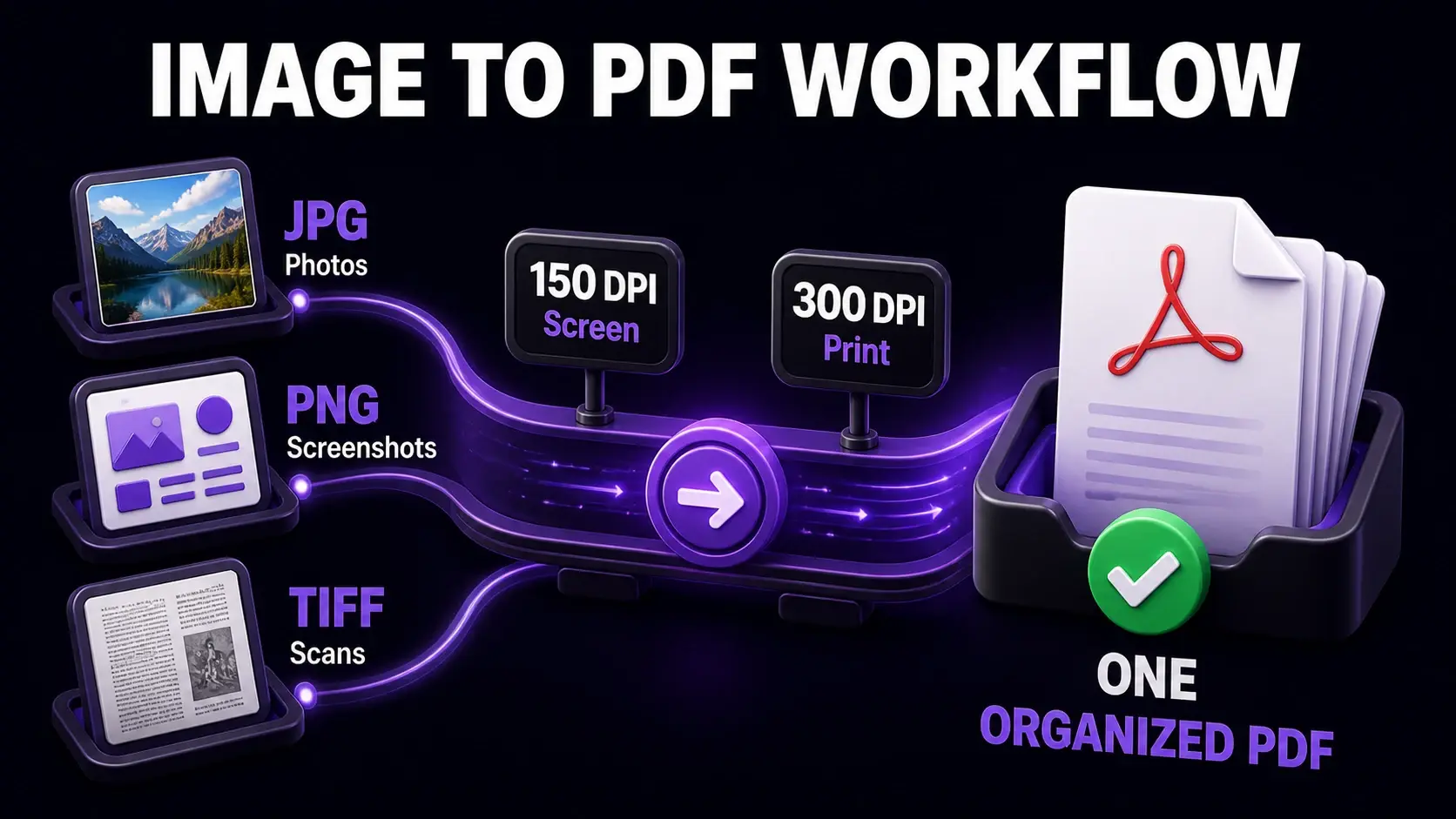
Image to PDF Guide: How to Convert JPG, PNG, and Other Images to PDF
Complete guide to converting images to PDF format. Covers JPG, PNG, TIFF, and other formats, quality settings, combining multiple images, and best practices for different use cases.
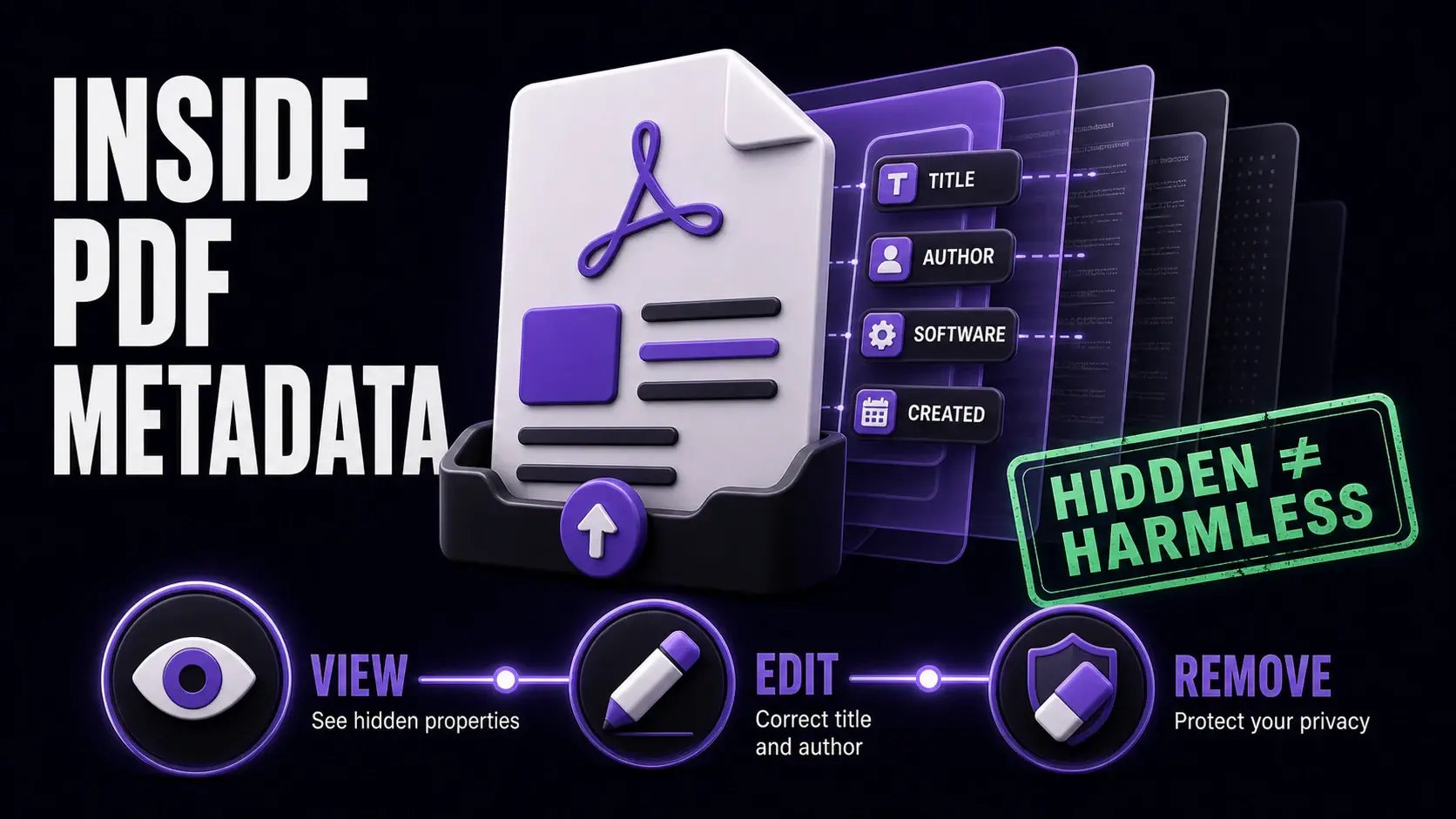
PDF Metadata Explained: How to View, Edit, and Remove Document Properties
What is PDF metadata, what does it reveal, and how do you manage it? Complete guide to viewing, editing, and removing PDF document properties for privacy and organisation.
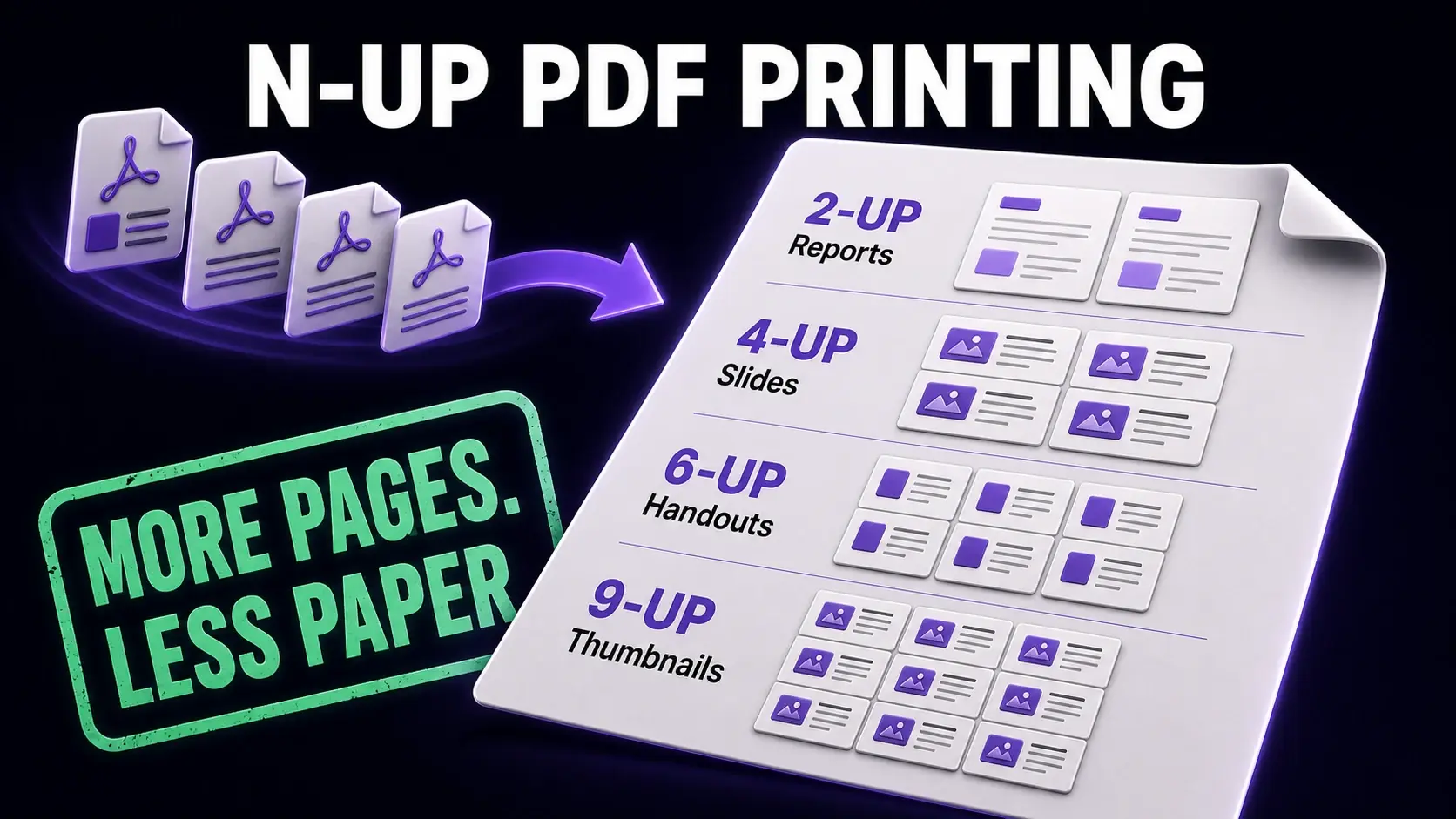
N-Up PDF Printing Guide: How to Print Multiple Pages Per Sheet
Complete guide to N-up printing — how to place 2, 4, 6, or 9 PDF pages on a single sheet. Covers layouts, use cases, booklet creation, and how to create N-up PDFs online for free.
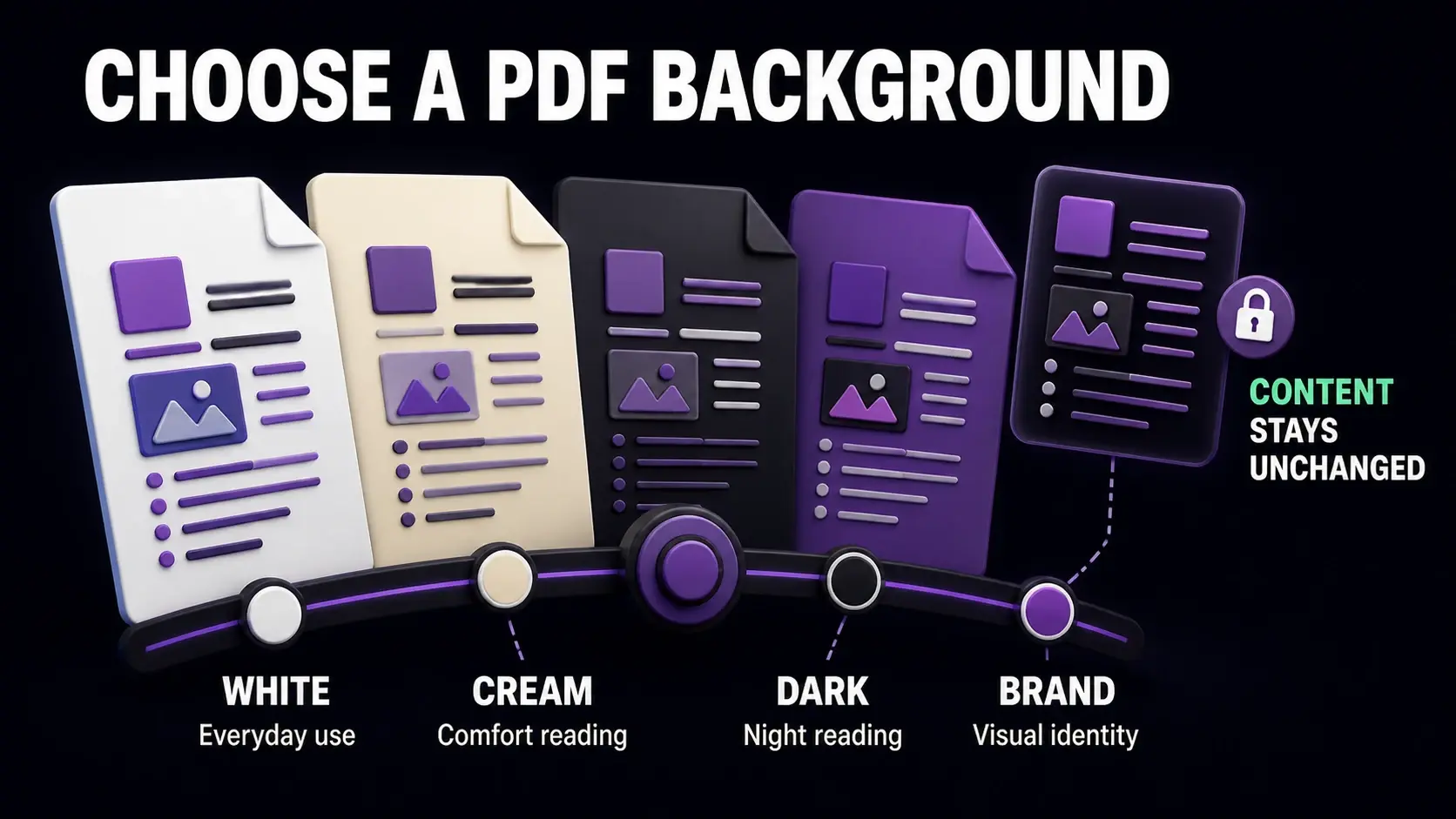
How to Change PDF Background Color: A Practical Guide
Learn how to change the background color of a PDF — white to dark for night reading, add a brand color, or convert to cream for eye comfort. Step-by-step guide with free online tools.
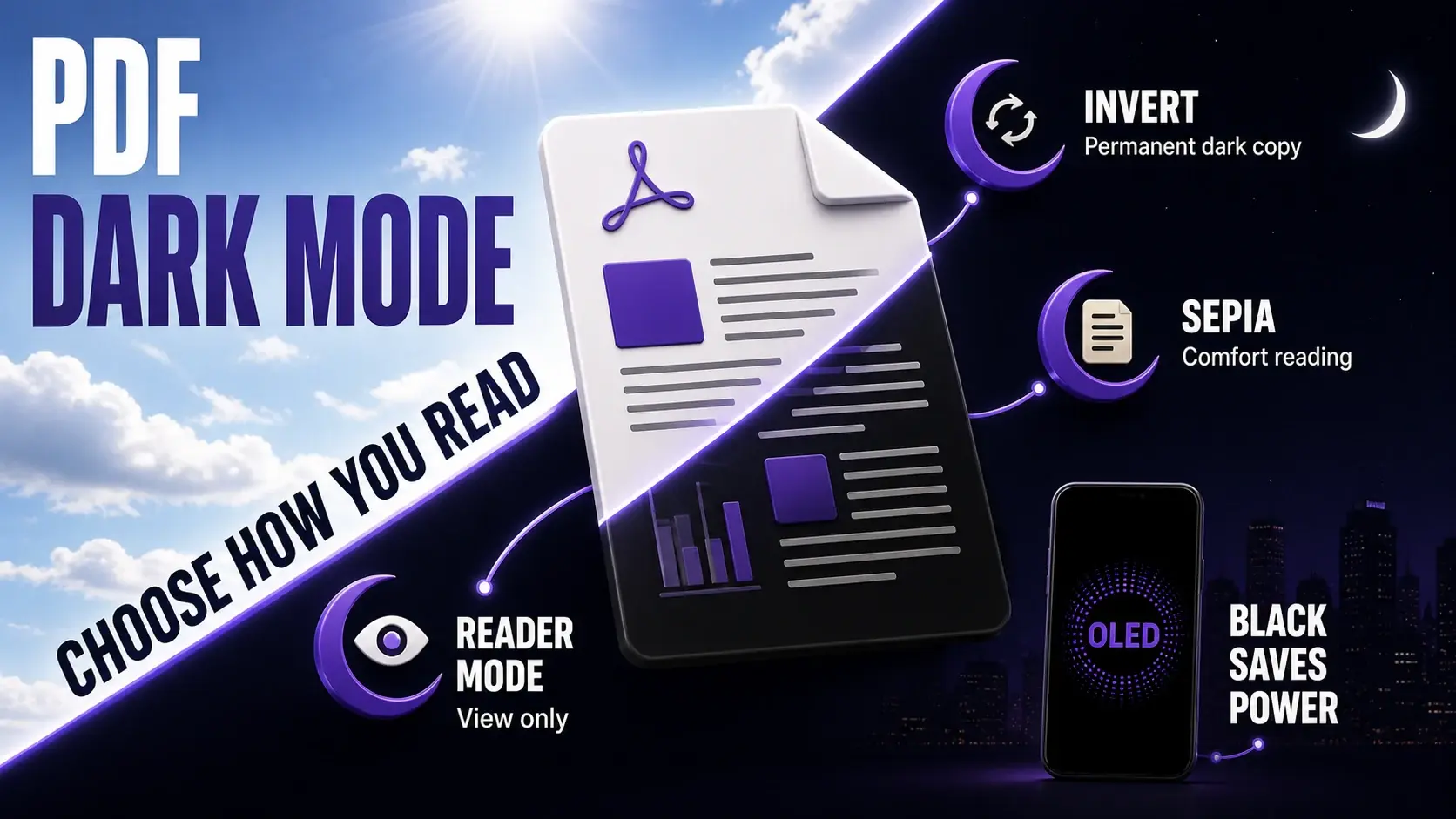
PDF Dark Mode: How to Read PDFs With a Dark Background
How to enable dark mode for PDFs — using reader settings, inverting PDF colours, or permanently changing the background. Includes tips for reducing eye strain during long reading sessions.
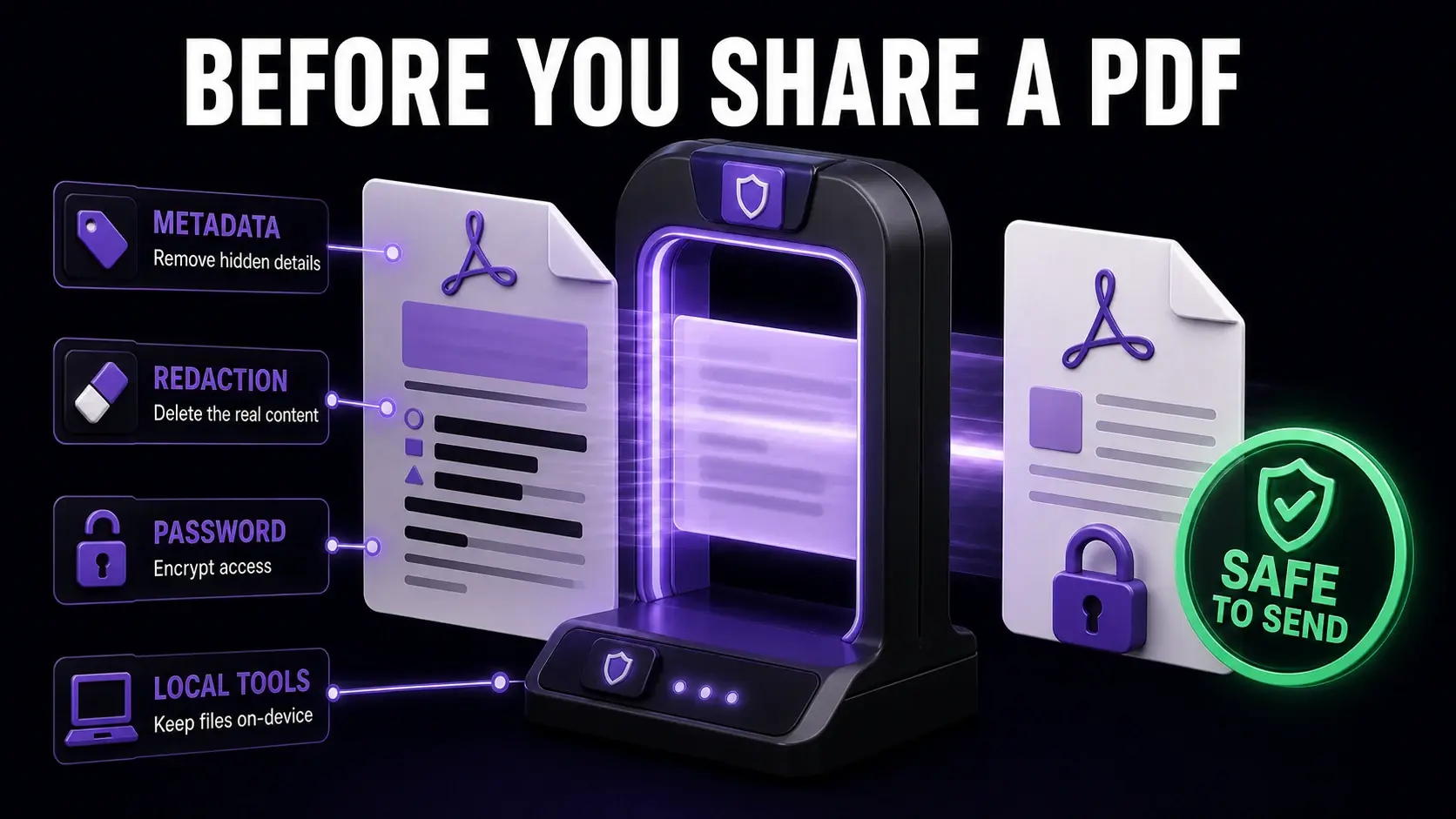
PDF Privacy Guide: How to Share Documents Without Exposing Private Information
A practical guide to PDF privacy — removing metadata, redacting sensitive content, using passwords, and choosing tools that do not store your files. For individuals and businesses.